
The 3-2-1 Backup Rule for People Who Live in the Cloud
What the 3-2-1 Rule Says
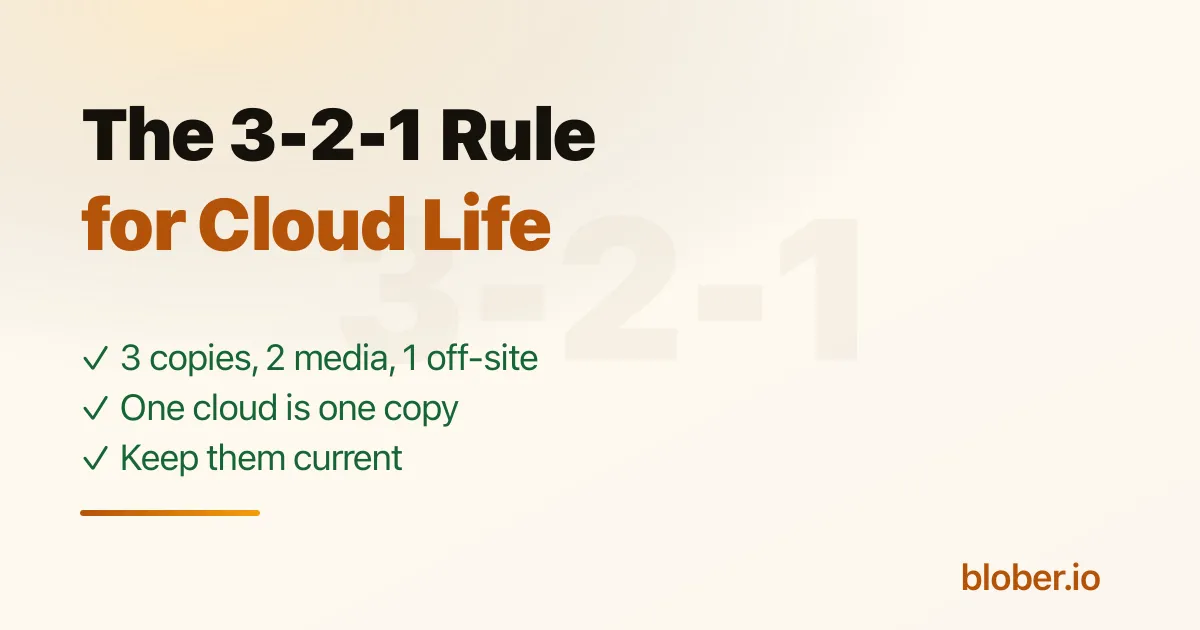
Section titled "What the 3-2-1 Rule Says"Keep 3 copies of anything you care about, on 2 different kinds of media, with 1 copy off-site. It is an old rule from the server world, and it still holds. The twist for cloud-first people is that "it is in Google Photos" or "it is in Dropbox" counts as a single copy, not three.
A cloud account feels like safety because the company runs the servers. It is still one copy in one place, subject to one account that can be locked, billed, closed, or simply forgotten. That is exactly the single point of failure 3-2-1 exists to remove.
Why One Cloud Is Only One Copy
Section titled "Why One Cloud Is Only One Copy"Account lockouts happen. Subscriptions lapse. A provider changes terms or sunsets a service. Sync can faithfully replicate a deletion or a corruption to every device before you notice. In each case, having everything in one cloud means having one copy, and one copy is the thing the rule warns against.
This is not an argument against your cloud. It is an argument for two more copies.
Building the Other Two Copies
Section titled "Building the Other Two Copies"You do not need a server rack. A workable 3-2-1 for a normal cloud library looks like this:
- Copy 1: the cloud you already use. Google Photos, Drive, Dropbox, iCloud, GoPro Cloud, whatever holds the originals today.
- Copy 2: storage you own. A NAS or an external drive. Different kind of media, under your own roof, reachable even if an account is not.
- Copy 3: a second, off-site cloud. Object storage like Backblaze B2, Wasabi, or Cloudflare R2, or a second consumer cloud. This is the off-site leg that survives a fire, theft, or a drive failure at home.
Two kinds of media, one of them off-site. That is the whole rule.
Keeping the Copies Current
Section titled "Keeping the Copies Current"A backup made once and never updated slowly stops matching reality. The practical habit is to refresh the owned copy and the off-site copy on a schedule that matches how often the originals change: monthly for a photo library, after each shoot for a working archive.
Blober is the piece that moves data between these copies. It connects to a broad set of cloud providers plus local storage and copies between them directly, without staging a full copy on your disk. An interrupted copy resumes where it stopped, so keeping a backup current stays a small job instead of an afternoon spent restarting from scratch.
A Quick Reality Check
Section titled "A Quick Reality Check"Run one test before you trust any of this: open a few files from the owned copy and the off-site copy. A backup you have never opened is a hope. Two copies you have actually checked are a backup.
Frequently Asked Questions
Section titled "Frequently Asked Questions"What is the 3-2-1 backup rule? Keep 3 copies of your data, on 2 different types of media, with 1 copy stored off-site. It protects you from any single failure, whether a drive, an account, or a location.
Does cloud storage count as a backup? A single cloud account is one copy, not a backup. It becomes part of a real backup once you add a second copy on owned storage and a third copy off-site.
What is the easiest second copy for a cloud library? A NAS or an external drive. It is a different kind of media than the cloud and stays reachable even if an account is locked.
How do I keep my backup copies up to date? Re-run the copy on a schedule. Blober copies directly between your sources and your owned and off-site copies, and an interrupted run resumes where it stopped, so keeping them current stays quick.
Related Guides
Section titled "Related Guides"- How to Back Up Cloud Storage to a Synology NAS
- How to Back Up Google Photos Without Takeout
- DJI Osmo and Insta360 Footage: Where It Should Live
Get Blober
Section titled "Get Blober"Build a real 3-2-1 backup without a weekend of manual uploads. Blober moves data between your clouds, your NAS, and local drives, copying directly and resuming an interrupted run where it stopped.