The Zero-Knowledge Illusion in Cloud Transfer Tools
A transfer tool can only call itself zero-knowledge if it is never in a position to see your files or your credentials. There is really only one way to guarantee that: the tool never sits in the path your data travels. If it runs on someone else's servers, "zero-knowledge" describes an intention, not the architecture.
"Encrypted in Transit" Is Not the Whole Story
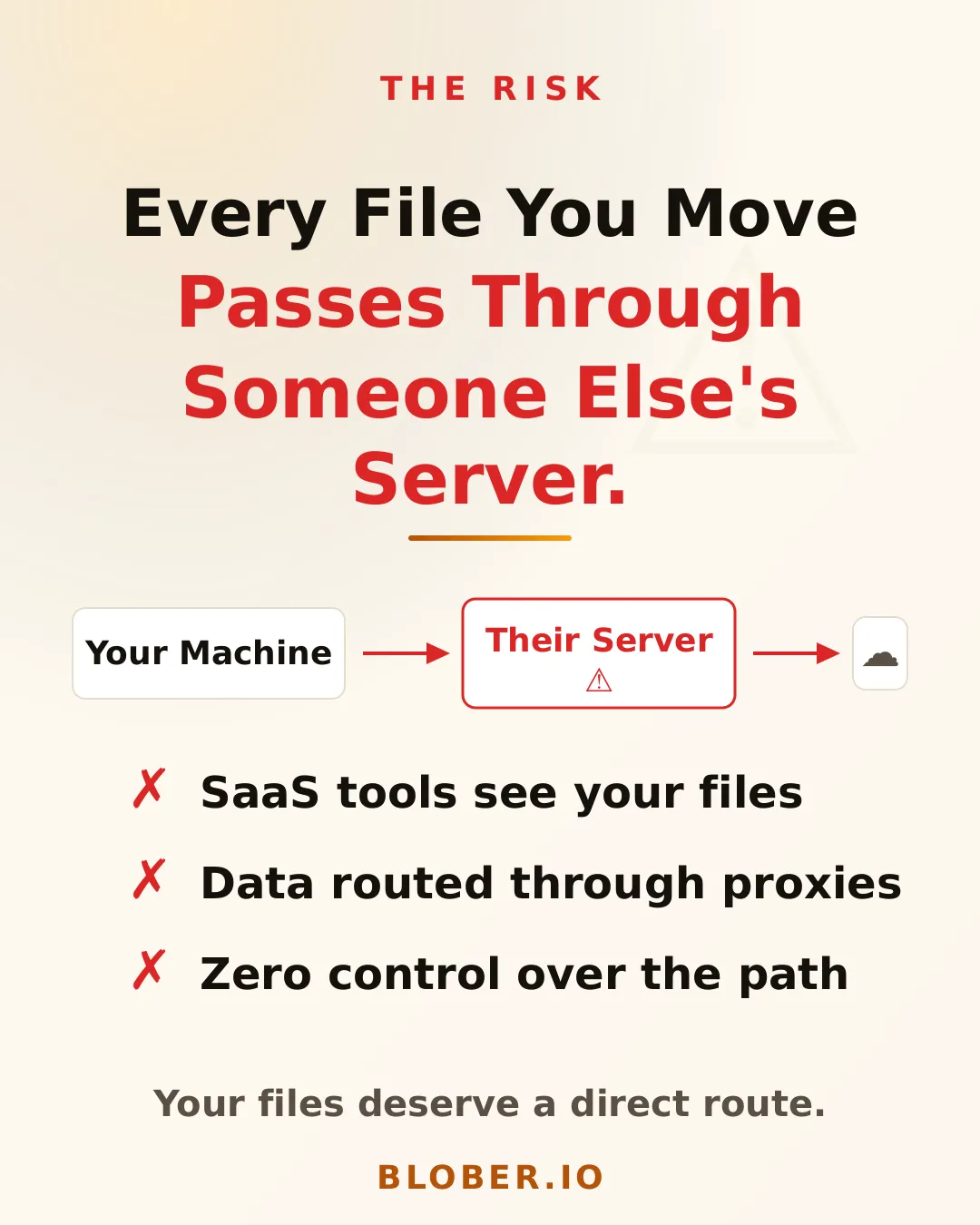
Section titled ""Encrypted in Transit" Is Not the Whole Story"Most hosted tools say your data is encrypted in transit, and it is. The detail that matters is where the encryption stops. When data moves through a company's servers, it is decrypted there so it can be read and sent on to the destination, then encrypted again for the second leg. That is hop-by-hop encryption, not end-to-end. For a moment, on a machine you do not control, your files are in the clear.
This is not a sign of bad intent. It is how a relay has to work. But it means "encrypted in transit" and "we never see your files" are two different promises, and only one of them is being made.
The Bigger Exposure Is Your Credentials
Section titled "The Bigger Exposure Is Your Credentials"Files in transit are the visible worry. The quieter one is the keys. To move data on your behalf, a tool needs your storage credentials, and a storage key is not a limited transfer pass. It can read, write, list, and delete across your account.
A hosted service has to store those keys somewhere so it can use them. That store, holding the credentials of many users, is a single valuable target. If it is breached, the exposure is not one transfer; it is standing access to everyone's storage.
What Makes Zero-Knowledge Real
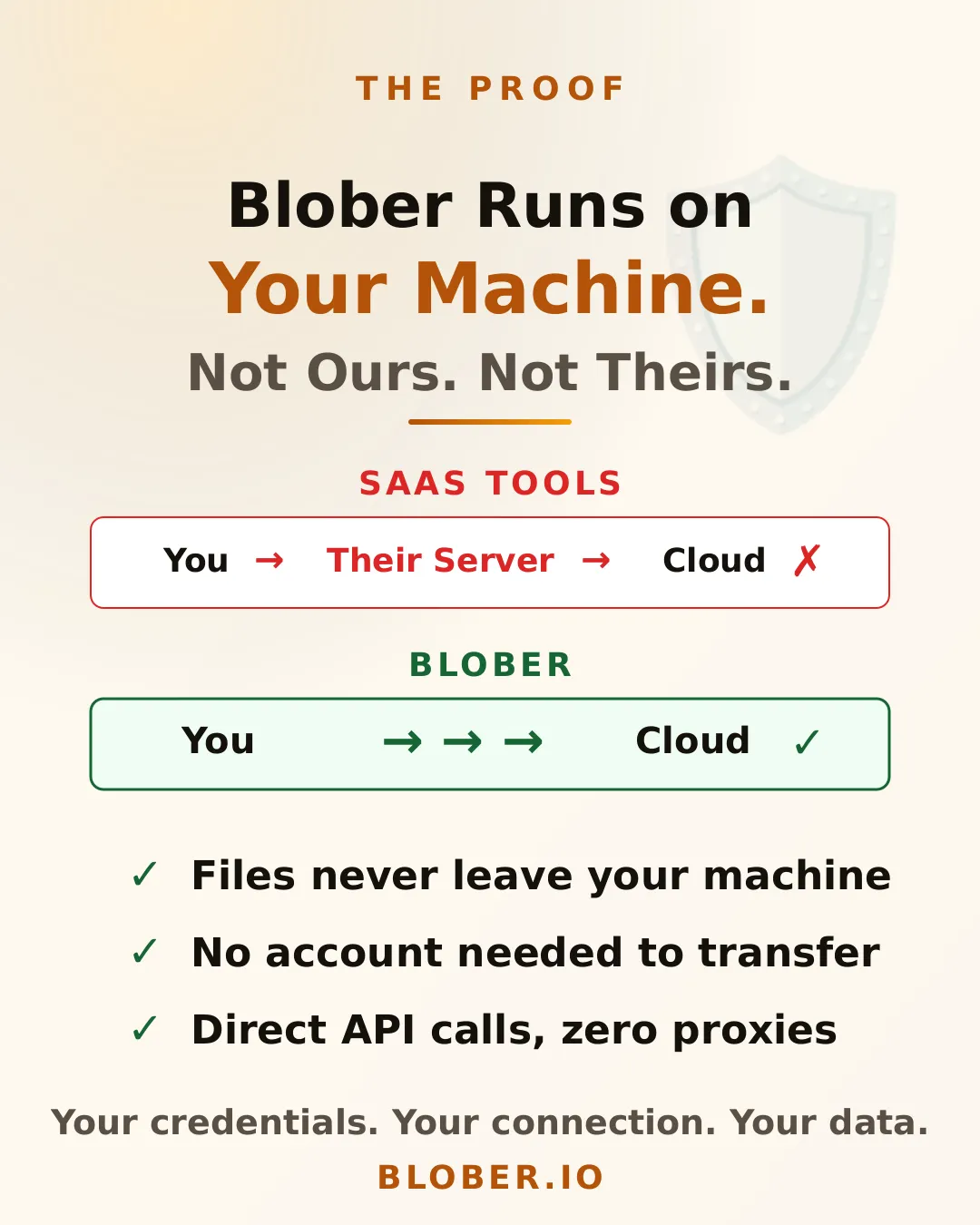
Section titled "What Makes Zero-Knowledge Real"One arrangement actually delivers it: the tool runs on your own machine, keeps your credentials in local storage, and connects straight to your providers. With nothing in the middle, there is no relay to decrypt your files and no shared vault to breach. The vendor's service knows nothing because it is not in the transfer path.
Blober works this way. Credentials stay in a local store on your computer, the data streams directly between your providers and your machine, and there is no Blober account or server in the path.
How to Check Any Tool
Section titled "How to Check Any Tool"You do not have to take a claim on faith. A few questions sort the architecture out:
- Does it require an account with the tool's own service? A pure local tool needs a licence, not an account that holds your data.
- Where are credentials stored? On your machine, or on the tool's servers?
- Can it run when the tool vendor's own servers are unreachable? If the core transfer can run with those servers unreachable, they are not in your data path. If it cannot, they are.
That vendor-offline test is the most telling. A tool that keeps working with its own service unreachable cannot be sending your files through that service.
Where rclone Fits
Section titled "Where rclone Fits"The command-line tool rclone is also local, and that is its strength: it runs on your machine and moves data directly between providers. Its credentials live in a configuration file on your disk, which rclone says should be protected because it typically contains login information[1]. Blober keeps the same local-only principle while removing the configuration step, storing your credentials on your own machine and connecting straight to your providers.
What Zero-Knowledge Cannot Cover
Section titled "What Zero-Knowledge Cannot Cover"Zero-knowledge is about the middleman, not the endpoints. No tool can protect you from a provider you have chosen to authorize; that provider can see what is in its own account by definition. What a local-first tool removes is the extra party, the one that had no need to see your data and no business holding your keys.
Frequently Asked Questions
Section titled "Frequently Asked Questions"Is "encrypted in transit" enough? It protects data from outsiders on the wire, but not from the service doing the relay, which decrypts it to pass it along. End-to-end privacy requires that no middle service ever holds the unencrypted data.
Why are credentials a bigger deal than the files? A single transfer exposes one set of files. A leaked storage key exposes the whole account, for as long as the key stays valid.
How do I know a desktop tool is not phoning home? Test it offline. If the transfer between your clouds runs with the tool's own servers unreachable, your data is not passing through them.
Next Steps
Section titled "Next Steps"- See the architecture in How Blober Works.
- Go deeper on trust in Data Sovereignty: Why Your Cloud Transfer Tool Matters.
- Ready to keep your keys local? Get Blober.