Alternatives to Google Photos: The Full De-Googling Round-Up
Google Photos Is Not the Only Option, and Not the Private One
Section titled "Google Photos Is Not the Only Option, and Not the Private One"Google Photos is convenient, but it has costs people increasingly want to avoid: 15 GB of free storage shared with Gmail and Drive, a default compression mode that downsizes originals, an inactivity policy that can delete your content, and a company that analyzes your photos and has folded Gemini AI into the product[1]. The r/degoogle community is full of people asking for a way out, like the post "Alternatives to Google Photos?"[2].
There are five realistic categories of alternatives, and the right one depends on how much you value privacy, whether you are willing to self-host, and whether you want a photo-specific app or just encrypted storage. The thread's consensus: for a managed privacy-first service, Ente Photos; for self-hosting, Immich; for a photo surface tied to a broader encrypted cloud, Proton Photos.
This round-up compares them all with current, sourced numbers, and links to the migration guides at the end.
The Alternatives, Compared
Section titled "The Alternatives, Compared"| Alternative | Type | Privacy model | Free tier | Price (paid) | Best for |
|---|---|---|---|---|---|
| Ente Photos | Managed, E2E encrypted | End-to-end encryption, open source, self-hostable | 10 GB free forever | From $2.49/mo[3] | Privacy-first with a Google-Photos-like app |
| Proton Photos | Inside Proton Drive | End-to-end, zero-access, Swiss | 5 GB free | From $4.99/mo (200 GB)[4] | Privacy plus a broader encrypted cloud |
| Immich | Self-hosted, open source | Your server, your keys | Free software; you pay for hardware | No subscription | Full control, face recognition, no monthly fee |
| iCloud Photos | Apple ecosystem | Encrypted in transit/at rest; Apple holds keys | 5 GB shared iCloud | Paid iCloud tiers[5] | People already in the Apple ecosystem |
| Amazon Photos | Managed | Encrypted; Amazon holds keys | 5 GB, or unlimited photos with Prime | Plans from $1.99/mo[6] | Prime members with big photo libraries |
| Flickr | Photography community | Photos are public/private by setting; no E2E | Free tier with upload limits | Pro subscription[7] | Photographers who want a community and portfolio |
| Backblaze B2 / S3 | Object storage | Standard cloud encryption | None | About $6/TB/mo[8] | Cold archival, not daily photo browsing |
The Privacy-First Options
Section titled "The Privacy-First Options"Ente Photos: the closest Google Photos drop-in that is actually private
Section titled "Ente Photos: the closest Google Photos drop-in that is actually private"Ente is the most common recommendation in the de-Googling community, and the top comment on that thread recommends it for anyone who does not want to self-host[9]. It offers end-to-end encrypted backups, on-device face recognition, a zero-knowledge AI search, shared albums, memories, and a family plan, all open source with apps for Android, iOS, web, macOS, Linux, and Windows[10]. The free tier is 10 GB forever, and paid plans start at a few dollars a month[11].
Proton Photos: private photos inside a private cloud
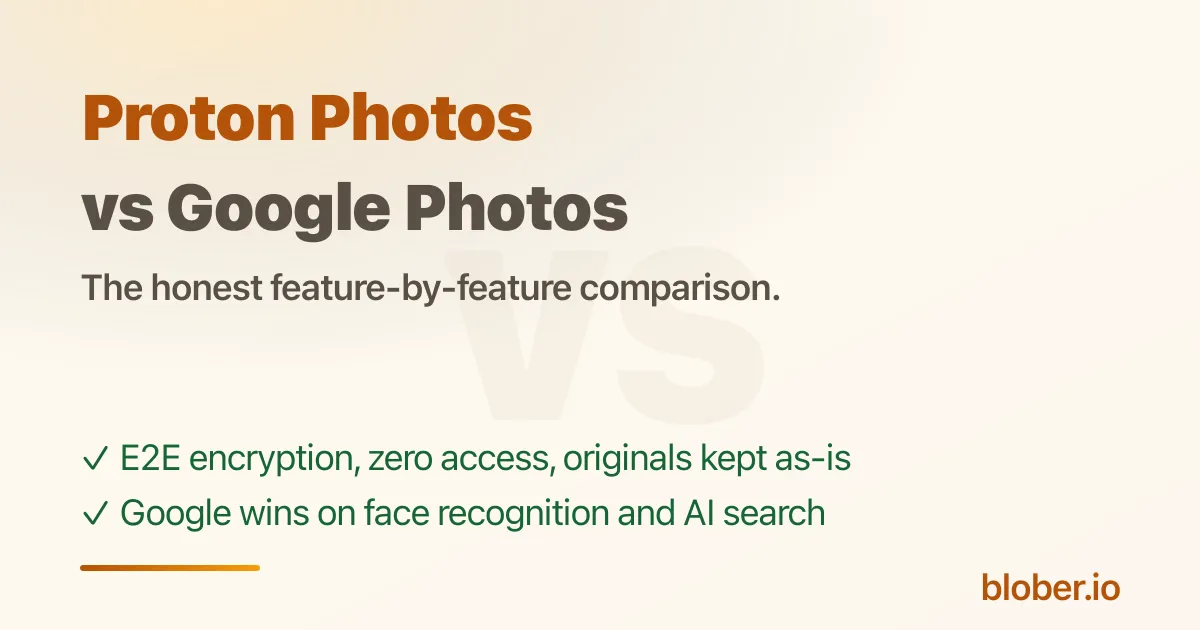
Section titled "Proton Photos: private photos inside a private cloud"Proton Photos is the photo surface of Proton Drive: the same end-to-end encryption, automatic mobile backup, albums, favorites, and filters, with a free 5 GB plan and paid Drive Plus tiers[12]. It is the strongest choice if you also want an encrypted cloud for files, Docs, and Sheets, not just photos. It is younger than Google Photos: no face recognition and no AI search yet, which the community has loudly requested[13]. See the full comparison in Proton Photos vs Google Photos.
The Self-Hosted Option
Section titled "The Self-Hosted Option"Immich: run your own Google Photos
Section titled "Immich: run your own Google Photos"If you do not want to rent storage from anyone, Immich is the leading open-source, self-hosted photo manager. It offers automatic mobile backup, facial recognition, shared albums, and search, running on your own server[14]. The trade-off is exactly what self-hosting always costs: you provide the hardware, keep it updated, and own the failure domain. For a few gigabytes of phone photos it may be overkill; for a large family archive it gives you total control.
The Big-Tech Alternatives (De-Googling by Switching Silos)
Section titled "The Big-Tech Alternatives (De-Googling by Switching Silos)"These replace Google Photos without really solving the privacy problem; they just move your photos into a different company's cloud:
- iCloud Photos: the natural choice inside the Apple ecosystem, with 5 GB of shared free iCloud storage and paid tiers[15].
- Amazon Photos: "Prime members get unlimited full-resolution photo storage and 5 GB for video," with 5 GB for everyone else and paid storage from $1.99/mo[16].
- OneDrive: Microsoft's storage, with photo backup built into the mobile app; storage is shared with the free OneDrive tier and Microsoft 365 plans[17].
These are fine if your goal is simply to leave Google, but they do not change the underlying deal: your photos live with a company that holds the keys.
Photography and Archival Options
Section titled "Photography and Archival Options"- Flickr: the photography community and portfolio option, with a free tier and a Pro subscription for unlimited uploads[18]. Great for photographers who want visibility, not a private family archive.
- Backblaze B2 and S3-compatible storage: for the 3-2-1 backup mindset, object storage at around $6/TB/mo is the cheap way to keep an independent, cold copy of your library[19]. It is storage, not a photo app: you pair it with a tool to browse or transfer. Blober supports B2 and the whole S3 family, so this is a natural pairing if you want a private archive you fully control. See How to Backup Google Photos Without Google Takeout for the workflow.
The Hard Part: Getting Your Photos Out of Google
Section titled "The Hard Part: Getting Your Photos Out of Google"None of this matters until your library is out of Google Photos, and that is the step every alternative expects you to handle yourself:
- Google Takeout is the official export, but it is slow, splits into 2 GB zips, and flattens albums (Proton's own import guide even warns about scattered folders)[20].
- Blober connects to Google Photos directly and transfers the library to any supported destination, including Proton Drive, pCloud, Backblaze B2, or a local drive, without Takeout. See How to Move Google Photos to Proton Drive and How to Backup Google Photos to pCloud.
- Whichever destination you pick, keep the originals until the transfer finishes and verify a sample before deleting anything from Google.
Which Should You Pick?
Section titled "Which Should You Pick?"- Privacy + a managed app, no self-hosting: Ente Photos or Proton Photos.
- Total control, no subscription: self-host Immich (or a NAS).
- Already on Apple or Prime: iCloud Photos or Amazon Photos are the least-effort swaps.
- Photography portfolio: Flickr.
- Cheap independent archive: Backblaze B2 / S3 storage.
- Also want an encrypted file cloud, Docs, and Sheets: Proton Photos via Proton Drive.
Frequently Asked Questions
Section titled "Frequently Asked Questions"What is the best private alternative to Google Photos? For a managed service, Ente Photos is the community favorite: end-to-end encrypted, open source, 10 GB free, with face recognition and shared albums[21][22]. For a photo surface inside a broader encrypted cloud, Proton Photos.
Is there a free self-hosted Google Photos alternative? Yes. Immich is open source and free; you only pay for the hardware it runs on[23]. It includes facial recognition and automatic mobile backup.
Does Amazon Photos give you unlimited storage? For Prime members, unlimited full-resolution photo storage plus 5 GB for video. Non-Prime customers get 5 GB total, with paid plans from $1.99/mo[24].
How do I move my Google Photos library to another service? You can use Google Takeout (slow, zip-based) or a direct transfer tool. Blober connects to Google Photos and transfers to Proton Drive, pCloud, B2, or a local drive without Takeout. See How to Backup Google Photos Without Google Takeout and How to Move Google Photos to Proton Drive.
Will Google delete my photos if I stop using Google Photos? Google's policy states that if you are inactive in Google Photos for 2 years or more, your content may be deleted[25]. This is one of the strongest reasons to hold an independent copy.
What about Proton Photos specifically? It is the photo surface inside Proton Drive: end-to-end encrypted, 5 GB free, paid tiers start with 200 GB on Drive Plus, with albums and automatic backup but no face recognition yet. See Proton Photos vs Google Photos.