Cloud Storage Ingress vs Egress Fees: Which Providers Are Free?
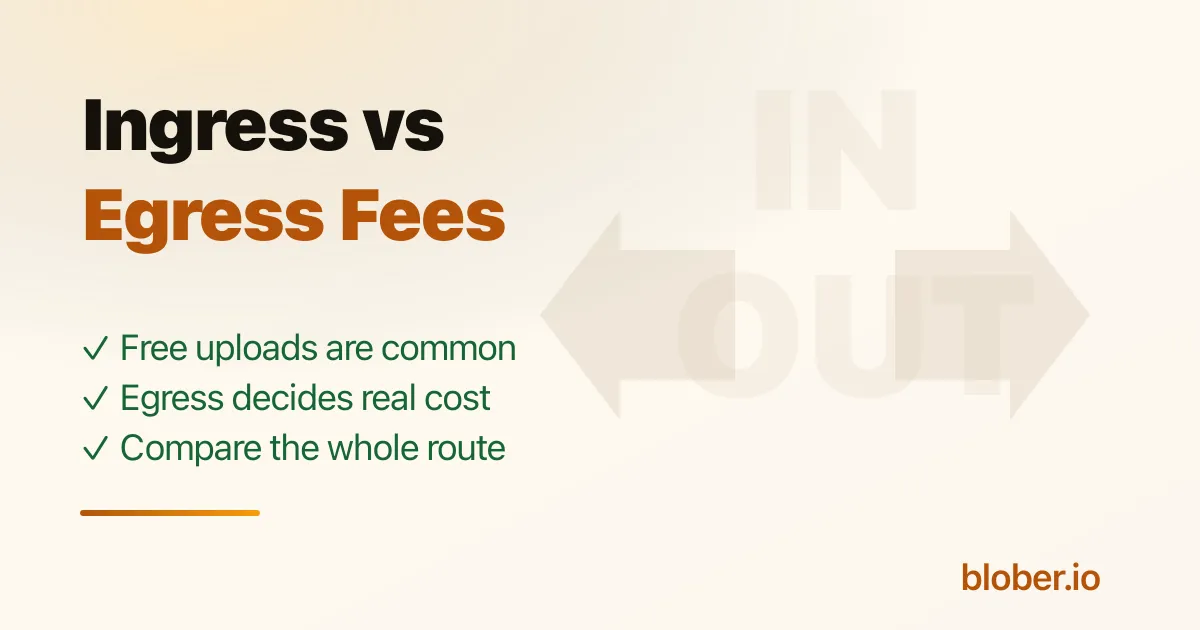
Ingress is data going into a cloud. Egress is data coming out of a cloud. That sounds simple until you move data between providers: the source sees egress, the destination sees ingress, and both sides may also charge for requests, retrieval, minimum storage duration, or storage-class transitions.
For a migration from AWS S3 to Cloudflare R2, for example, AWS is the egress side and R2 is the ingress side. R2's zero-egress pricing helps after the move, but it does not erase the source provider's charge for reading data out. A direct transfer avoids a relay and a second full local copy; it does not make source egress disappear.
Ingress Is Usually Free, Egress Is Not
Section titled "Ingress Is Usually Free, Egress Is Not"Most object-storage providers make network ingress free, or close to it. Uploading data is how they get storage revenue, so they rarely put a bandwidth toll at the door. But writes can still create API, PUT, multipart, replication, or storage-class charges. AWS S3, for example, says S3 costs include request, retrieval, data transfer, transfer acceleration, replication, transform, and query components, and it separately calls out per-request ingest charges for some writes and lifecycle transitions[1].
Egress is the expensive side. It is what you pay when users download files, an app serves media, a backup restore reads data out, or a migration leaves a provider. Azure lists data transfer in as free, but internet egress from Azure data centers is priced by zone and volume[2]. Google Cloud Storage lists inbound data transfer as free, while general outbound transfer to the internet is billable after any free-tier allowance[3].
Use that difference to decide what to optimize for:
- Prioritize ingress for backup targets, one-time imports, camera dumps, and upload-heavy workflows.
- Prioritize egress for public assets, media delivery, AI training reads, frequent restores, and any data you may need to leave with later.
- Prioritize both when the same bucket is active in both directions: teams moving data between clouds, hot archives, shared datasets, or migration staging buckets.
Provider Groups by Transfer Pricing
Section titled "Provider Groups by Transfer Pricing"Pricing changes, and providers define "free" differently. Use this as a map, then verify the current pricing page before committing production data.
| Group | Providers | What is free or included | Watch for |
|---|---|---|---|
| Zero-egress or no separate egress line | Cloudflare R2, Wasabi, Synology C2, Impossible Cloud, Telnyx | R2 publishes no egress bandwidth charges[4]. Wasabi publishes no egress or API request fees, with minimum storage rules[5]. Synology C2 advertises free data retrieval and no API request or deletion fees[6]. Impossible Cloud publishes free egress and API calls[7]. Telnyx markets Cloud Storage as an S3-compatible alternative with zero egress fees[8]. | Operation fees, retrieval processing fees, minimum storage duration, support tiers, and fair-use terms can still matter. Impossible Cloud's docs say monthly egress should not exceed active storage volume under its fair-use policy[9]. |
| Allowance-based free egress | Backblaze B2, MEGA S4, IDrive e2, Storadera, Rabata Backup | Backblaze B2 includes free egress up to 3x average monthly stored data, then bills additional egress[10]. MEGA S4 describes up to 5x average monthly stored data as free egress[11]. IDrive e2 says there are no additional ingress, egress, deletion, or API-request charges, but its page also notes charges beyond free egress limits[12]. Storadera allows downloads equal to stored amount under fair use[13]. Rabata Backup has no additional egress fee, with egress expected to stay under 2x stored amount[14]. | These can be excellent for backups and normal restores, but not for unlimited media delivery. Read the multiplier, overage price, and fair-use language. |
| Bundled outbound transfer | DigitalOcean Spaces, Vultr Object Storage | DigitalOcean Spaces includes 1 TiB outbound transfer, then charges additional transfer[15]. Vultr Object Storage pricing bundles selected storage with selected bandwidth, then charges for additional transferred data[16]. | Good for predictable app storage when the included bandwidth matches your traffic. Less good if traffic can spike far beyond the bundle. |
| Paid egress baseline | AWS S3, Azure Blob, Google Cloud Storage | Uploading data is usually the easier side, but outbound data transfer is a major pricing dimension. AWS S3 data transfer pricing has explicit in/out components[17]. Azure data transfer in is free, while internet egress is priced by region and volume[18]. Google Cloud Storage inbound data transfer is free, while general outbound transfer is priced by destination and volume[19]. | These platforms can be the right choice for deep ecosystem integration, analytics, identity, compliance, and managed services. Do not pick them on storage price alone if your workload reads heavily. |
When Ingress Should Decide
Section titled "When Ingress Should Decide"Ingress matters most when your workload mostly writes data and rarely reads it back. Examples:
- Nightly backups into object storage.
- Camera, drone, or GoPro footage uploaded after shoots.
- One-time imports into a long-term archive.
- Logs and machine-generated data flowing into cold storage.
- Migration into a destination you plan to keep using.
Free ingress is useful, but it is rarely enough by itself. For upload-heavy work, also check the provider's region list, multipart upload limits, request pricing, small-object behavior, and minimum storage duration. A provider with free uploads but a distant region may still be slower and less reliable than a provider close to your source.
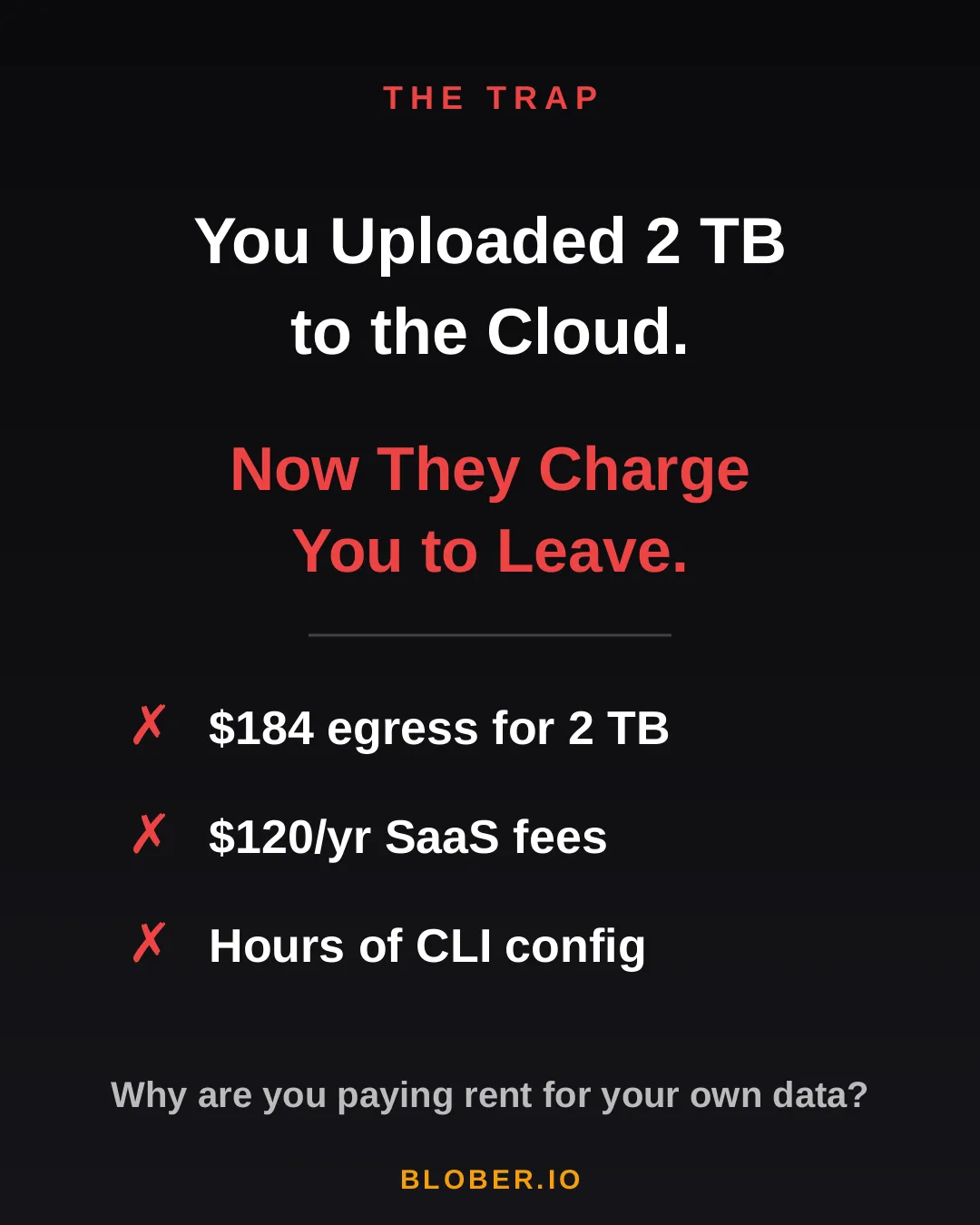
If the upload is a one-time migration, the destination's ingress policy is only half the bill. The source provider's egress and read/retrieval charges are usually the part that hurts.
When Egress Should Decide
Section titled "When Egress Should Decide"Egress matters when data leaves storage often. Examples:
- Public downloads, app assets, images, and videos.
- CDN origin storage.
- AI or analytics jobs that repeatedly read training datasets.
- Backup restores that are tested often.
- Customer exports and data portability.
- Any archive you may need to leave later.
This is where zero-egress and allowance-based providers earn attention. Cloudflare R2 is built around no egress bandwidth charges. Backblaze B2's 3x allowance is generous for many backup and archive patterns. Wasabi, Synology C2, Impossible Cloud, and similar providers can make bills easier to predict, but their minimums and fair-use terms decide whether they fit your exact workload.
If you serve a 10 TB media library once a month, a 1x egress fair-use policy may be enough. If users download the same 10 TB library ten times a month, you need true zero egress, a CDN strategy, or a negotiated plan.
When You Need Both
Section titled "When You Need Both"Some workloads are both write-heavy and read-heavy:
- Active media teams ingest footage, review it, deliver it, and archive it.
- AI teams upload new datasets and read them repeatedly during experiments.
- Agencies move client files in and out of storage every week.
- Multi-cloud teams use an object store as a staging area between providers.
- Backup teams run frequent restore tests instead of treating backups as write-only.
For these, compare the whole transfer loop:
- Source egress and read/retrieval fees.
- Destination ingress, write, and operation fees.
- Storage cost and minimum retention.
- Destination egress for future reads, restores, or exits.
- Tool cost and whether it adds a relay hop.
The common mistake is optimizing only for the first upload. A cheap destination that charges heavily when you read data back may be fine for a legal archive and wrong for a media workflow.
How Blober Fits
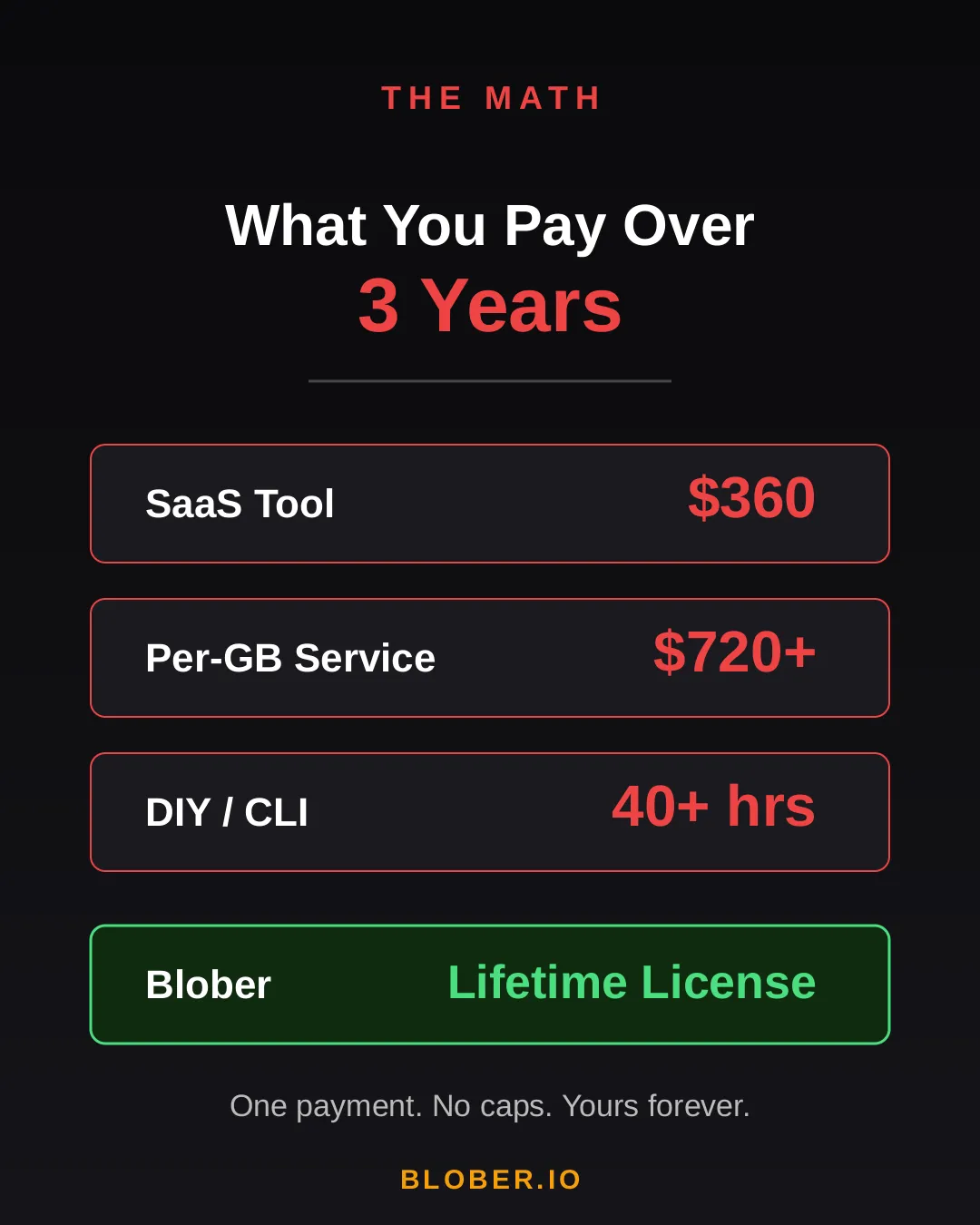
Section titled "How Blober Fits"Blober does not charge per GB and does not relay your files through Blober servers. It runs on your machine, reads from the source, and writes to the destination. That keeps the route local and avoids an extra transfer-service bill.
Provider fees still apply. If the source charges egress, you pay the source. If the destination charges PUT requests, retrieval, or storage, you pay the destination. The value of a direct desktop transfer is that it avoids an additional middle service, keeps your credentials local, and lets you choose the storage provider whose ingress and egress model fits the job.
Frequently Asked Questions
Section titled "Frequently Asked Questions"Does free ingress mean a migration is free? No. Free ingress only describes the destination side. The source can still charge egress, retrieval, or read requests.
Does zero egress mean there are no storage costs? No. You still pay for storage, operations, retrieval processing if the provider has it, minimum duration, and any add-on services. Zero egress means the provider does not bill outbound bandwidth as a separate line item.
Should backups optimize for ingress or egress? Both, but for different reasons. You write backups often, so ingress performance matters. You restore rarely but urgently, so egress cost and restore speed matter when something goes wrong.
Can a transfer tool avoid egress fees? Not source-provider egress. A tool can avoid an extra relay, subscription, or duplicate local staging step, but the source provider still sees data being read out.
Related Guides
Section titled "Related Guides"- Best S3-Compatible Object Storage Specialists
- The Complete List of S3-Compatible Storage Providers
- Server-to-Server vs Download-and-Reupload
- The True Cost of Cloud Data Migration
- How to Move Azure Blob to Cloudflare R2
Get Blober
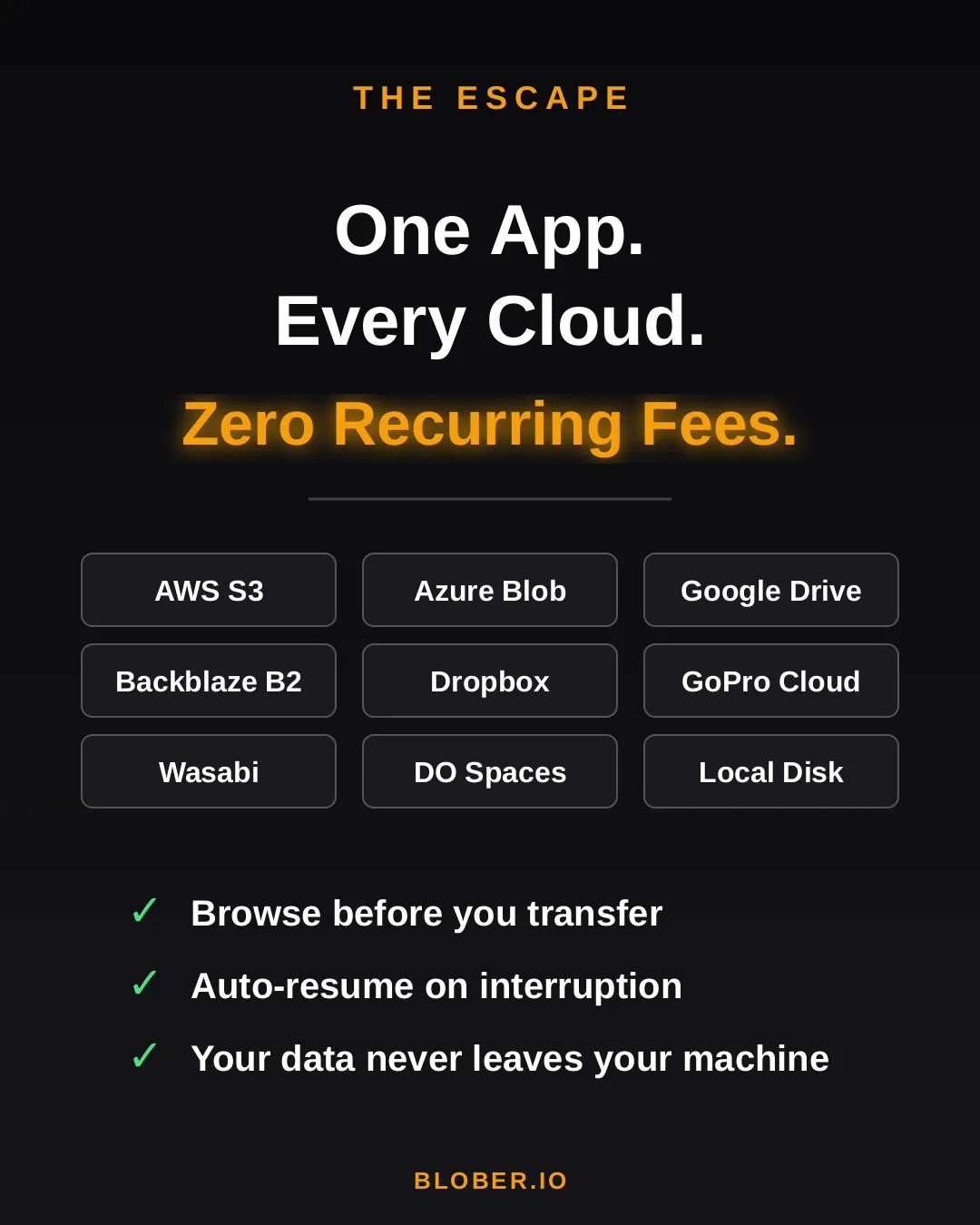
Section titled "Get Blober"Compare providers on the bill that matters, then move the data directly. Blober connects S3, S3-compatible storage, Azure Blob, Dropbox, Google Drive, GoPro Cloud, and more without per-GB transfer fees.