Skip to content

backblaze b2

8 posts with the tag “backblaze b2”

How to Cancel GoPro Plus Without Losing Your Footage

Cancel GoPro Plus without losing your footage by downloading everything with Blober

GoPro Plus costs $49.99/year. It gives you unlimited cloud storage for your GoPro footage, camera replacement coverage, and discounts on accessories. For active GoPro users, that’s a reasonable deal.

The problem shows up when you want to leave.

GoPro Plus auto-uploads your footage to GoPro Cloud. Over time, you might have hundreds of gigabytes sitting there. When you cancel, you lose access to those files. GoPro does not give you a bulk export tool, there’s no API, and the web interface lets you download at most 25 files at a time in zip bundles.

If you have 500 videos from two years of travel, surfing, or family events, downloading them 25 at a time is not practical. And the zip downloads often fail on larger batches.

When your GoPro Plus subscription ends:

  • You can no longer view or access your cloud footage
  • Your files remain on GoPro’s servers for a limited time (the exact retention policy is not published)
  • No third-party tool has API access to help you
  • You lose camera replacement coverage and store discounts

The footage does not transfer anywhere. It sits in GoPro’s cloud until they delete it. If you did not download it before cancelling, it may be gone.

Blober is the only desktop app that connects to GoPro Cloud. It was built specifically because no other tool can access GoPro’s proprietary storage system.

Step 1: Download Blober and Connect GoPro Cloud

Section titled “Step 1: Download Blober and Connect GoPro Cloud”

Install Blober on your Mac, Windows, or Linux computer. Add GoPro Cloud as a provider and sign in with your GoPro account. Blober captures your session and gives you a visual file browser showing your entire cloud library.

You have several options:

Local hard drive or SSD The simplest option. Select all your GoPro Cloud files, pick a local folder as the destination, and transfer. Your footage downloads to your computer at full quality.

External drive or NAS If your internal drive does not have enough space, point Blober to an external drive, SD card, or network-attached storage (Synology, QNAP, etc.).

Backblaze B2 (cheapest cloud option) If you want your footage in the cloud but do not want to pay $49.99/year, Backblaze B2 stores data at $6.95/TB/month. For 1 TB of GoPro footage, that is about $83/year with no subscription lock-in, no download limits, and full API access.

Dropbox, Google Drive, or AWS S3 If you already use another cloud provider, Blober can transfer your GoPro footage directly there. No double-download needed.

Select your files (or select all), choose the destination, and click run. Blober transfers with parallel streams, auto-resume on failure, and progress tracking. For large libraries, you can leave it running overnight.

Once your footage is safely stored elsewhere, cancel your subscription through the GoPro app or website. Your files are yours, on storage you control.

Cost Comparison: GoPro Plus vs Alternatives

Section titled “Cost Comparison: GoPro Plus vs Alternatives”
Storage OptionCost (1 TB/year)Download LimitsAPI Access
GoPro Plus$49.99/year25 files at a timeNone
Backblaze B2~$83/yearUnlimitedS3-compatible
Wasabi~$84/yearUnlimitedS3-compatible
Local hard driveOne-time ~$40 (4TB HDD)N/AN/A
Google Drive (2TB)$100/yearUnlimitedYes

GoPro Plus is actually the cheapest cloud option per TB, but it comes with restrictions that the others do not have: no bulk downloads, no third-party tool access, and your footage is inaccessible the moment you cancel.

This is not a case of “just use rclone” or “try MultCloud.” GoPro Cloud is a proprietary system with no published API. No transfer tool, CLI, or cloud sync service has ever supported it.

  • rclone: No GoPro backend. Never had one.
  • MultCloud: Does not list GoPro Cloud as a provider.
  • Flexify: No GoPro support.
  • CloudHQ, Mover, Movebot: None support GoPro Cloud.

Blober connects to GoPro Cloud through the same authentication path as GoPro’s own web app. It is the only third-party tool that can read, download, and transfer your GoPro Cloud files.

Not everyone needs to cancel. If you shoot regularly and use GoPro’s highlight tools, Plus is a solid deal. But even if you keep your subscription, having a backup somewhere else is just good practice.

Use Blober to mirror your GoPro Cloud to a local drive or Backblaze B2 as a safety net. That way, if GoPro changes their terms, raises prices, or has a service issue, your footage is protected.

Blober is a one-time purchase with a lifetime license. No subscription, no per-GB fees.

Download Blober at blober.io

How to Migrate from Google Drive to Backblaze B2

Migrate Google Drive files to Backblaze B2 with Blober

Why Move from Google Drive to Backblaze B2?

Section titled “Why Move from Google Drive to Backblaze B2?”

Google Drive is a collaboration tool with storage built in. Backblaze B2 is pure storage built for scale. The reasons people move between them usually come down to one or more of these:

  • Cost. Google One charges $100/year for 2 TB. Backblaze B2 charges $6.95/TB/month, but for archival or backup data you access rarely, the math works differently. If you are storing 5+ TB of media, raw footage, or project archives, B2 can be significantly cheaper depending on your access patterns.
  • Control. B2 gives you S3-compatible API access, which means you can integrate it with backup tools, CDNs, media workflows, and custom applications. Google Drive’s API is more limited for bulk operations.
  • Redundancy. Keeping a copy of your Google Drive data in B2 means you are not dependent on a single provider. If Google changes pricing, restricts your account, or has an outage, your files are safe elsewhere.

Google Drive stores native files (Docs, Sheets, Slides) as cloud-only application states, not as downloadable files. When you need them outside of Google, they must be converted to Office formats first.

Google Takeout can export your Drive, but it takes hours, produces fragmented zip archives, and flattens your folder structure. For a migration to B2 specifically, Takeout is especially awkward because you would need to download everything locally, extract it, then upload it to B2 using a separate tool.

Blober connects to both Google Drive and Backblaze B2. It handles the tricky parts automatically:

  • Google Docs become .docx files during transfer
  • Google Sheets become .xlsx files during transfer
  • Google Slides become .pptx files during transfer
  • Regular files (photos, videos, PDFs) transfer as-is
  • Folder structure is preserved in your B2 bucket
  • Shared files are accessible through a “Shared with me” virtual folder
  1. Connect Google Drive: Add Google Drive as a provider in Blober. OAuth login through your browser.
  2. Connect Backblaze B2: Add B2 with your Application Key ID and Application Key. Blober auto-detects your bucket regions.
  3. Create a workflow: Set Google Drive as source, B2 as destination. Browse and select files or folders.
  4. Run: Blober streams files from Google Drive to B2 through your machine. No local storage needed for intermediate files.
Google One (2 TB)Backblaze B2 (2 TB)
Monthly$8.33~$14
Annual$100~$167
5 TB$25/month (Google One Premium)~$35/month
10 TB+Not available on consumer plans~$70/month
EgressFree (via Drive sync/download)Free up to 3x stored

For small amounts of active data, Google Drive is the better deal. For large archives, backups, and media libraries that you rarely access, B2’s pay-for-what-you-use model wins.

Many people do not fully leave Google Drive. Instead, they keep it for active collaboration (shared documents, team folders) and move everything else to B2:

  • Current projects stay in Google Drive for real-time editing
  • Completed projects, old photos, and archives go to Backblaze B2
  • Blober handles the transfer once, then you adjust your Google storage plan

This hybrid approach gives you the best of both: Google’s collaboration features for active work and B2’s affordable storage for everything else.

One-time purchase. No subscription, no per-GB fees.

Download Blober at blober.io

How to Move Files from Dropbox to Backblaze B2

Move files from Dropbox to Backblaze B2 with Blober

Dropbox works well as a file sync tool. You drop files in a folder and they show up on all your devices. But as your data grows, Dropbox gets expensive. The Plus plan costs $120/year for 2 TB. If you have 5 TB or more, you need Dropbox Business at $180/year per user.

Backblaze B2 charges $6.95 per TB per month for storage. For 2 TB, that is about $14/month or $167/year. But here is where it gets interesting: most of the data sitting in Dropbox is not being actively synced. It is old projects, archives, backups, photos from three years ago. That data does not need instant sync to every device. It needs to be stored cheaply and retrieved when needed.

For archival and backup storage, Backblaze B2 is significantly cheaper. And unlike Dropbox, you only pay for what you use. No fixed plans, no storage ceilings.

The Problem with Moving Data Out of Dropbox

Section titled “The Problem with Moving Data Out of Dropbox”

The obvious approach is to download everything from Dropbox to your computer, then upload it to Backblaze B2. This works for small amounts of data. For 500 GB or more, it becomes painful:

  • You need enough free space on your local disk to hold the download
  • Downloading takes hours or days depending on your connection
  • Uploading to B2 takes equally long
  • If anything fails midway, you start over

Some people try rclone for this. rclone works, but you need to configure both remotes in a text file, understand the command syntax, and handle errors yourself. If you are comfortable with the terminal, rclone is a solid choice. If you are not, it is a wall.

Blober connects to both Dropbox and Backblaze B2. You set up both providers, select the files you want to move, and Blober handles the transfer. Files stream from Dropbox through your computer to Backblaze B2 without needing to store them locally.

Add Dropbox as a provider in Blober. Click the OAuth login button and authorize Blober with your Dropbox account. Blober stores your credentials locally on your machine, not on any server.

Add Backblaze B2 as a provider. You will need your Application Key ID and Application Key from the Backblaze dashboard. Blober verifies the connection and lists your buckets.

Create a new workflow with Dropbox as the source and Backblaze B2 as the destination. Browse your Dropbox files, select what you want to transfer, and choose which B2 bucket to send it to.

Click run. Blober transfers files with parallel uploads, progress tracking, and automatic resume if your connection drops.

Blober preserves your folder structure. If you have Projects/2024/Client-A/ in Dropbox, it creates the same path in your B2 bucket. You do not end up with a flat pile of files.

Dropbox PlusBackblaze B2 (2 TB)
Monthly cost$10/month~$14/month
5 TBNeed Business plan ($15/user/mo)~$35/month
10 TBNeed Business plan~$70/month
EgressFree (sync)Free to Cloudflare partners, $0.01/GB otherwise
API accessOAuthS3-compatible

For pure storage (not sync), B2 wins at every tier above 2 TB. And if you pair B2 with Cloudflare CDN through the Bandwidth Alliance, egress is free.

This is not about abandoning Dropbox entirely. Dropbox is great for active files you need on every device. The move that makes sense for most people is:

  • Keep Dropbox for current projects and actively used files
  • Move archives, old projects, and large media to Backblaze B2
  • Use Blober to transfer the archival data once, then cancel the upgraded Dropbox plan

Blober is a one-time purchase. No subscription, no per-GB transfer fees.

Download Blober at blober.io

How to Switch from Wasabi to Backblaze B2

Switch from Wasabi to Backblaze B2 with Blober

Two S3-Compatible Providers, Different Tradeoffs

Section titled “Two S3-Compatible Providers, Different Tradeoffs”

Wasabi and Backblaze B2 both position themselves as affordable alternatives to AWS S3. Both are S3-compatible. Both offer low-cost storage. But they have meaningful differences that lead people to switch from one to the other.

Wasabi charges $6.99/TB/month with no egress fees. Sounds perfect, until you read the fine print:

  • 90-day minimum retention. If you delete or overwrite a file within 90 days, you still pay for the full 90 days of storage.
  • Egress is “free” with conditions. Your monthly egress cannot exceed your stored data. If you store 1 TB and download 1.5 TB in a month, Wasabi may contact you about their “reasonable use” policy.
  • No native CDN partnerships. Wasabi does not have bandwidth alliance partnerships like Backblaze does.

Backblaze B2 charges $6.95/TB/month for storage and $0.01/GB for egress. But:

  • Free egress through Cloudflare. Through the Bandwidth Alliance, egress from B2 to Cloudflare is free. If you use Cloudflare as your CDN (many do), egress is effectively $0.
  • No minimum retention. Store and delete whenever you want.
  • Free egress allowance. B2 includes 3x your storage amount in free egress each month. If you store 1 TB, you get 3 TB of free downloads.

For most use cases, Backblaze B2 ends up cheaper or equivalent to Wasabi, with fewer restrictions.

Both Wasabi and Backblaze B2 speak the S3 protocol. This means Blober uses the same underlying S3 operations for both providers, making the transfer clean and predictable.

  1. Connect Wasabi: Add Wasabi as a provider with your Access Key, Secret Key, and region (Wasabi uses region-specific endpoints like s3.us-east-1.wasabisys.com).
  2. Connect Backblaze B2: Add B2 with your Application Key ID and Application Key. Blober auto-detects your bucket regions.
  3. Create a workflow: Source = Wasabi, Destination = B2. Browse your Wasabi buckets, select what to move.
  4. Run: Blober transfers with parallel multipart uploads and automatic resume.
  • Multi-region detection for B2. Backblaze B2 buckets can be in different regions. Blober fetches all buckets via B2’s native API to determine the correct region for each, then configures the S3 endpoint accordingly.
  • Region-aware endpoints for Wasabi. Wasabi uses different endpoints per region. Blober maps your chosen region to the correct endpoint.
  • Large file support. Both providers handle multipart uploads. Blober chunks large files and uploads them in parallel.

When migrating from Wasabi, keep in mind the 90-day minimum retention policy. If you uploaded files to Wasabi less than 90 days ago, you will be charged for the full 90 days even after you delete them.

The practical approach:

  1. Transfer everything to Backblaze B2
  2. Wait until the oldest files in Wasabi pass the 90-day mark
  3. Then delete and close the Wasabi account

This avoids paying both Wasabi and B2 for the same data longer than necessary.

WasabiBackblaze B2
Storage per TB/mo$6.99$6.95
Egress per GB$0 (with conditions)$0.01 (free via Cloudflare)
Min retention90 daysNone
Free egress allowanceEqual to storage3x storage
CDN partnershipNoneCloudflare Bandwidth Alliance

One-time purchase. No recurring fees, no per-GB charges.

Download Blober at blober.io

Stop Paying Rent to Move Your Own Files

You uploaded 2 TB of photos, videos, and backups to the cloud. Life was good - until you wanted to move them somewhere else.

Suddenly, you’re hit with egress fees, per-GB migration charges, and the realization that your cloud provider has been counting on you never leaving. It’s your data. But moving it costs real money - every single time.

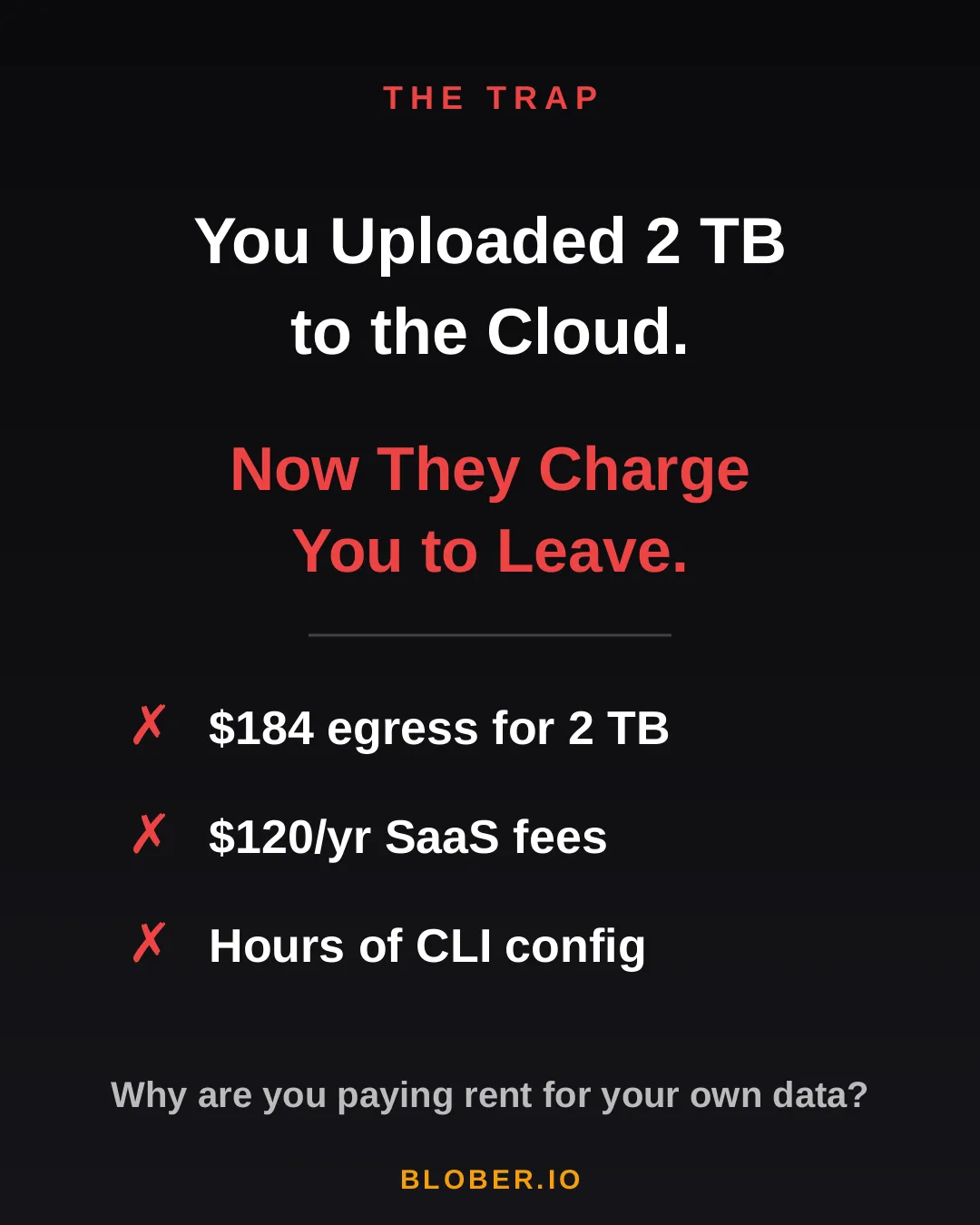
AWS charges ~$0.09/GB for egress. That’s $184 just to download 2 TB of your own files. Want to use a SaaS migration tool? That’s another $10–20/month, with transfer caps. Prefer the open-source CLI route? Clear your afternoon - you’ll need it for YAML configs, credential files, and provider-specific quirks.

The trap: cloud providers charge you egress fees, SaaS tools charge subscriptions, and CLI tools cost you hours of setup time

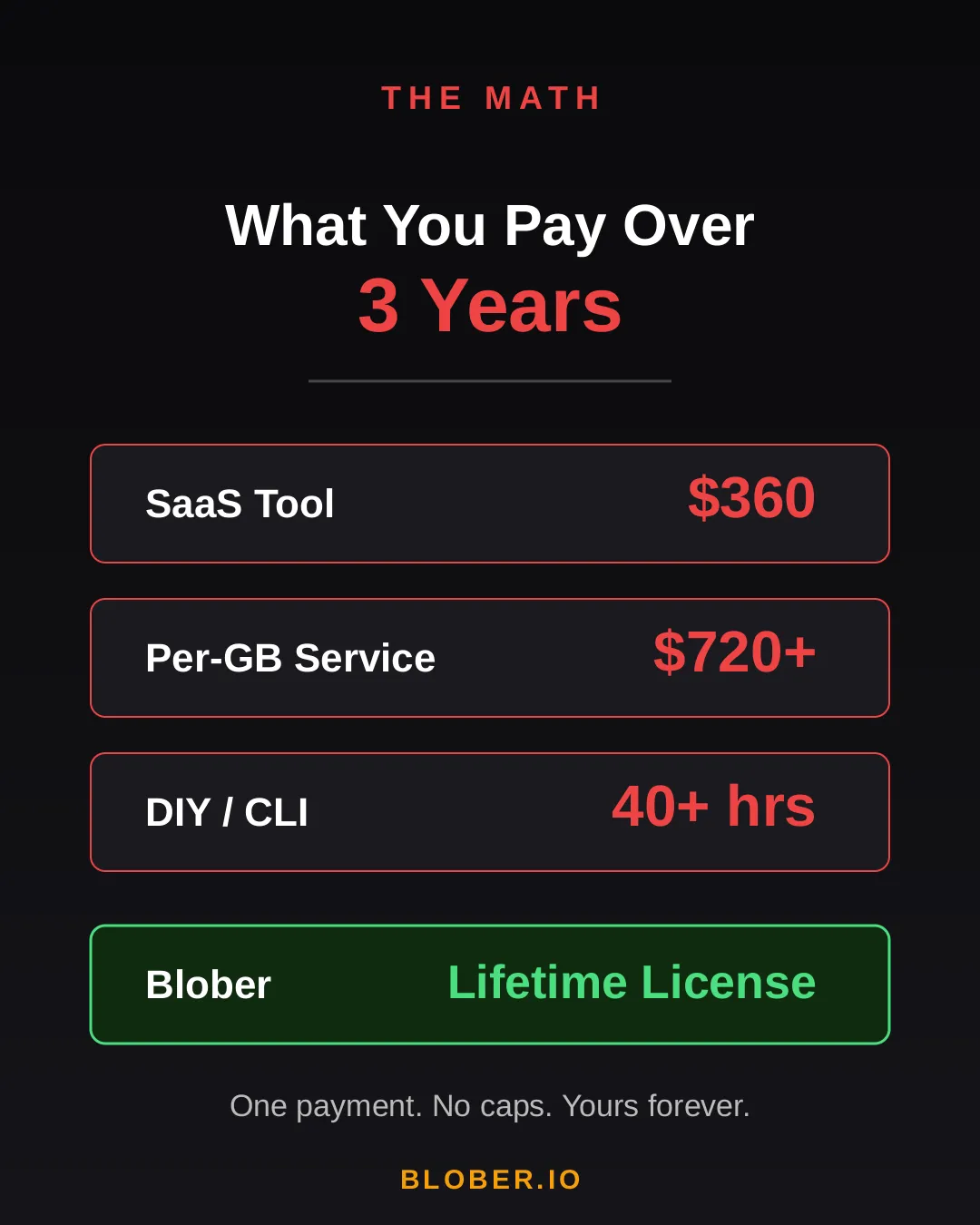
Let’s talk real numbers. Over three years, here’s what you’ll pay using common approaches:

Approach3-Year CostCatch
SaaS Migration Tool~$360Monthly sub + data caps
Per-GB Service~$720+$0.03/GB, billed every transfer
DIY with CLI40+ hoursConfig per provider, no UI, breaks silently
BloberOne paymentUnlimited transfers. Forever.

The subscription model is designed to extract value from you month after month. The per-GB model punishes you for having more data. The CLI path trades money for your time.

Blober breaks the cycle. Pay once. Transfer as much as you want, as many times as you want. No meter running. No renewal emails. No “upgrade to unlock more.”

Cost comparison over 3 years: SaaS tools cost $360, per-GB services cost $720+, DIY CLI costs 40+ hours, Blober costs one single payment

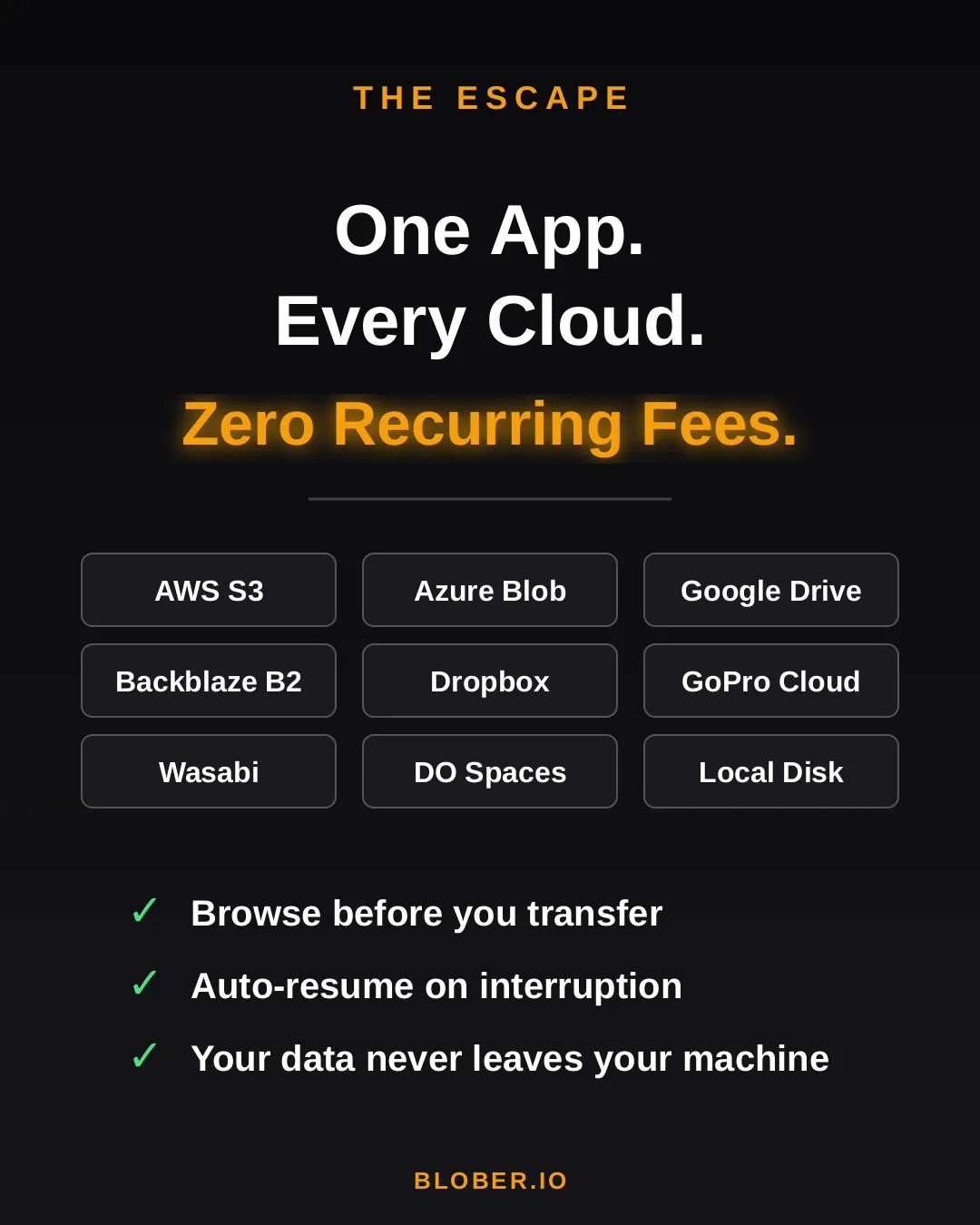
Blober is a desktop app - not a SaaS, not a CLI tool, not a cloud service. It runs on your Mac, Windows, or Linux machine and connects directly to your cloud providers:

  • AWS S3 - buckets and objects, any region
  • Azure Blob Storage - containers and blobs
  • Google Drive - files and folders, including shared drives
  • GoPro Cloud - back up your action footage locally or to any cloud
  • Backblaze B2 - the affordable S3 alternative
  • Dropbox - personal and business accounts
  • Cloudflare R2 - zero-egress object storage
  • Wasabi - hot storage without the cold fees
  • DigitalOcean Spaces - all regions, auto-detected
  • Local Disk - any folder on your machine

Your files never touch a middleman server. Blober streams directly between your machine and the provider APIs. Browse your cloud storage visually, select what you want, pick a destination - done.

If a transfer gets interrupted (bad WiFi, laptop closed, provider hiccup), Blober picks up where it left off. No re-uploading. No duplicate files.

Blober connects 10+ cloud providers in one app: AWS S3, Azure Blob, Google Drive, GoPro Cloud, Backblaze B2, Dropbox, Cloudflare R2, Wasabi, DigitalOcean Spaces, and local disk

Here’s what switching to Blober actually looks like:

Before: You’re juggling browser tabs, CLI sessions, and a spreadsheet tracking which files went where. A SaaS tool emails you that you’ve hit your 1.2 TB monthly cap. You Google “rclone config azure” for the third time.

After: You open Blober. Connect your accounts. Drag from source to destination. Walk away. It just works.

No account required to transfer. No internet needed for local-to-local moves. No data ever leaves your machine unless you’re sending it to a cloud provider you chose.

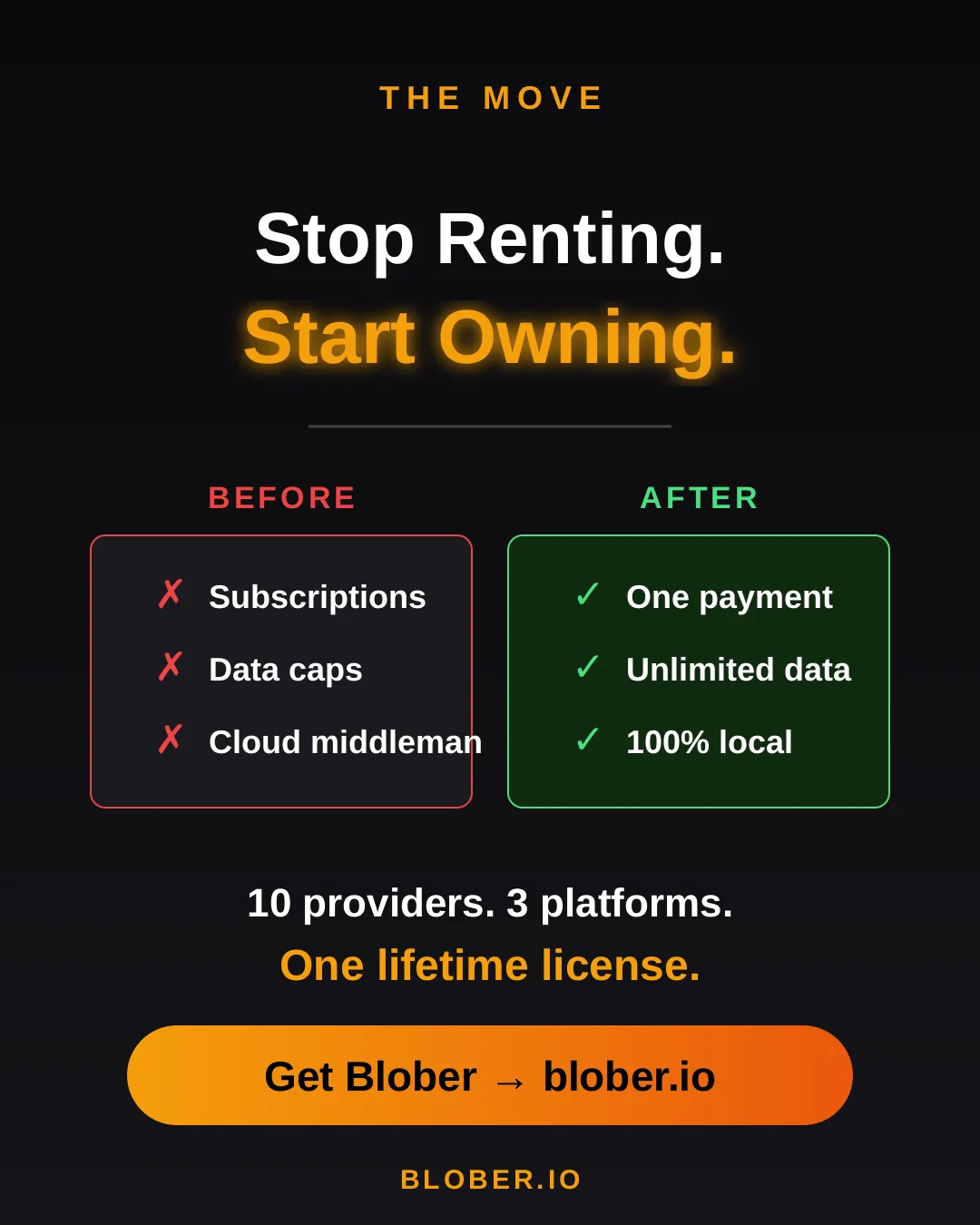
Before and after comparison: monthly subscriptions, data caps, and files routed through servers vs. one-time payment, unlimited transfers, and 100% local execution with Blober
  • Photographers & videographers moving terabytes of footage from GoPro Cloud or Google Drive to cheaper archival storage
  • Developers & DevOps engineers migrating between S3-compatible providers without writing scripts
  • Small businesses consolidating cloud storage without paying an enterprise migration service
  • Privacy-conscious users who want their files transferred directly, not through a third-party cloud
  • Anyone tired of paying monthly fees to tools that move files you already own

Your data. Your machine. Your rules.

One payment. Unlimited transfers. No expiration.

Download Blober → blober.io

What Is Blober? Cloud File Transfer Made Simple

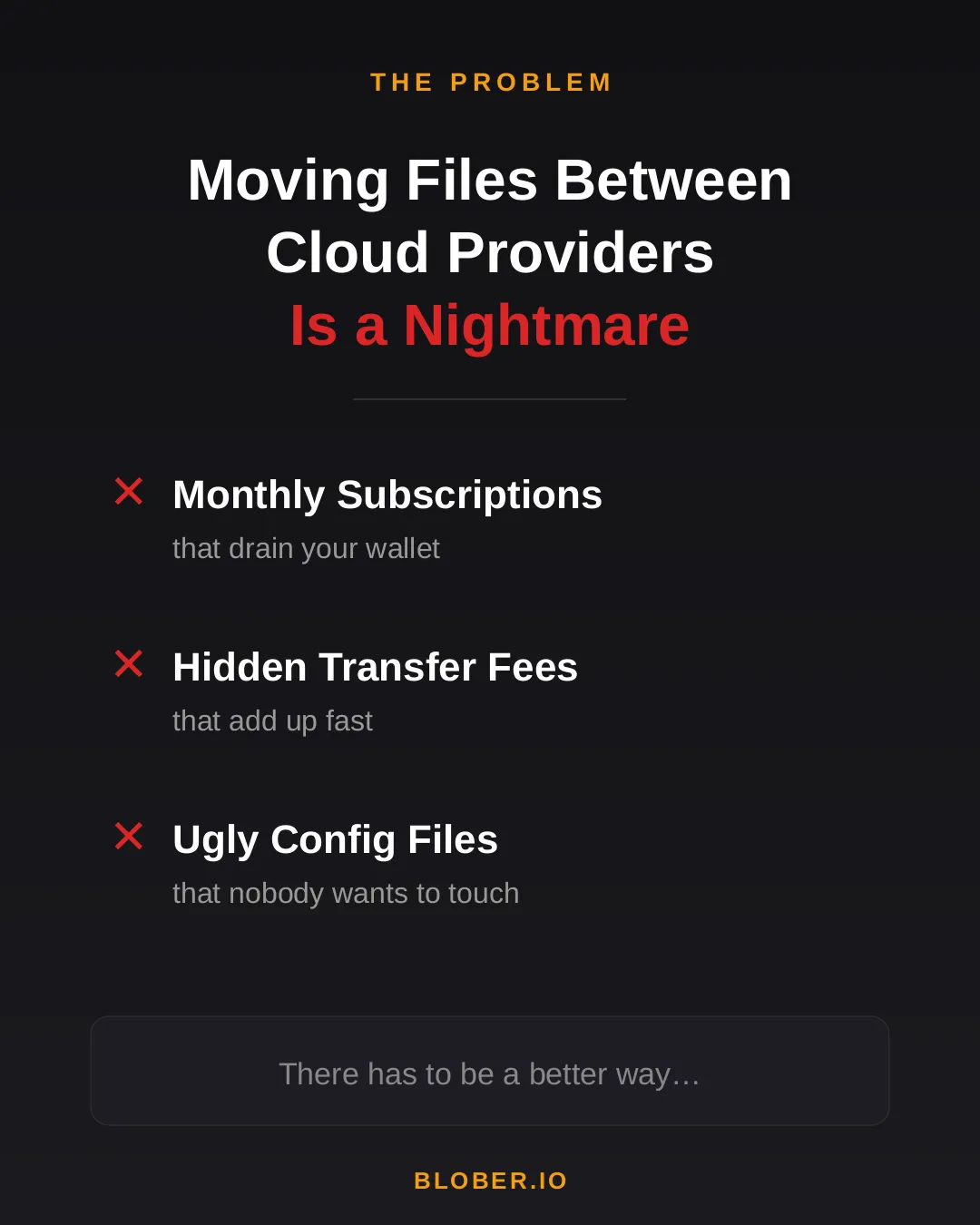
Transferring files between cloud providers today means monthly subscriptions, surprise transfer fees, and wrestling with CLI config files. Most tools are either expensive SaaS platforms or developer-only terminals with steep learning curves.

The problem with moving files between cloud providers - monthly subscriptions, hidden transfer fees, and ugly config files

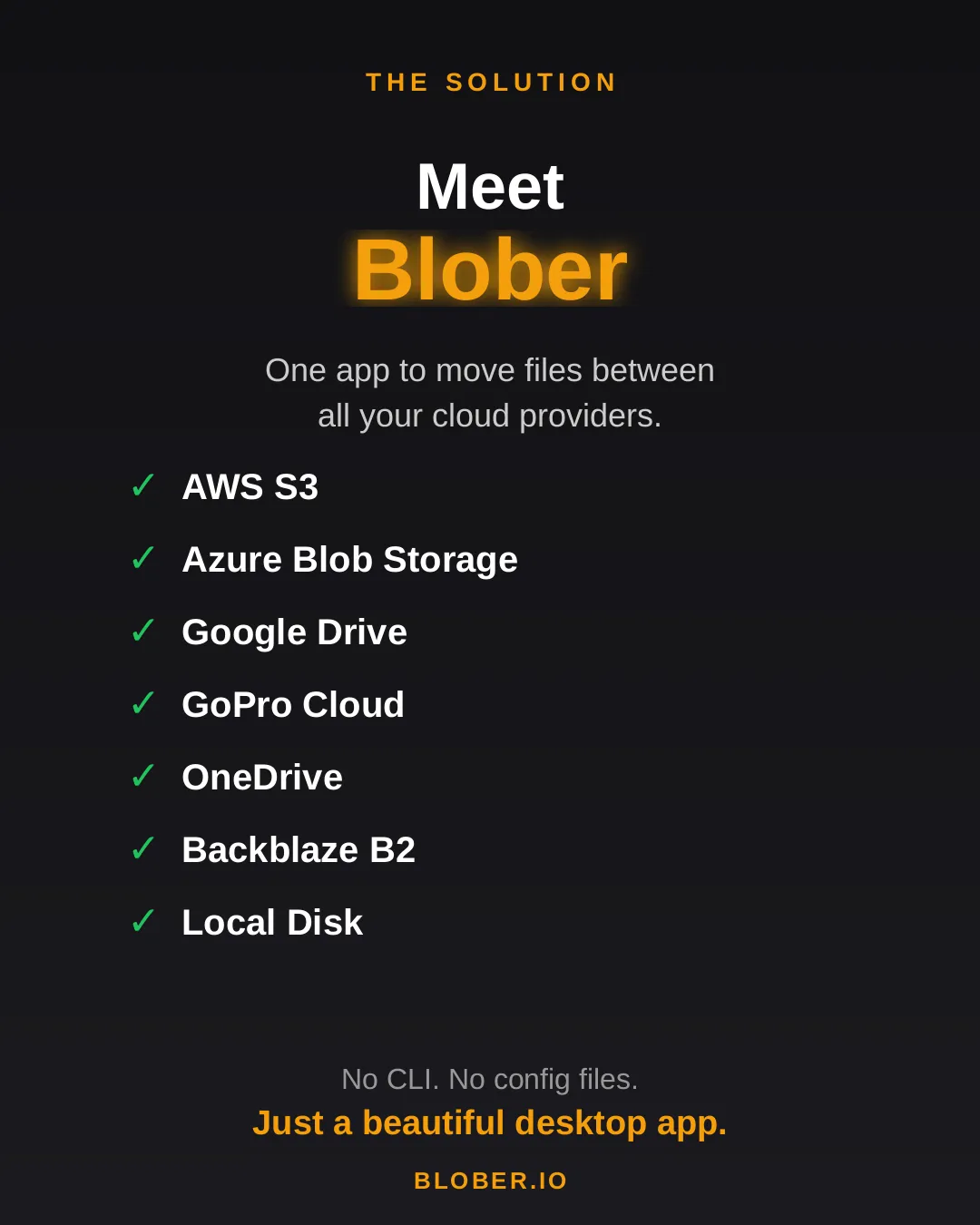
Blober is a desktop app that connects all your cloud storage in one place. AWS S3, Azure Blob Storage, Google Drive, GoPro Cloud, OneDrive, Backblaze B2, and local disk - all supported out of the box. No CLI. No config files. Just a beautiful, intuitive interface.

Meet Blober: one app to move files between AWS S3, Azure Blob, Google Drive, GoPro Cloud, OneDrive, Backblaze B2, and local disk

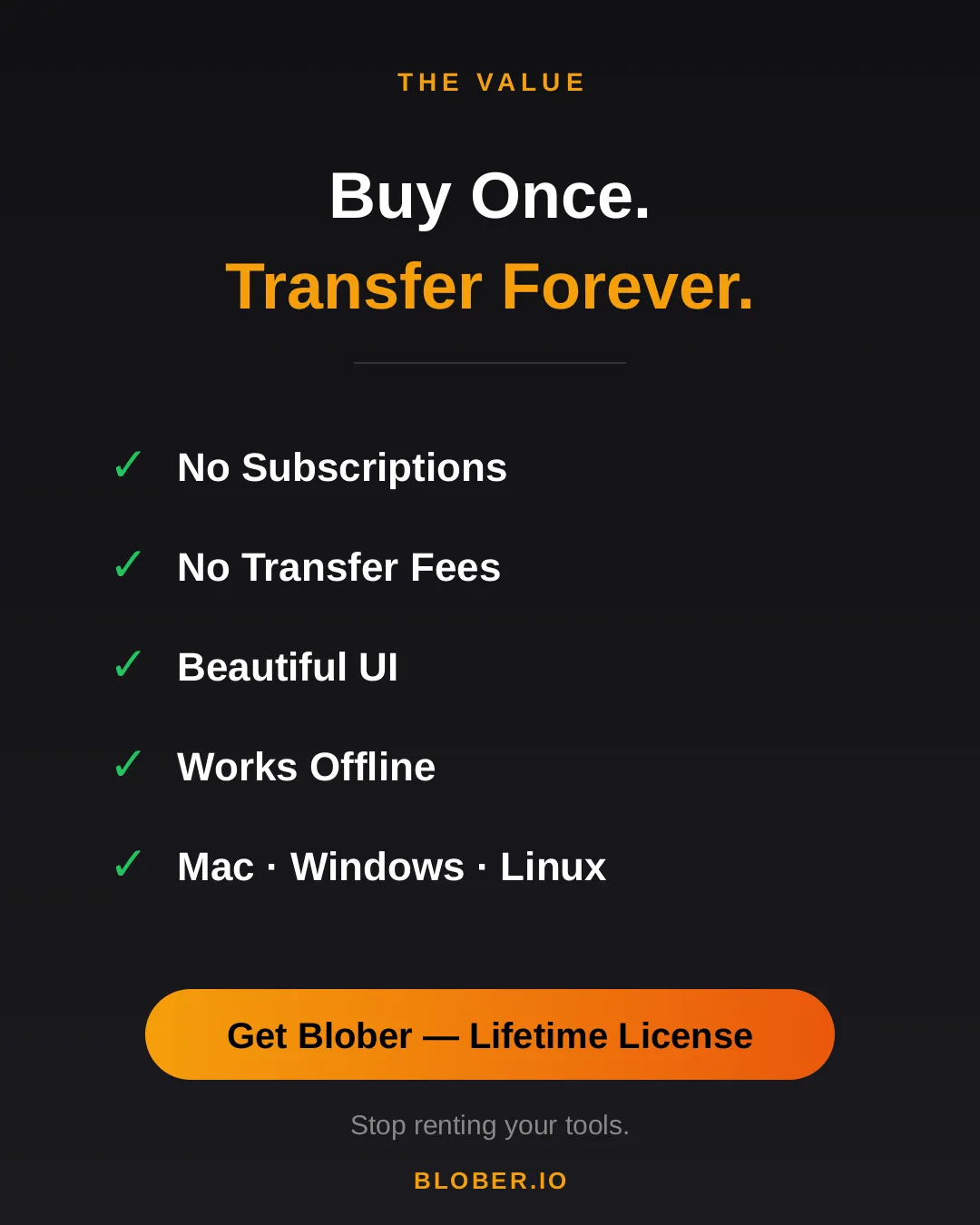
Buy once, transfer forever. No subscriptions. No transfer fees. Blober runs natively on Mac, Windows, and Linux - and it works offline too.

Blober: buy once, transfer forever. No subscriptions, no transfer fees, beautiful UI, works offline, runs on Mac, Windows, and Linux

Stop renting your tools. Download Blober →

Back Up Your GoPro Cloud to Backblaze B2, AWS S3, or Local Storage

Back up GoPro Cloud to Backblaze B2, AWS S3, or local storage

GoPro’s cloud storage (GoPro Plus / GoPro Premium) offers unlimited storage for GoPro camera media. It’s a great perk - until you want your footage somewhere else.

The reality for most GoPro users:

  • Painfully limited batch download - GoPro’s web portal caps batch downloads at 25 files at a time, bundled into a ZIP. Large batches frequently fail or time out, and metadata like GPS data may be stripped during compression
  • No third-party tool support - rclone, MultCloud, Flexify, and every other transfer tool do not support GoPro Cloud
  • Subscription dependency - cancel GoPro Plus and your cloud access disappears. Your footage remains hostage to a recurring charge
  • No “Download All” option - if you have hundreds or thousands of files, you’re stuck doing dozens of 25-file batch downloads manually, hoping none fail

GoPro community forums are filled with users asking the same question: “How do I download all my GoPro Cloud content at once?” - and the practical answer is: not without hours of manual work and frequent failures.

Blober changes that.


Blober: The Only Tool That Connects to GoPro Cloud

Section titled “Blober: The Only Tool That Connects to GoPro Cloud”

Blober is the only desktop application that integrates with GoPro’s cloud storage. No other migration tool - free or paid - supports GoPro Cloud as a source or destination.

With Blober, you can:

  • Browse all your GoPro Cloud media - photos and videos, organized by date, camera, and type
  • Download everything at once to your local drive, NAS, or external HDD
  • Transfer directly to Backblaze B2, AWS S3, Wasabi, Cloudflare R2, Azure Blob Storage, or DigitalOcean Spaces
  • Use metadata-based path templates to auto-organize files (e.g., by camera model, capture date, resolution)
  • Resume interrupted transfers - no need to start over if your connection drops

GoPro Plus costs ~$49.99/year. As long as you pay, your footage stays accessible. The moment you cancel, your cloud media goes offline. For years of footage, that’s a dangerous bet on a single subscription.

GoPro Cloud is your only copy in the cloud. There is no built-in backup, no versioning, no geographic replication. If GoPro ever changes their terms, shuts down the service, or experiences data loss - your footage is gone.

Long-term archival storage costs a fraction of ongoing subscriptions:

Storage OptionCost for 1 TB/yearEgress Fees
GoPro Plus~$49.99/year (ongoing)N/A (limited downloads)
Backblaze B2~$83/year ($6.95/TB/mo)Free up to 3x stored
Wasabi~$83.88/year ($6.99/TB/mo)Free
AWS S3 (Standard)~$276/year$0.09/GB
Local NASOne-time HDD costFree

For most GoPro users, Backblaze B2 or Wasabi combined with a Blober one-time license is the most cost-effective long-term strategy.

Your GoPro footage is yours. Keeping it locked behind a single provider’s subscription model is not ownership - it’s rental. Backing it up to storage you control gives you true data sovereignty.


  1. Open Blober and create a new workflow
  2. Select GoPro as the source
  3. Click Open GoPro Login - a browser window opens
  4. Sign in with your GoPro account
  5. Blober captures your session automatically

Select where you want your footage to go:

  • Local disk - your SSD, HDD, NAS, or external drive
  • Backblaze B2 - affordable, S3-compatible, free egress
  • AWS S3 - enterprise-grade, global availability
  • Wasabi - hot storage with no egress fees
  • Cloudflare R2 - zero egress, fast edge delivery
  • Any other Blober-supported provider

Step 3: Configure Path Templates (Optional)

Section titled “Step 3: Configure Path Templates (Optional)”

Use Blober’s metadata-based path templates to auto-organize files as they transfer:

/{camera_model}/{capture_date}/{filename}

This turns a flat GoPro dump into a clean archive:

/HERO13 Black/2026-01-23/GX015742.MP4
/HERO13 Black/2026-01-23/gorp0001.JPG
/HERO12 Black/2025-12-15/GX014521.MP4

Click Start and Blober handles the rest:

  • Parallel downloads for maximum throughput
  • Real-time progress tracking
  • Automatic resume on interruption
  • Full task history logged for every file

TypeExtensions
Videos.mp4, .mov, .avi, .mkv
Photos.jpg, .png, .raw, .dng

Blober downloads the highest available quality - no compression, no re-encoding.


Each GoPro file includes rich metadata that Blober can use for organization:

FieldExample
Camera modelHERO13 Black
Capture date2026-01-23
Resolution5312 × 2988
File size142.5 MB
Duration0:32 (videos)

Can I upload to GoPro Cloud with Blober? Yes. Blober supports uploads to GoPro Cloud (up to 5 TB per file) with multipart upload and progress tracking.

Does Blober store my GoPro credentials? No. Blober uses a browser-based login flow. Your session lasts approximately 20 hours, after which Blober prompts you to sign in again. Credentials are never stored or transmitted to any server.

Can rclone, MultCloud, or Flexify do this? No. As of February 2026, Blober is the only transfer tool that supports GoPro Cloud. rclone (70+ providers), MultCloud (30+ services), and Flexify (~25 clouds) do not include GoPro Cloud integration.

What if my transfer is interrupted? Blober saves progress and resumes from the last successfully transferred file. No need to re-download everything.


Your footage is irreplaceable - years of adventures, events, and memories sitting in a cloud you can only access through a subscription. Blober gives you a way out: move it all to storage you own and control, in the highest quality, organized exactly how you want.

Get started with Blober →

Why Photographers and Videographers Choose Blober

Why photographers and videographers choose Blober for cloud file transfer

Photographers and videographers generate enormous volumes of data. A single shoot can produce hundreds of gigabytes of RAW photos and 4K/5.3K video files. Over months and years, that adds up to terabytes of irreplaceable media scattered across local drives, cloud providers, and camera-specific platforms.

The challenges are consistent:

  • Files are large - 4K video clips are often 1–5 GB each. 5.3K GoPro footage is even larger.
  • Storage is fragmented - footage lives on local SSDs, NAS devices, Google Drive, GoPro Cloud, and various object storage providers
  • Organization is painful - manually sorting files into date/camera/project folders is tedious and error-prone
  • Backups are inconsistent - some footage has 3 copies, some has 1, some has none
  • Cloud costs add up - Google Drive, AWS S3, and iCloud storage bills grow every month

Blober is built to solve exactly these problems.


Most creators have files spread across multiple providers - intentionally or not. Blober connects to all of them in one interface:

ProviderUse Case
GoPro CloudAction camera footage auto-uploaded
Google DriveClient deliverables and sharing
Local NAS / SSDPrimary working storage
Backblaze B2Long-term archive (cheap, reliable)
WasabiHot archive (no egress fees)
AWS S3Production infrastructure
Cloudflare R2CDN-adjacent delivery

Instead of logging into 4 different dashboards and downloading/uploading manually, Blober lets you build workflows that move files between any of these in a single operation.

If you shoot with GoPro cameras, you likely have footage auto-uploaded to GoPro Cloud. The problem: GoPro’s web portal only allows batch downloads of 25 files at a time (as ZIPs that frequently fail), and no third-party tool supports GoPro Cloud as a transfer source.

Blober is the only tool that connects to GoPro Cloud. You can:

  • Download all GoPro footage to local storage
  • Transfer directly to Backblaze B2 or Wasabi for long-term archival
  • Organize files by camera model, date, and resolution automatically

No other tool - not rclone, not MultCloud, not Flexify - supports GoPro Cloud.

Blober’s path templating system uses file metadata to automatically organize transfers. Instead of dumping files into flat folders, you define a template:

/{camera_model}/{capture_date}/{filename}

And Blober organizes the output:

/HERO13 Black/2026-01-23/GX015742.MP4
/Sony A7IV/2026-01-20/DSC09845.ARW
/DJI Mini 4/2026-01-18/DJI_0042.MP4

This works across all providers - GoPro Cloud to local, Google Drive to B2, or any combination. Months of manual folder sorting, automated in one workflow.

Creative work is cyclical. Shoots happen regularly, and the post-shoot workflow is always the same: ingest → organize → edit → archive → backup.

Blober saves each transfer as a durable workflow:

  • One-click re-execution - run the same ingest pattern after every shoot
  • Resumable transfers - if a 500 GB transfer drops at 80%, pick up where it stopped
  • Task history - see exactly what was transferred, when, and whether it succeeded
  • No scripting - no cron jobs, no bash scripts, no forgotten flags

For long-term storage, the hyperscalers (AWS, Azure, GCS) are expensive. Creative professionals are increasingly moving to budget-friendly alternatives:

ProviderStorage CostEgressWhy Creators Choose It
Backblaze B2$6.95/TB/monthFree (up to 3x)Cheapest reliable archive
Wasabi$6.99/TB/monthFreeNo egress fees, predictable billing
Cloudflare R2$15/TB/monthFreeZero egress, great for delivery

Blober supports all of these, making it trivial to set up an archive workflow: shoot → ingest to local NAS → archive to Backblaze B2 → done. One-time license, no per-GB fees.


After each wedding: 80 GB of RAW photos + 40 GB of video. Create a Blober workflow that copies everything from your SSD to Backblaze B2, organized by date and event name. Run it after every wedding with one click.

Finished projects sit on Google Drive eating into your 2 TB plan. Use Blober to move completed projects to Wasabi for long-term storage at a fraction of the cost, freeing up Google Drive space for active work.

Years of GoPro footage sitting in GoPro Cloud with no easy way out. Use Blober to download everything to a local NAS, organized by camera and date. Cancel GoPro Plus knowing your footage is safe.

100+ GB per flight day across DJI footage on local cards and backup copies on Google Drive. Use Blober to standardize your archive: everything goes to Backblaze B2, organized by date and location, with a local NAS mirror.


rclone is free and powerful, but it requires terminal expertise. For each new storage provider, you configure a remote. For each workflow, you write a command with precise flags. There’s no visual interface, no persistent workflows, and no GoPro support.

If you’re a software engineer, rclone might work. If you’re a photographer who wants to focus on photography, Blober is what you need.


Blober is available for Windows, macOS, and Linux. One-time license, currently at discounted beta pricing. No subscriptions. No per-GB fees. No data caps.

Connect your providers, build your workflows, and take control of your media archive.

Get Blober →