Skip to content

cost-comparison

3 posts with the tag “cost-comparison”

Stop Paying Rent to Move Your Own Files

You uploaded 2 TB of photos, videos, and backups to the cloud. Life was good — until you wanted to move them somewhere else.

Suddenly, you’re hit with egress fees, per-GB migration charges, and the realization that your cloud provider has been counting on you never leaving. It’s your data. But moving it costs real money — every single time.

AWS charges ~$0.09/GB for egress. That’s $184 just to download 2 TB of your own files. Want to use a SaaS migration tool? That’s another $10–20/month, with transfer caps. Prefer the open-source CLI route? Clear your afternoon — you’ll need it for YAML configs, credential files, and provider-specific quirks.
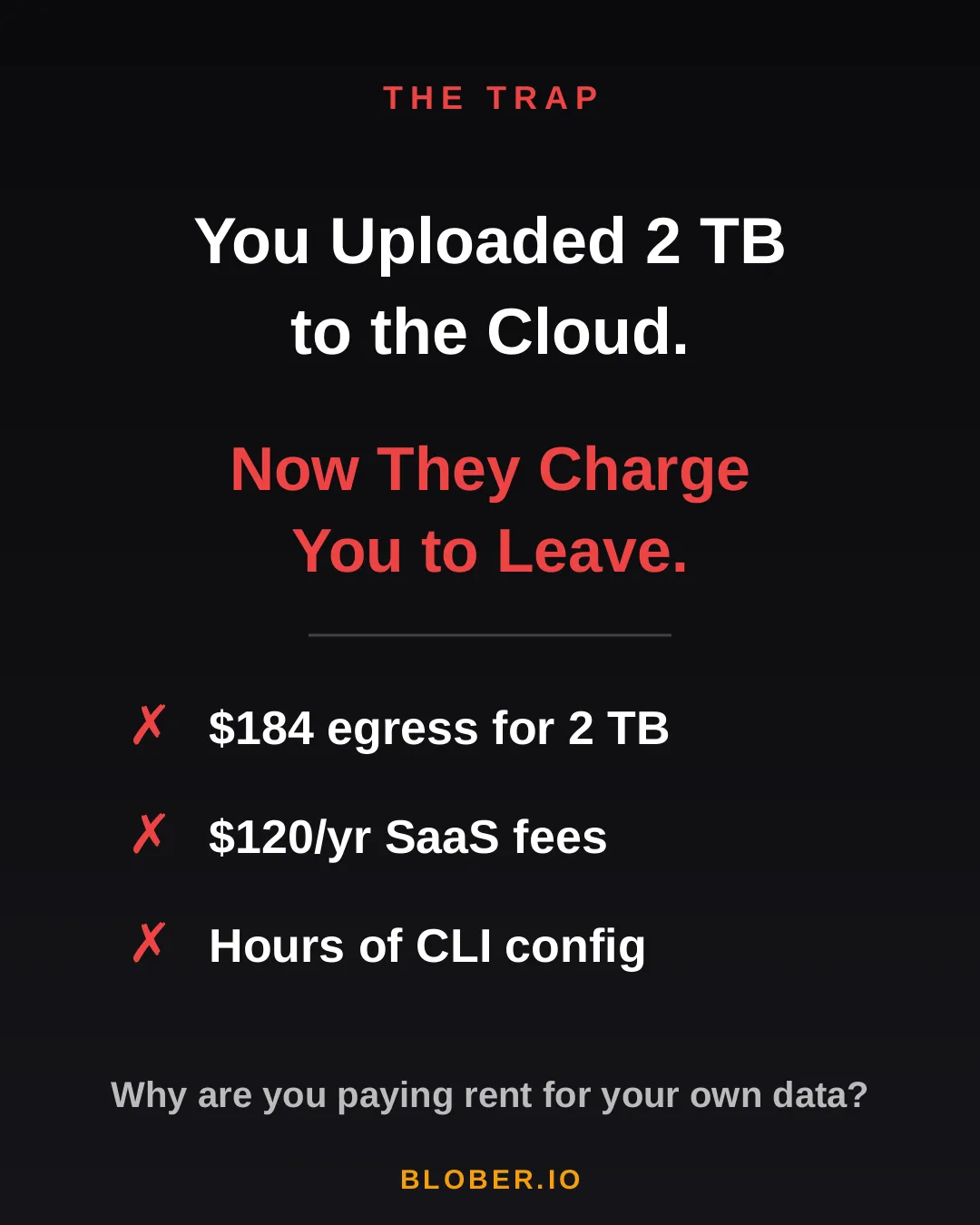
The trap: cloud providers charge you egress fees, SaaS tools charge subscriptions, and CLI tools cost you hours of setup time

Let’s talk real numbers. Over three years, here’s what you’ll pay using common approaches:

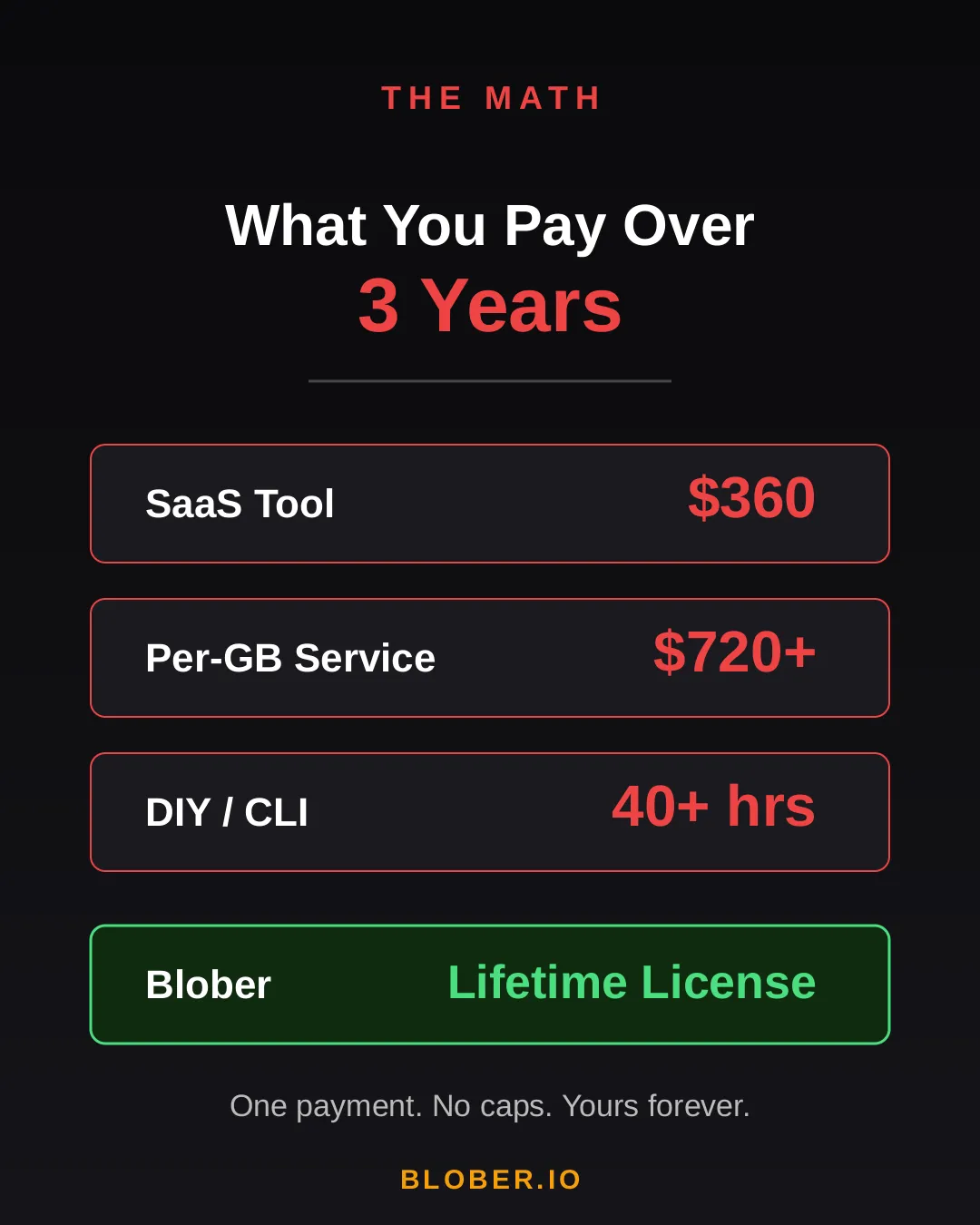
Approach3-Year CostCatch
SaaS Migration Tool~$360Monthly sub + data caps
Per-GB Service~$720+$0.03/GB, billed every transfer
DIY with CLI40+ hoursConfig per provider, no UI, breaks silently
BloberOne paymentUnlimited transfers. Forever.

The subscription model is designed to extract value from you month after month. The per-GB model punishes you for having more data. The CLI path trades money for your time.

Blober breaks the cycle. Pay once. Transfer as much as you want, as many times as you want. No meter running. No renewal emails. No “upgrade to unlock more.”

Cost comparison over 3 years: SaaS tools cost $360, per-GB services cost $720+, DIY CLI costs 40+ hours, Blober costs one single payment

Blober is a desktop app — not a SaaS, not a CLI tool, not a cloud service. It runs on your Mac, Windows, or Linux machine and connects directly to your cloud providers:

  • AWS S3 — buckets and objects, any region
  • Azure Blob Storage — containers and blobs
  • Google Drive — files and folders, including shared drives
  • GoPro Cloud — back up your action footage locally or to any cloud
  • Backblaze B2 — the affordable S3 alternative
  • Dropbox — personal and business accounts
  • Cloudflare R2 — zero-egress object storage
  • Wasabi — hot storage without the cold fees
  • DigitalOcean Spaces — all regions, auto-detected
  • Local Disk — any folder on your machine

Your files never touch a middleman server. Blober streams directly between your machine and the provider APIs. Browse your cloud storage visually, select what you want, pick a destination — done.

If a transfer gets interrupted (bad WiFi, laptop closed, provider hiccup), Blober picks up where it left off. No re-uploading. No duplicate files.
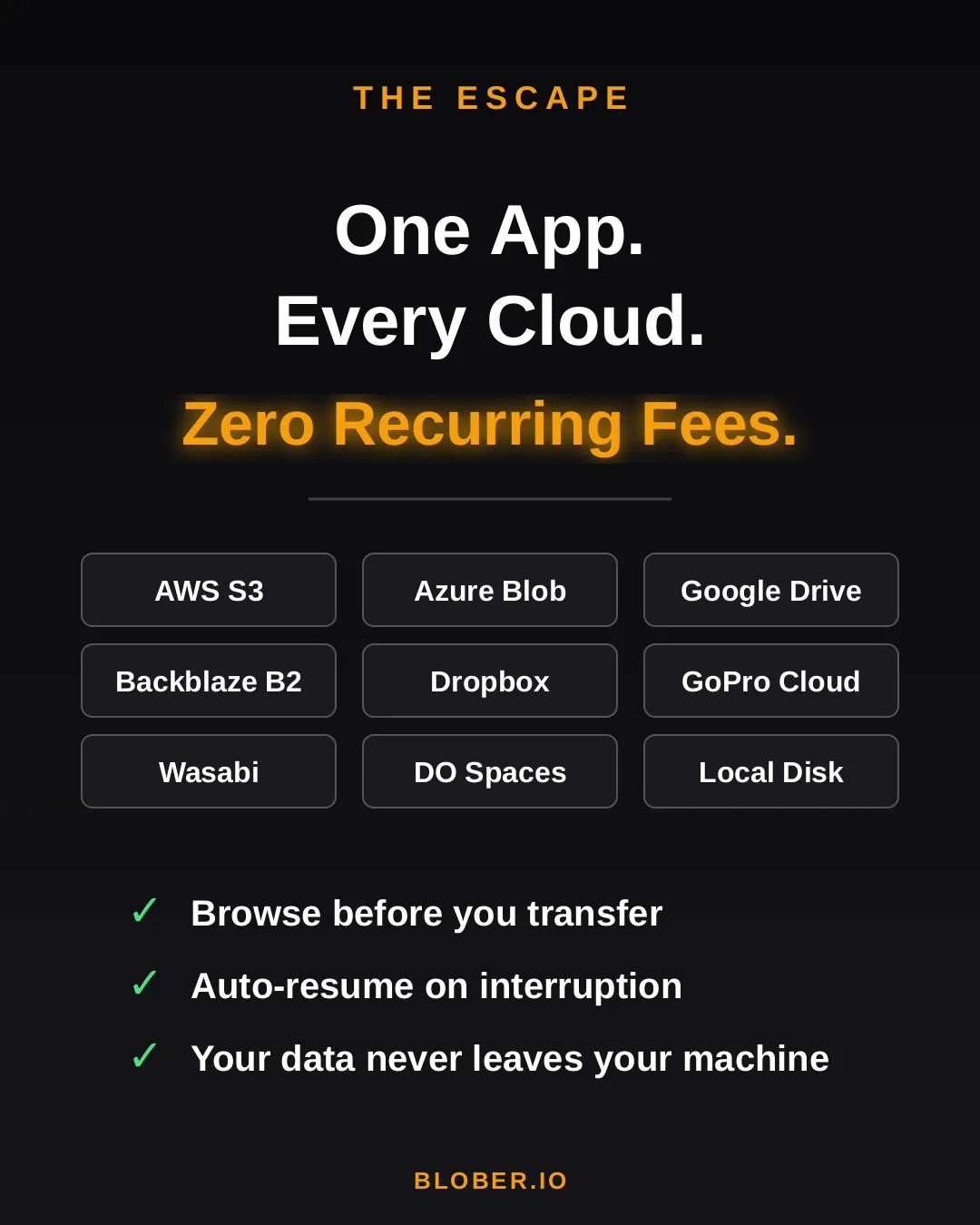
Blober connects 10+ cloud providers in one app: AWS S3, Azure Blob, Google Drive, GoPro Cloud, Backblaze B2, Dropbox, Cloudflare R2, Wasabi, DigitalOcean Spaces, and local disk

Here’s what switching to Blober actually looks like:

Before: You’re juggling browser tabs, CLI sessions, and a spreadsheet tracking which files went where. A SaaS tool emails you that you’ve hit your 1.2 TB monthly cap. You Google “rclone config azure” for the third time.

After: You open Blober. Connect your accounts. Drag from source to destination. Walk away. It just works.

No account required to transfer. No internet needed for local-to-local moves. No data ever leaves your machine unless you’re sending it to a cloud provider you chose.
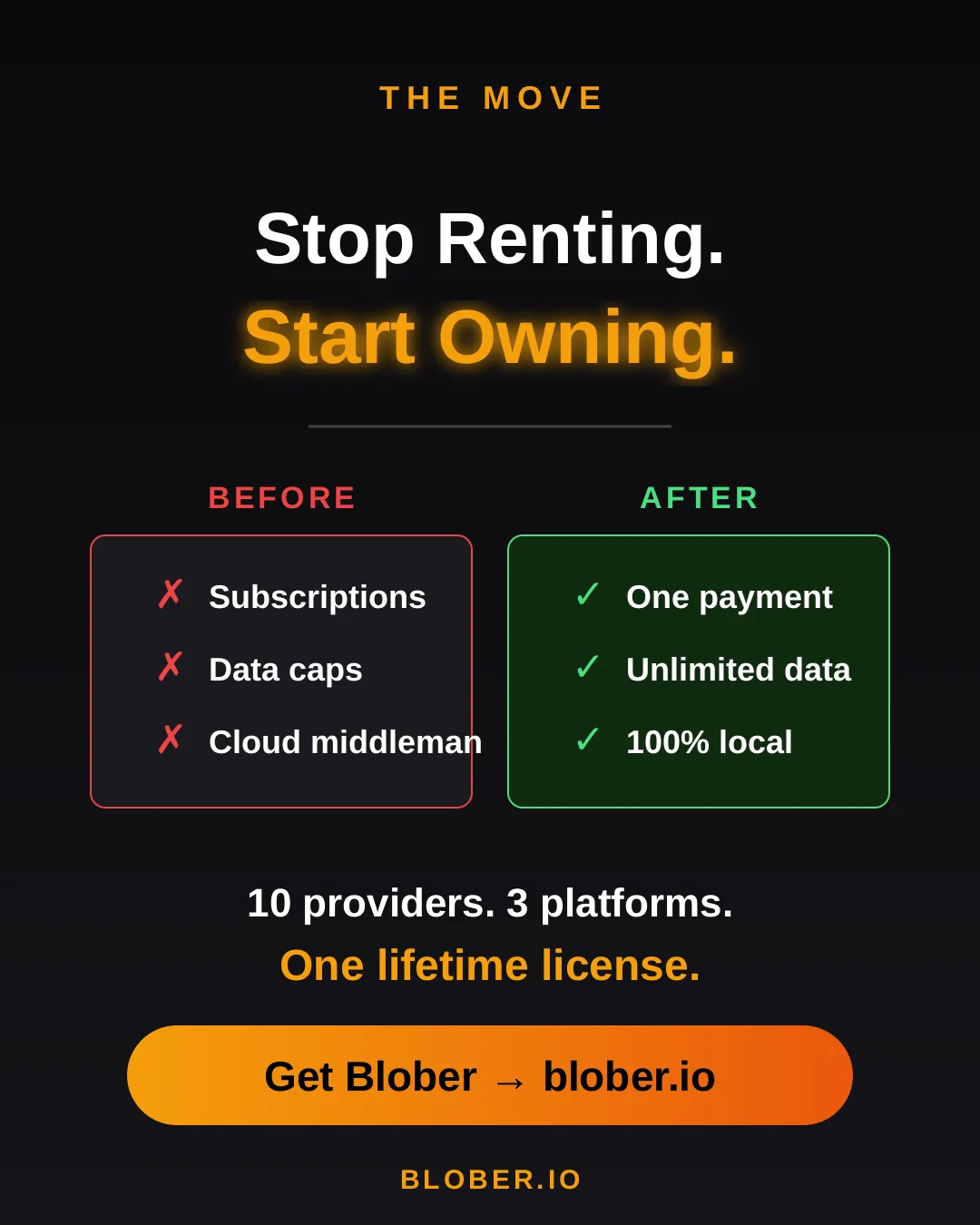
Before and after comparison: monthly subscriptions, data caps, and files routed through servers vs. one-time payment, unlimited transfers, and 100% local execution with Blober
  • Photographers & videographers moving terabytes of footage from GoPro Cloud or Google Drive to cheaper archival storage
  • Developers & DevOps engineers migrating between S3-compatible providers without writing scripts
  • Small businesses consolidating cloud storage without paying an enterprise migration service
  • Privacy-conscious users who want their files transferred directly, not through a third-party cloud
  • Anyone tired of paying monthly fees to tools that move files you already own

Your data. Your machine. Your rules.

One payment. Unlimited transfers. No expiration.
Download Blober → blober.io

Migrating 100M+ Files from DigitalOcean Spaces to Backblaze B2

Migrating 100 million files from DigitalOcean Spaces to Backblaze B2

A media company has 25TB of data spread across 120 million files in DigitalOcean Spaces. Monthly bill: roughly $500/month. They want to move everything to Backblaze B2 to cut costs and get more flexibility.

This is a real-world pattern we see a lot. Let’s walk through what it actually takes.


ItemDetailsEstimated Cost
Blober LicenseOne-time purchase$39
DigitalOcean Egress~24TB billable at $0.01/GiB (first 1TB free)~$240
Backblaze IngressFree. Backblaze never charges for uploads$0
Backblaze API CallsUploads are free Class A calls, minor listing costs~$2
Total~$281

After migrating, the monthly bill drops from ~$500 on DigitalOcean to ~$150 on Backblaze B2. The entire migration pays for itself in about two weeks.


This is where it gets interesting. Backblaze actively wants people to switch to their platform and they back that up with real programs:

  • Free egress up to 3x your average monthly storage on B2, which means once you’re on Backblaze, downloading your own data doesn’t cost extra in most scenarios.
  • Unlimited free egress through CDN and compute partners like Cloudflare, Fastly, Bunny.net, and Vultr.
  • Assisted data migration is listed as a standard B2 feature on their pricing page.
  • Universal Data Migration is available for larger committed contracts (50TB+ on pay-as-you-go, or included with B2 Reserve annual plans).

Backblaze explains their philosophy well in this blog post: Cloud Egress Fees: What They Are and How to Reduce Them. The short version is that they believe egress fees are vendor lock-in, and they want to make switching easy.

Even if your dataset is under the 50TB threshold, it’s worth contacting their sales team. With a 25TB dataset and willingness to commit for 12 months, there’s a solid chance they’ll help reduce or cover the DigitalOcean egress fees to get you onboarded.


Let’s be honest here. 25TB is a lot of data.

Every file needs its own set of API calls: list from the source, download, then upload to the destination. Each round-trip carries network latency regardless of file size. When you multiply that per-object overhead across 120 million files with 25TB of bandwidth on top, the aggregate time adds up fast.

For a client-side migration where data streams through your local machine, you’re looking at:

  • Several weeks of continuous runtime depending on your connection speed and latency
  • Your machine needs to stay on and connected the entire time
  • If your ISP has a monthly data cap, 25TB will almost certainly exceed it
  • 16GB+ RAM recommended for handling the file listing at this scale

This isn’t a Blober limitation. Any client-side tool (rclone, Cyberduck, whatever) will face the same physics. Data has to travel from DigitalOcean’s datacenter to your machine, then from your machine to Backblaze’s datacenter. That’s two full trips through your ISP.


Phase 1: Let the Datacenters Do the Heavy Lifting

Section titled “Phase 1: Let the Datacenters Do the Heavy Lifting”

Contact Backblaze’s sales team and ask about their assisted migration options. For datasets at this scale, they partner with migration services that can move data directly between datacenters at speeds your home connection can’t match. What takes weeks on a home connection can take hours on a datacenter link.

Reach out here: Backblaze Sales

Once the initial bulk migration is done, Blober becomes your daily tool for managing files across providers. New uploads, folder syncs, log rotations, moving files between buckets, all handled from your desktop with no per-GB fees and no subscriptions. Your credentials stay on your machine and never touch a third-party server.


DigitalOcean SpacesBackblaze B2
Storage (25TB)~$500/mo~$150/mo
Egress (3TB/mo)~$30/moFree (within 3x allowance)
Total~$530/mo~$150/mo
Annual~$6,360/yr~$1,800/yr

That’s about $4,500 saved per year, every year.


For large-scale one-time migrations, use Backblaze’s own migration programs. They want your business and they’ll often help you get there.

For everything after that, Blober gives you a one-time $39 license to manage, sync, and move files across any supported provider, with no recurring costs and no third party ever touching your credentials.

The True Cost of Cloud Data Migration in 2026

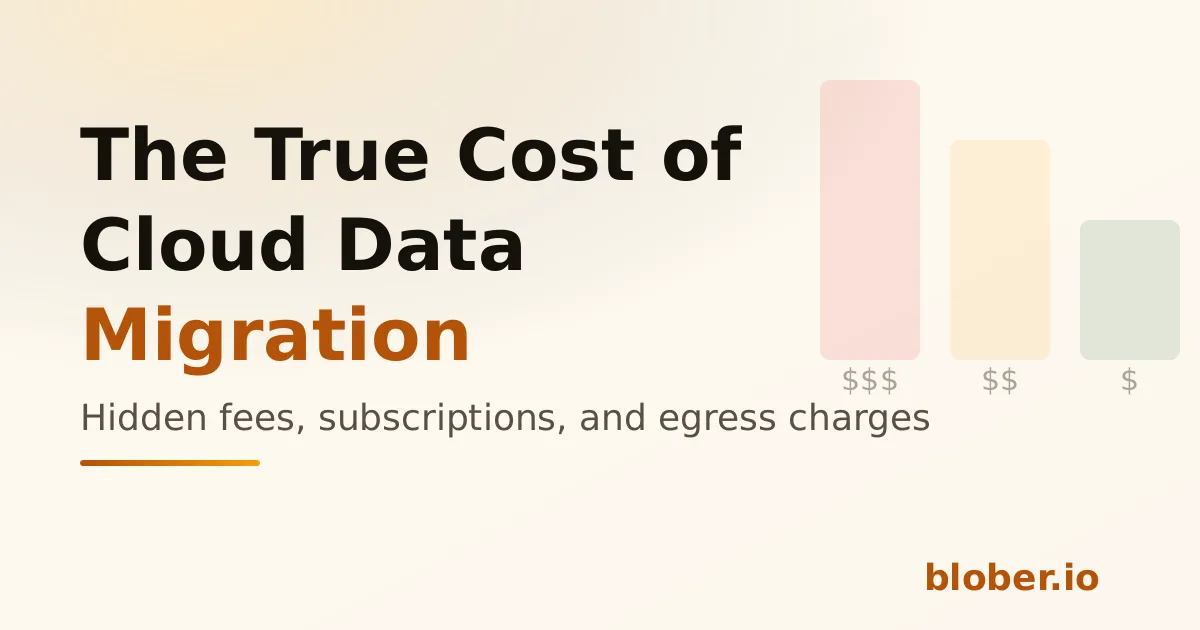
The true cost of cloud data migration - cost comparison chart

Moving data between cloud providers should be simple. You own the files - you just want them somewhere else. But the cloud industry has turned data migration into a profit center, layering fees at every step: egress charges, per-GB migration fees, monthly subscriptions, and data traffic caps.

Here’s what cloud data migration actually costs in 2026, and why Blober’s one-time pricing model is a fundamentally better deal for anyone who transfers data more than once.


Flexify charges a per-GiB fee for every migration, on top of your cloud provider’s egress charges.

Migration SizeFlexify Fee (~$0.03/GiB)Provider Egress (AWS ~$0.09/GB)Total
100 GB$3$9~$12
1 TB$30$92~$122
10 TB$307$922~$1,229
100 TB$3,072$9,216~$12,288

These are per-job costs. Run the same migration next month? Pay again. Sync regularly? The meter never stops.

Flexify does offer managed migrations for 10+ TB where provider egress may be avoided through direct peering - but those require contacting sales and negotiating custom pricing.

2. Annual Subscriptions with Data Caps (MultCloud)

Section titled “2. Annual Subscriptions with Data Caps (MultCloud)”

MultCloud charges an annual subscription that includes a fixed amount of transfer traffic:

PlanAnnual CostData AllowanceCost Per TB Transferred
Free$05 GB/monthN/A (60 GB/year cap)
1,200 GB plan$59.99/year1,200 GB/year~$50/TB
2,400 GB plan$99.98/year2,400 GB/year~$42/TB

Hit the cap? Transfers stop until you renew. Need to move 5 TB? You’ll need to buy the top-tier plan and wait over two years to exhaust the quota - or pay for multiple years upfront.

Over three years, MultCloud costs $180–$300 in subscriptions alone, and you’re still capped on how much data you can actually move.

Blober charges a one-time license fee. No per-GB charges. No annual renewal. No data caps.

Migration SizeBlober CostProvider Egress (your standard cloud fees)
100 GB✅ One-time licenseStandard egress only
1 TB✅ Same licenseStandard egress only
10 TB✅ Same licenseStandard egress only
100 TB✅ Same licenseStandard egress only

The only variable cost is your cloud provider’s standard egress fee - which you’d pay with any tool, including rclone. There is no Blober surcharge.


Per-GB fees and subscriptions compound over time. If you migrate data regularly - monthly syncs, media archives, backup rotations - the cost gap widens fast:

ScenarioFlexify (per-GB)MultCloud (subscription)Blober (one-time)
One 1 TB migration~$122$59.99/year✅ One-time
Monthly 500 GB sync~$732/yearExceeds cap✅ One-time
3 years of regular use$2,196+$180–$300✅ One-time

For users who transfer data as part of their regular workflow - not a one-time event - subscription and per-GB models are an ongoing tax. Blober eliminates it.


rclone is free and open-source. On raw cost, nothing beats free.

But rclone’s cost is measured in time, not money:

  • Setup time - configuring remotes, flags, and cron jobs
  • Debugging time - when a transfer fails silently or a flag is wrong
  • Maintenance time - updating scripts when providers change APIs

For engineers who already live in the terminal, rclone is excellent. For everyone else, the time cost is significant and ongoing. Blober trades a one-time purchase for a visual, persistent workflow engine that eliminates scripting overhead entirely.


Regardless of which tool you use, cloud provider egress fees apply when downloading data. These are charged by your cloud provider, not by Blober:

ProviderStorage (TB/mo)Egress (per GB)Notes
AWS S3$26$0.09Egress-heavy workloads get expensive
Azure Blob Storage$20$0.08First 100 GB/month free
Google Cloud Storage$23$0.11Varies by region
Backblaze B2$6Free (up to 3x)Free egress up to 3x stored
Wasabi$6.99FreeNo egress fees ever
Cloudflare R2$15FreeZero egress by design
DigitalOcean Spaces$5 (250 GB)$0.011 TB outbound included

Pro tip: If you’re choosing a destination for long-term storage, providers like Backblaze B2 ($6/TB/mo, free egress), Wasabi ($6.99/TB/mo, no egress fees), and Cloudflare R2 (zero egress) offer significantly lower total cost of ownership than AWS, Azure, or GCS. Blober supports all of them.


ToolCost ModelBest For
Flexify.ioPer-GB + egressEnterprise one-time migrations
MultCloudAnnual subscriptionLight, occasional consumer transfers
rcloneFree (time cost)Engineers comfortable with CLI
BloberOne-time licenseAnyone who transfers data regularly, values simplicity, or needs GoPro Cloud support

If you transfer data more than once - or plan to - a one-time license pays for itself after a single job. No subscriptions. No per-GB surprises. No data caps.

Get Blober →