
How to Download All Your GoPro Cloud Videos to Your Computer
GoPro Cloud Is a One-Way Street
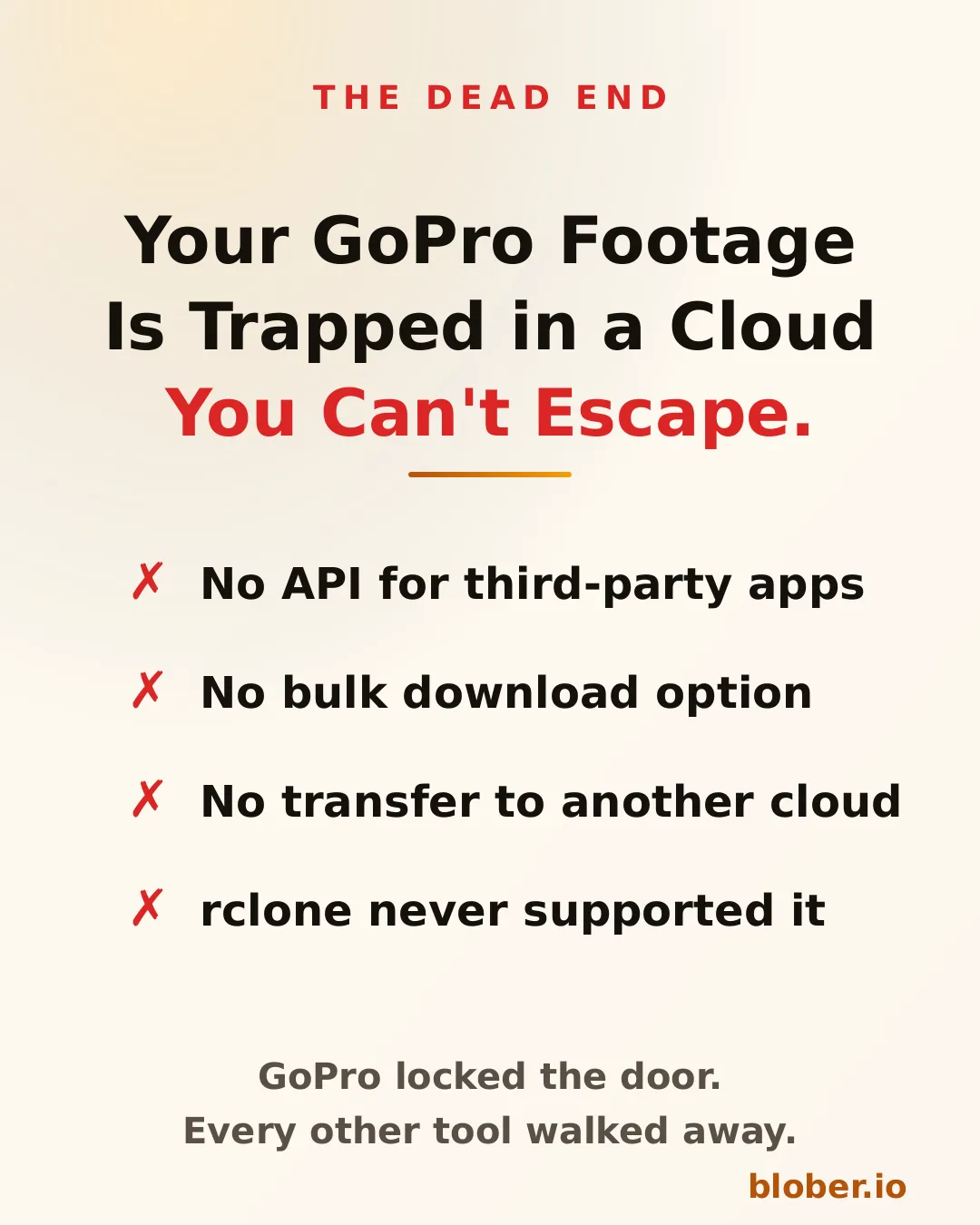
Section titled "GoPro Cloud Is a One-Way Street"GoPro Cloud stores your footage after it auto-uploads from your camera. But once your videos and photos land there, getting them out is a different story. There is no public API, no bulk download feature, and no way to transfer your media directly to another cloud provider.
If you want to move a single clip, you open the GoPro app on your phone, download it to your device, then manually upload it somewhere else. For a handful of files, that works. For hundreds of gigabytes of 5.3K footage from a year of riding, surfing, or travel, it does not.
No Other Tool Supports GoPro Cloud
Section titled "No Other Tool Supports GoPro Cloud"This is not a matter of choosing the right CLI command or configuring a remote. GoPro Cloud is a proprietary system with no documented API for third-party developers.
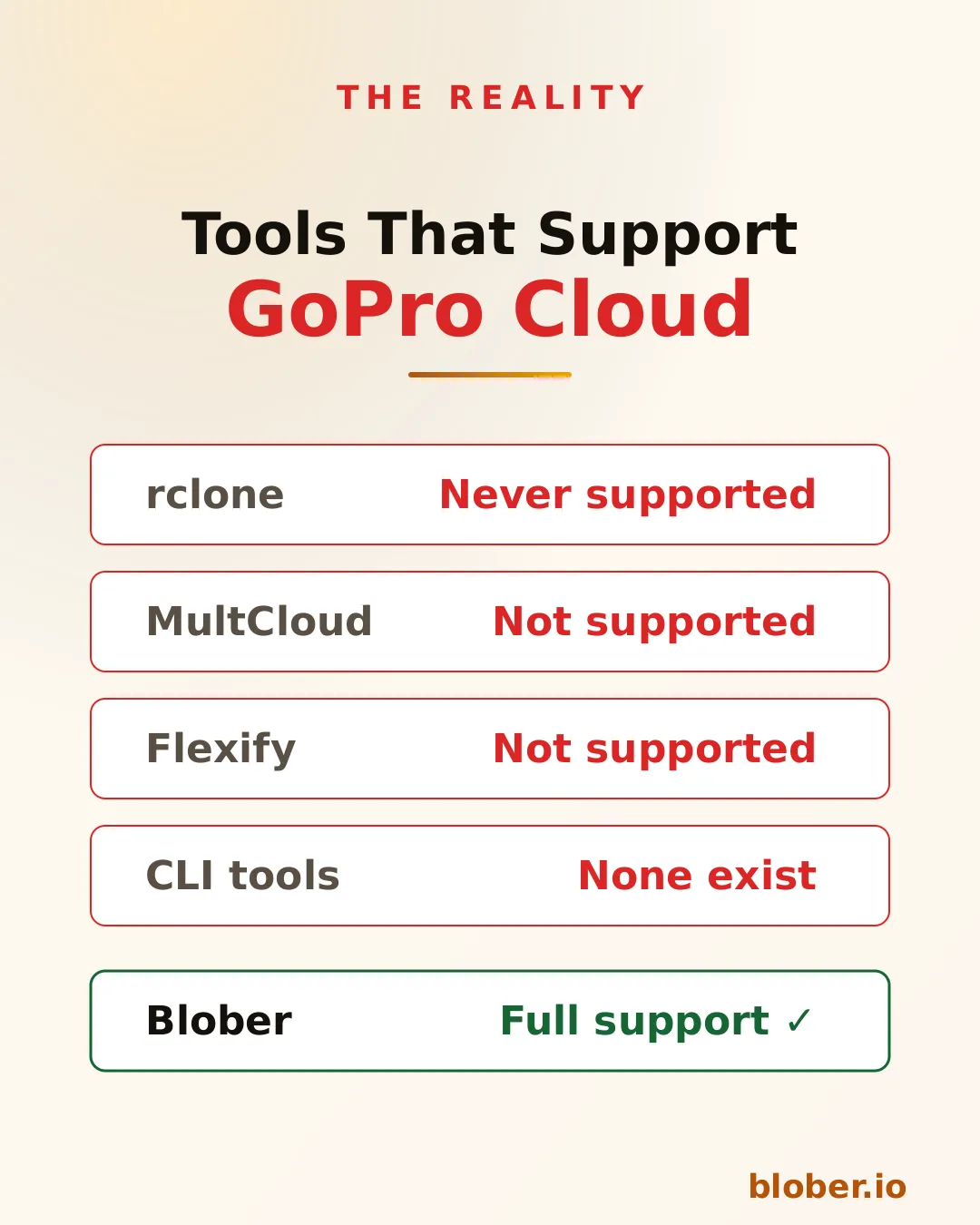
- rclone has never had a GoPro Cloud backend. It does not appear in any version of the changelog going back to 2012.
- MultCloud and Flexify list dozens of cloud providers but GoPro Cloud is not among them.
- CLI tools for GoPro focus on camera firmware and settings, not cloud storage transfers.
The result: if your footage lives in GoPro Cloud, every other transfer tool on the market leaves you stranded.
Blober Connects Directly to GoPro Cloud
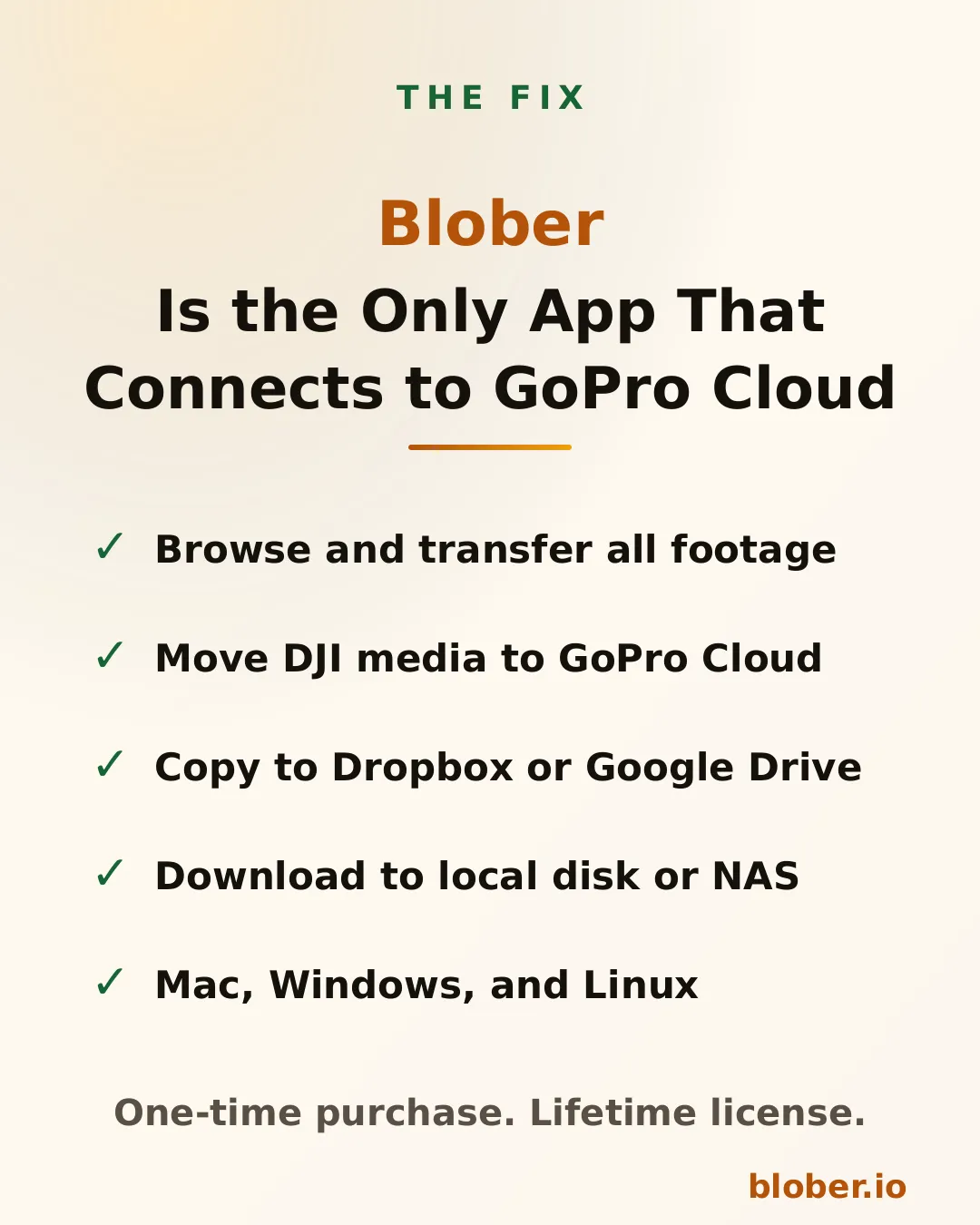
Section titled "Blober Connects Directly to GoPro Cloud"Blober is a desktop application (Mac, Windows, Linux) that connects to GoPro Cloud as a first-class provider. You sign in with your GoPro account, and Blober gives you a visual file browser showing all your uploaded media.
From there, you can:
- Download all your GoPro footage to your local disk or NAS in one transfer
- Transfer GoPro Cloud media to Dropbox, Google Drive, or any other supported provider
- Upload DJI media to GoPro Cloud, letting you consolidate action camera footage from multiple brands in one place
- Copy files between any two providers without routing data through a remote server
Blober runs entirely on your machine. Files stream directly between your computer and the provider APIs. No middleman, no SaaS relay, no monthly subscription.
How a Typical Transfer Works
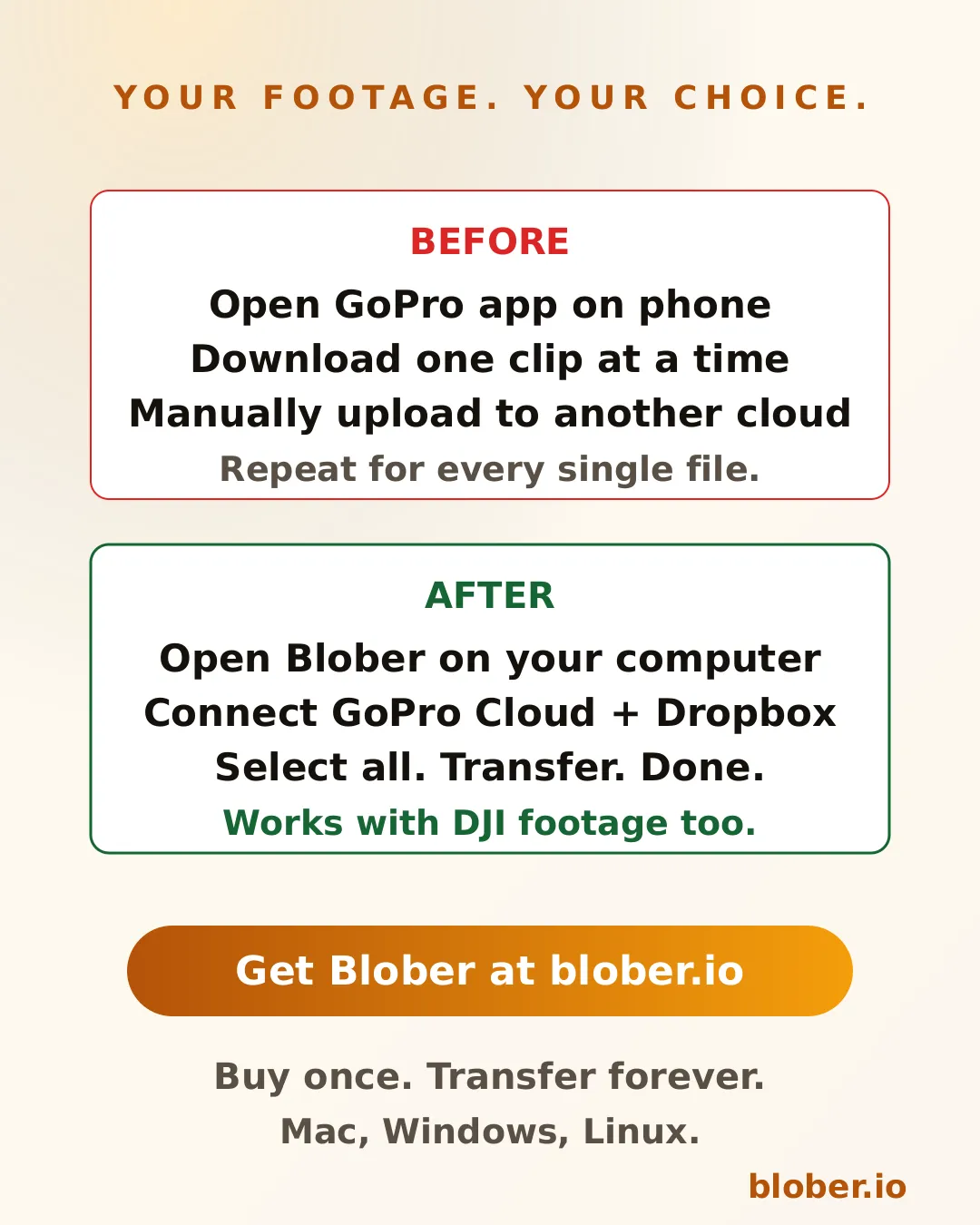
Section titled "How a Typical Transfer Works"Without Blober, backing up GoPro Cloud footage to Dropbox looks like this:
- Open the GoPro app on your phone
- Select a video
- Download it to your phone storage
- Open the Dropbox app
- Upload the video
- Repeat for every file
With Blober:
- Open Blober on your computer
- Connect your GoPro Cloud account and your Dropbox account
- Select the files (or select all)
- Click transfer
Blober handles the rest, including auto-resume if your connection drops.
DJI Users: Consolidate Your Footage
Section titled "DJI Users: Consolidate Your Footage"If you shoot with both a GoPro and a DJI drone or action camera, your footage ends up scattered across local drives, SD cards, and cloud services. Blober lets you upload DJI media directly to GoPro Cloud, Google Drive, Dropbox, or any combination of providers.
This means you can keep all your action camera footage in one place, regardless of which brand captured it.
Why This Matters for Backup
Section titled "Why This Matters for Backup"GoPro Cloud is not a backup if you cannot get your files out. A backup requires that you can retrieve your data when you need it. Without a download or transfer mechanism, GoPro Cloud is storage you cannot control.
Blober turns GoPro Cloud into a real part of your backup workflow:
- Pull footage from GoPro Cloud to a local drive as a cold backup
- Mirror GoPro Cloud to Backblaze B2 or Wasabi for cheap long-term archival
- Sync GoPro Cloud with Google Drive so your footage is accessible from any device
Who Is This For?
Section titled "Who Is This For?"- GoPro users who want to download their entire cloud library to a computer or external drive
- Content creators who shoot on GoPro and DJI and need to consolidate footage
- Travelers and adventurers who auto-upload to GoPro Cloud and want a second copy elsewhere
- Photographers switching away from GoPro Cloud who need to migrate their media
- Anyone who tried to bulk-download from GoPro Cloud and found there is no option
Get Blober
Section titled "Get Blober"Blober is a one-time purchase with a lifetime license. No subscriptions. No transfer fees. No transfer limits.