
Your Files, Your Machine, No Middleman: Why Local-First Transfers Matter
· 2 min read · Updated
A local-first transfer tool runs on your own computer and connects straight to your cloud providers, so no other company handles your files on the way. A hosted service such as MultCloud, Flexify or any browser-based tool routes every file through its own servers, where it sees your filenames, your folder structure and, in many cases, the contents.
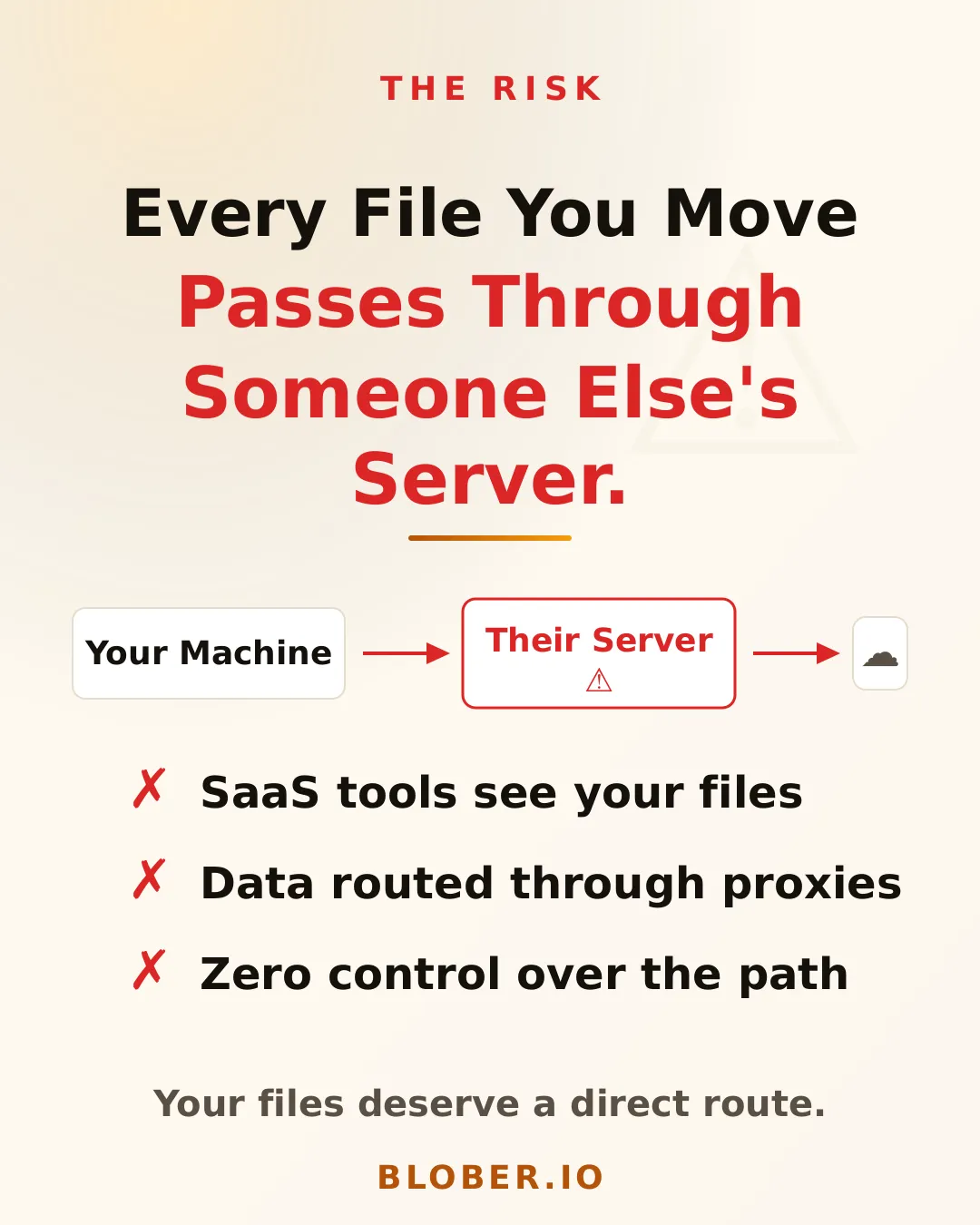
The progress bar suggests your files went from A to B. They went from A to the company's servers to B, so your vacation photos, client deliverables and financial backups crossed infrastructure you don't control, run by a company you have never audited.
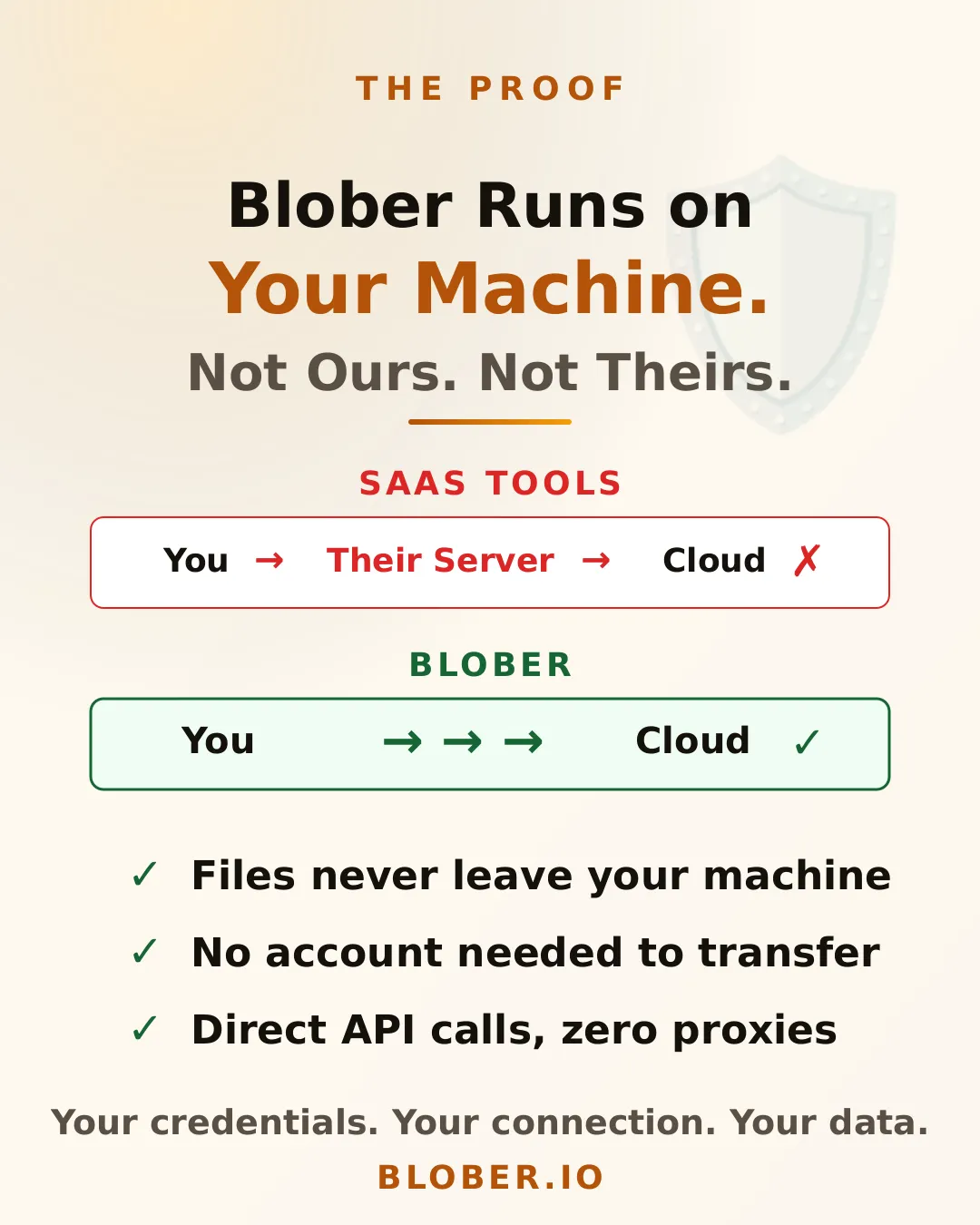
Blober is a desktop app for Mac, Windows and Linux that talks directly to each provider's API. Copy files from AWS S3 to Backblaze B2 and they come down to your computer and go straight up to B2:
- SaaS tools: your machine > their server > cloud provider
- Blober: your machine > cloud provider (direct)
Your credentials stay on your device. With no middleman bandwidth to pay for, Blober charges no per-GB fee, and you pay only what your cloud providers charge. The traffic does use your own internet connection, so it counts toward any ISP data cap.
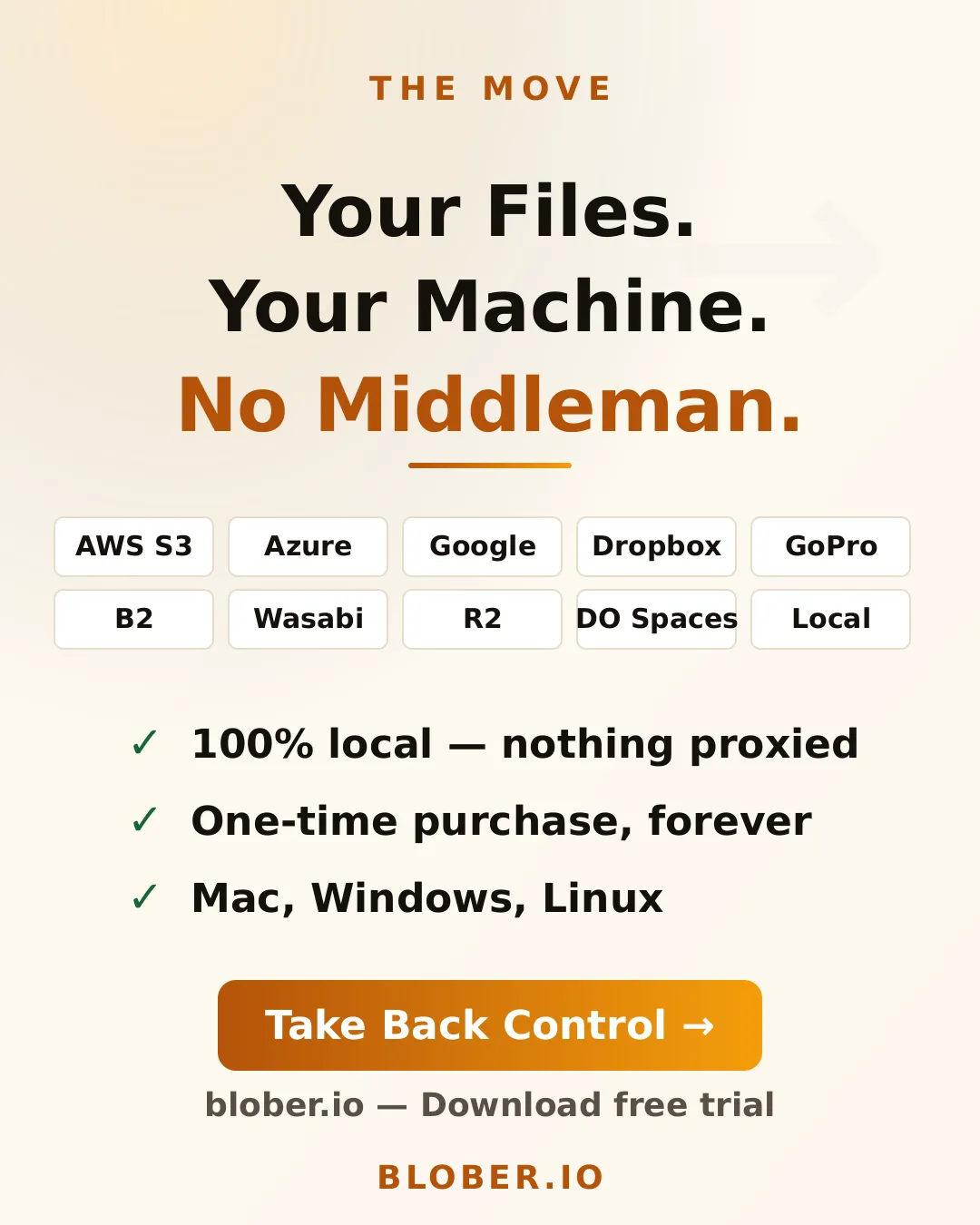
One app with a visual file browser covers AWS S3, Azure Blob Storage, Backblaze B2, Cloudflare R2, DigitalOcean Spaces, Dropbox, Google Drive, GoPro Cloud, Wasabi, local disks and more. Blober is a one-time purchase with lifetime access.
- People who don't want their files routed through third-party servers
- Photographers and videographers moving large media libraries between providers
- Small businesses that need to move data without extra compliance work
- Anyone leaving a cloud provider who wants a direct migration path
- GoPro users who want their footage somewhere they control
Can a cloud transfer service see my files? If it relays them through its own servers, yes. Your filenames and folder structure pass through the service, and often the file contents too.
Does Blober charge per gigabyte? No. Your cloud providers' own charges are the only transfer costs.
Which computers does Blober run on? Mac, Windows and Linux.