
Stop Paying Rent to Move Your Own Files
The Trap
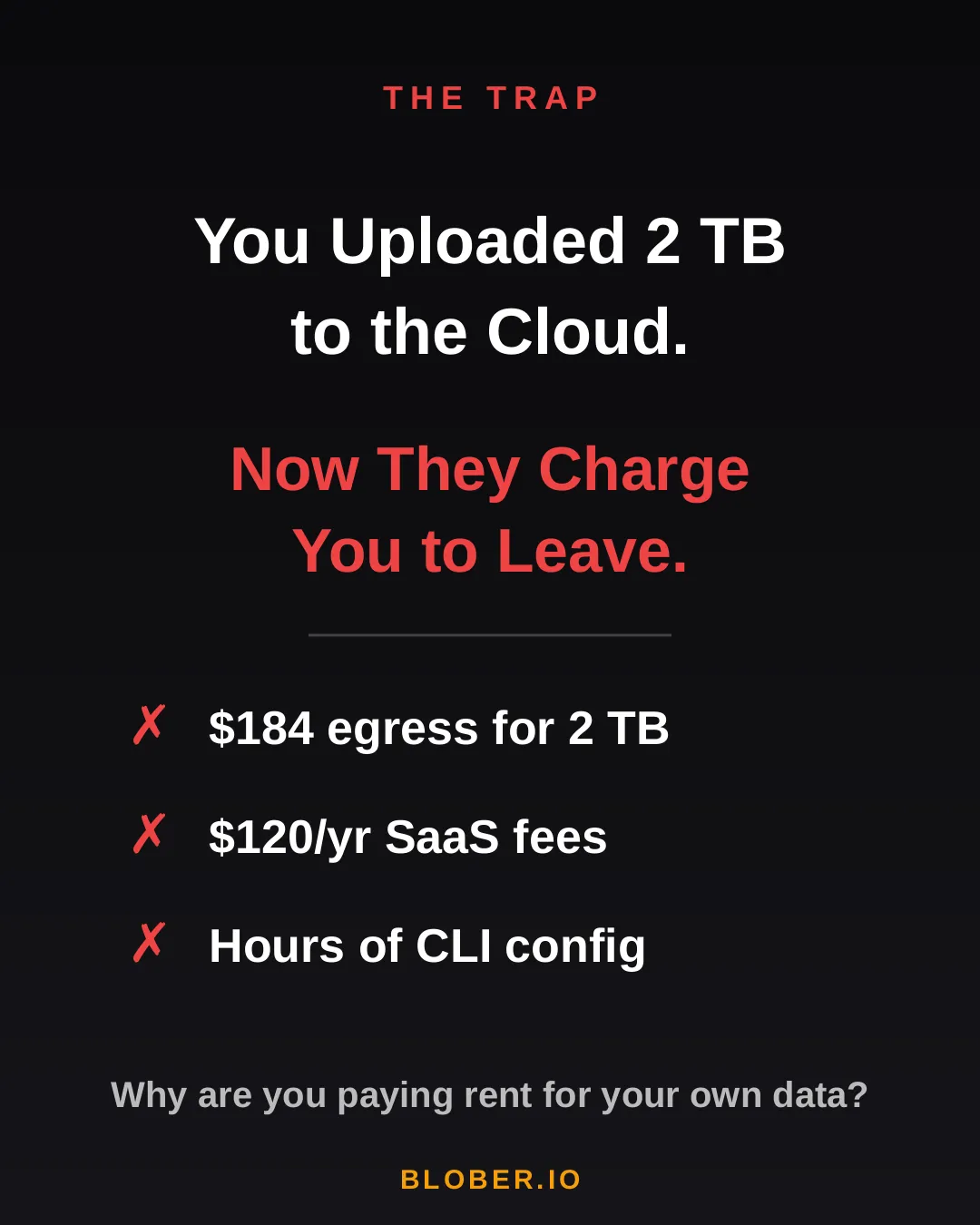
Section titled “The Trap”You uploaded 2 TB of photos, videos, and backups to the cloud. Life was good — until you wanted to move them somewhere else.
Suddenly, you’re hit with egress fees, per-GB migration charges, and the realization that your cloud provider has been counting on you never leaving. It’s your data. But moving it costs real money — every single time.
AWS charges ~$0.09/GB for egress. That’s $184 just to download 2 TB of your own files. Want to use a SaaS migration tool? That’s another $10–20/month, with transfer caps. Prefer the open-source CLI route? Clear your afternoon — you’ll need it for YAML configs, credential files, and provider-specific quirks.
The Math
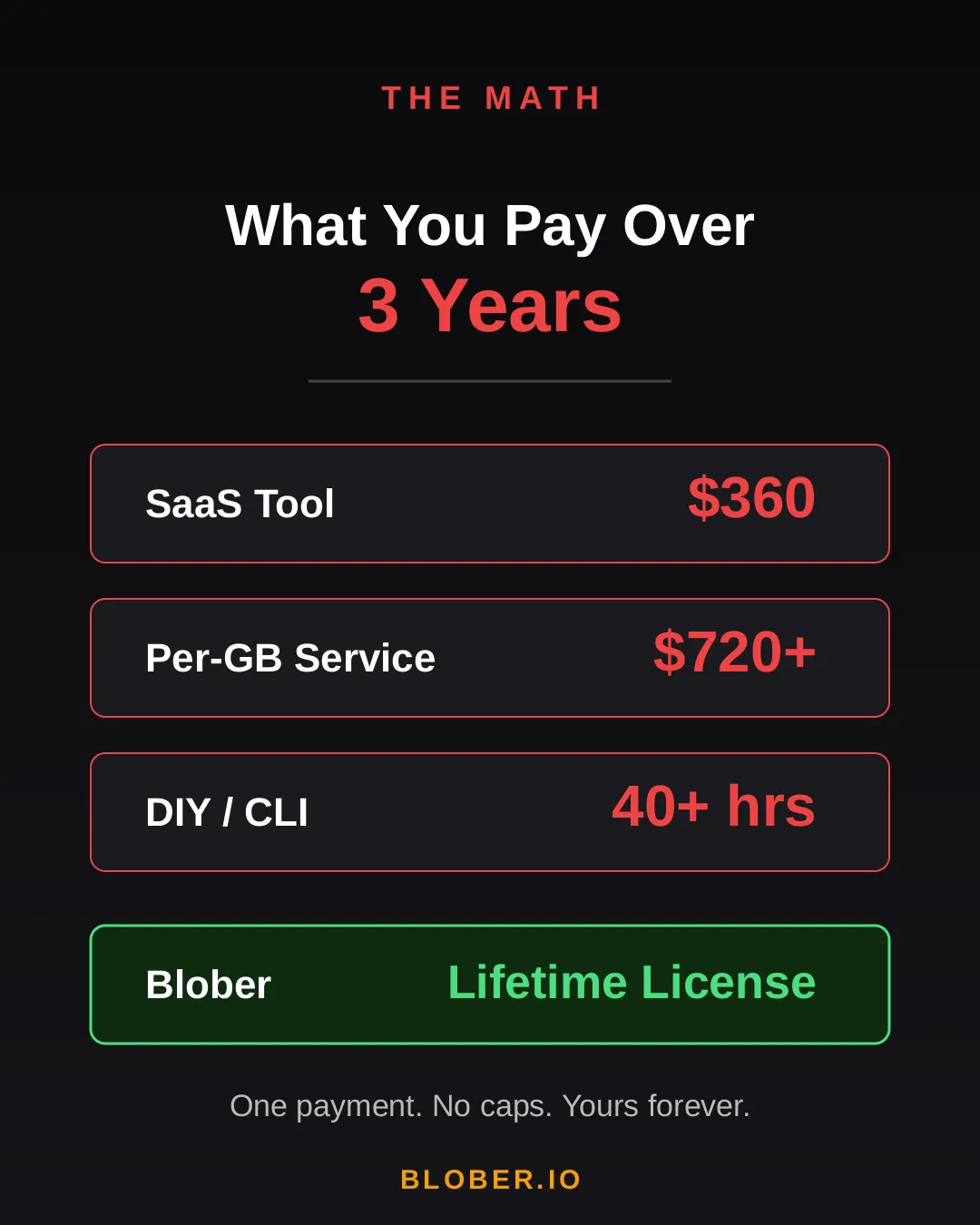
Section titled “The Math”Let’s talk real numbers. Over three years, here’s what you’ll pay using common approaches:
| Approach | 3-Year Cost | Catch |
|---|---|---|
| SaaS Migration Tool | ~$360 | Monthly sub + data caps |
| Per-GB Service | ~$720+ | $0.03/GB, billed every transfer |
| DIY with CLI | 40+ hours | Config per provider, no UI, breaks silently |
| Blober | One payment | Unlimited transfers. Forever. |
The subscription model is designed to extract value from you month after month. The per-GB model punishes you for having more data. The CLI path trades money for your time.
Blober breaks the cycle. Pay once. Transfer as much as you want, as many times as you want. No meter running. No renewal emails. No “upgrade to unlock more.”
The Escape
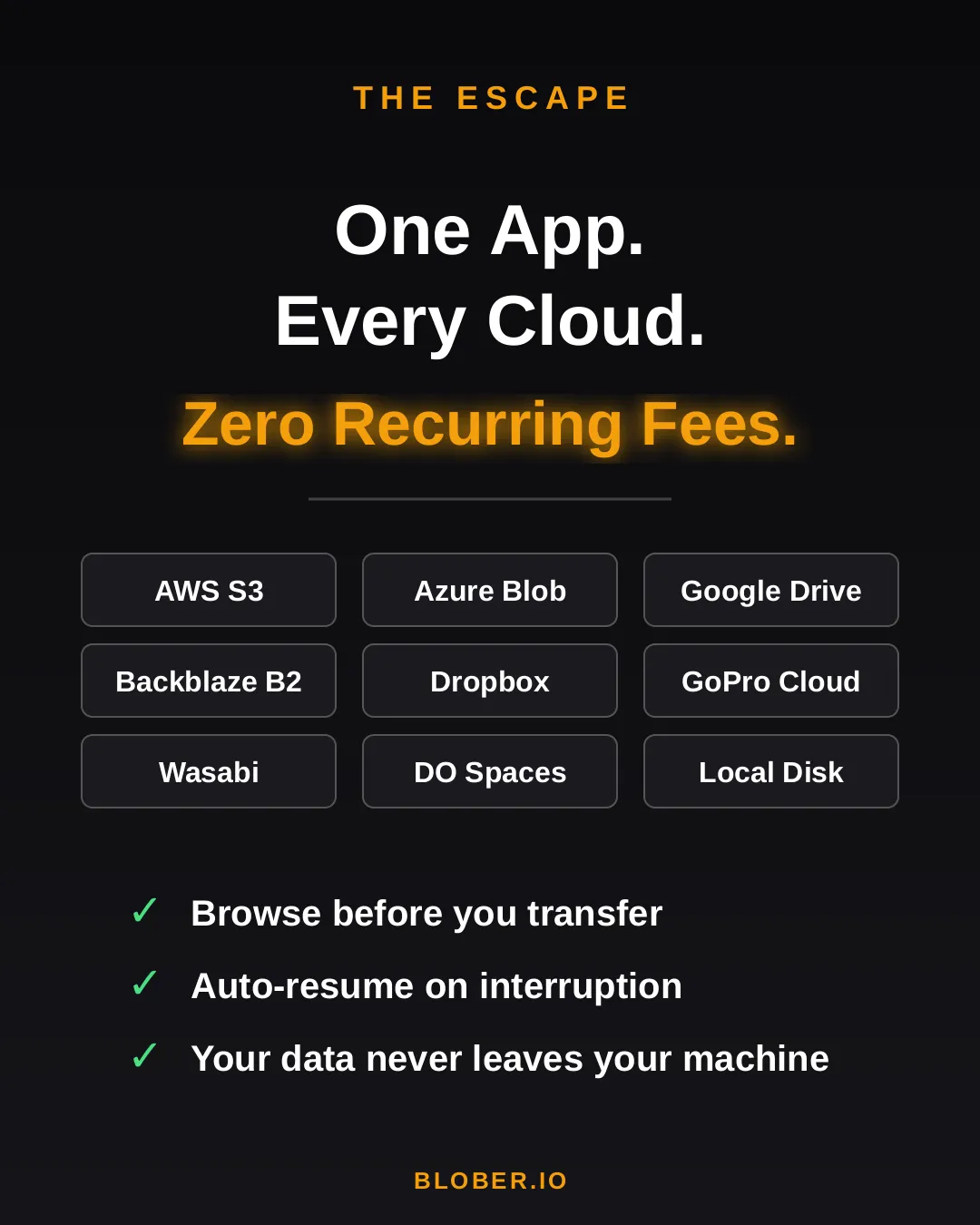
Section titled “The Escape”Blober is a desktop app — not a SaaS, not a CLI tool, not a cloud service. It runs on your Mac, Windows, or Linux machine and connects directly to your cloud providers:
- AWS S3 — buckets and objects, any region
- Azure Blob Storage — containers and blobs
- Google Drive — files and folders, including shared drives
- GoPro Cloud — back up your action footage locally or to any cloud
- Backblaze B2 — the affordable S3 alternative
- Dropbox — personal and business accounts
- Cloudflare R2 — zero-egress object storage
- Wasabi — hot storage without the cold fees
- DigitalOcean Spaces — all regions, auto-detected
- Local Disk — any folder on your machine
Your files never touch a middleman server. Blober streams directly between your machine and the provider APIs. Browse your cloud storage visually, select what you want, pick a destination — done.
If a transfer gets interrupted (bad WiFi, laptop closed, provider hiccup), Blober picks up where it left off. No re-uploading. No duplicate files.
The Move
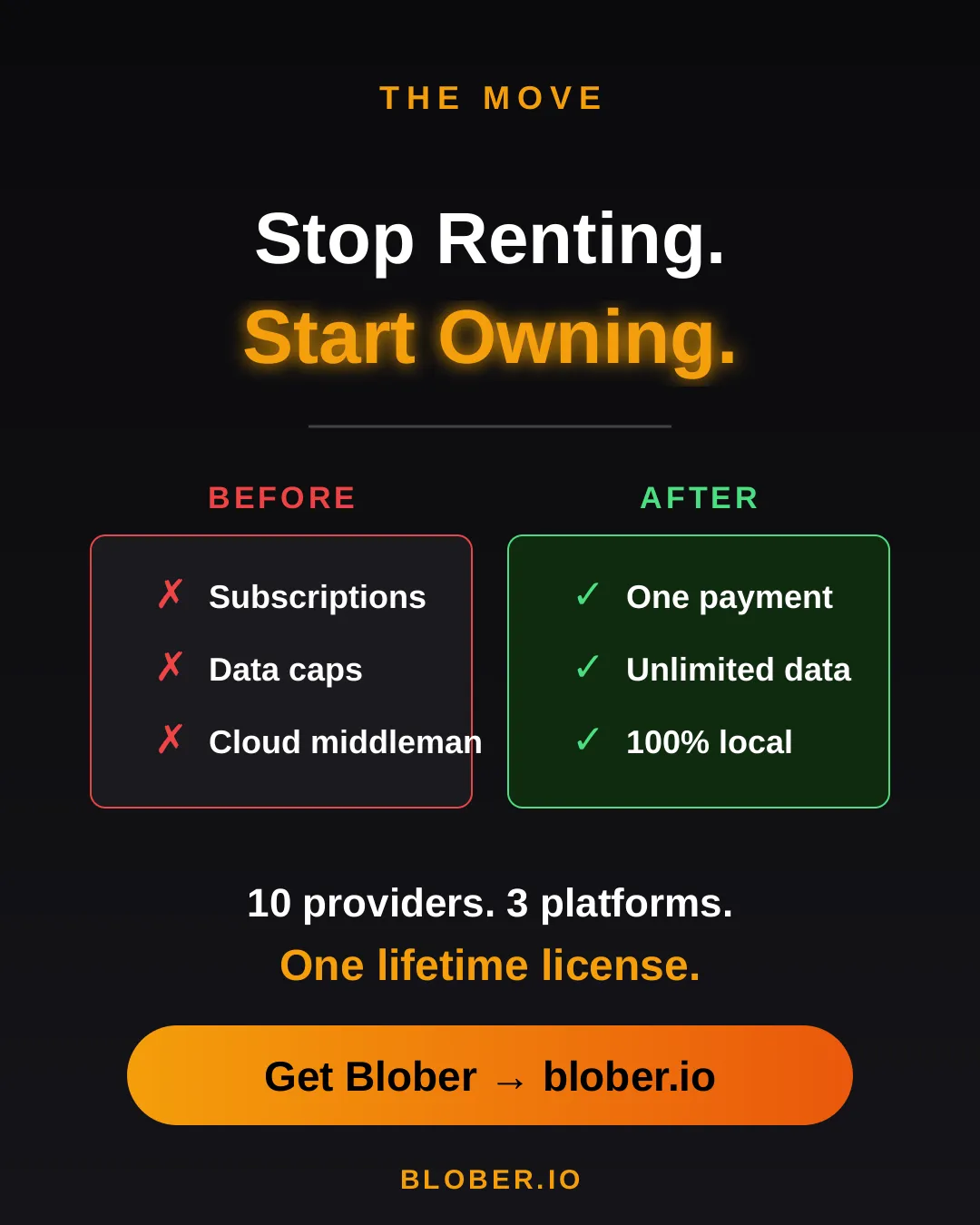
Section titled “The Move”Here’s what switching to Blober actually looks like:
Before: You’re juggling browser tabs, CLI sessions, and a spreadsheet tracking which files went where. A SaaS tool emails you that you’ve hit your 1.2 TB monthly cap. You Google “rclone config azure” for the third time.
After: You open Blober. Connect your accounts. Drag from source to destination. Walk away. It just works.
No account required to transfer. No internet needed for local-to-local moves. No data ever leaves your machine unless you’re sending it to a cloud provider you chose.
Who Is This For?
Section titled “Who Is This For?”- Photographers & videographers moving terabytes of footage from GoPro Cloud or Google Drive to cheaper archival storage
- Developers & DevOps engineers migrating between S3-compatible providers without writing scripts
- Small businesses consolidating cloud storage without paying an enterprise migration service
- Privacy-conscious users who want their files transferred directly, not through a third-party cloud
- Anyone tired of paying monthly fees to tools that move files you already own
Get Blober
Section titled “Get Blober”Your data. Your machine. Your rules.
One payment. Unlimited transfers. No expiration.