
Your GoPro subscription is not a backup
Everything you shoot ends up in GoPro Cloud, and for most people that is the only copy.
Getting it back out means a few dozen files at a time. Blober copies the whole library, in one run, to a drive, a NAS, or another cloud you own.
Blober talks to GoPro from your own computer: your footage never passes through us.
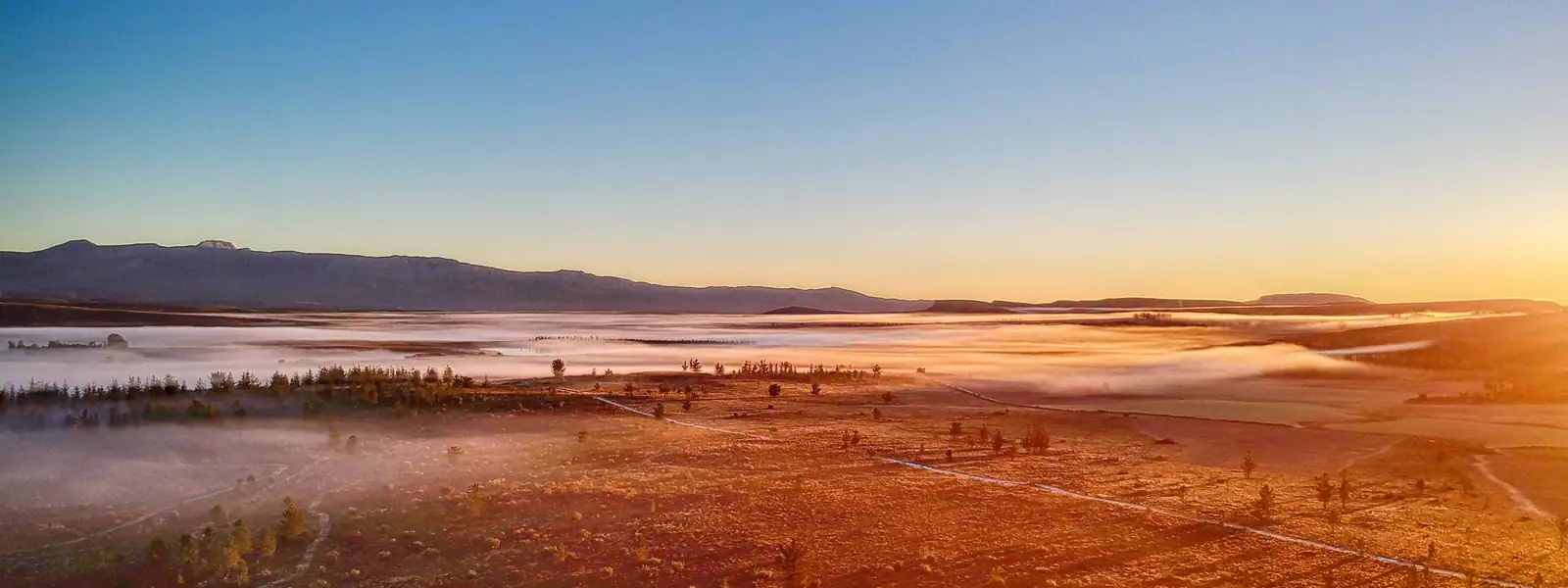






All of this ends up in GoPro Cloud
Uploaded straight from the camera. Getting years of it back out is the part GoPro never built.
What GoPro Cloud makes hard
The first time you try to move a real library, you meet all three.
~25 files
per download
The web portal hands your picks to the browser a couple of dozen files at a time. Big selections fail, and there is no download-everything button.
1 at a time
uploads from the Quik app
The phone app sends one file at a time. Blober uploads in parallel, roughly four times faster on the same connection.
0 apps
can reach into GoPro Cloud
Your NAS, your backup drive and every sync tool have no way in: GoPro never published one. Blober is the only desktop app that can.
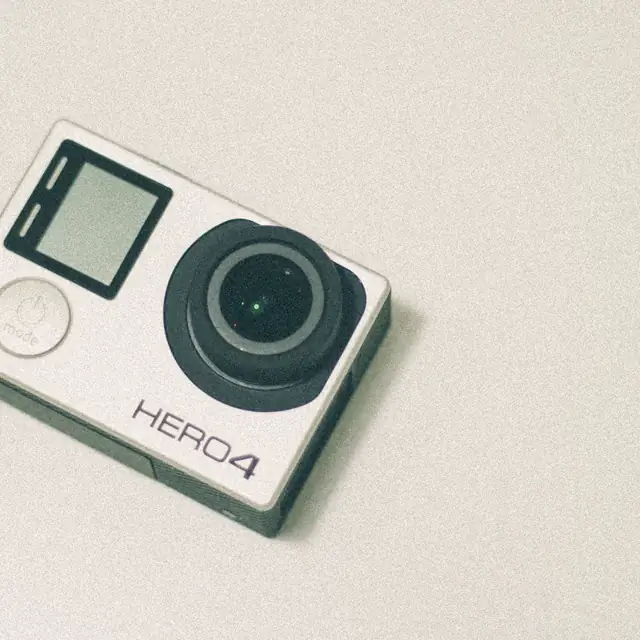
Your camera can wipe the card the moment it uploads
GoPro's Auto Clear deletes everything on the SD card as soon as the upload to GoPro Cloud finishes, and the camera offers it after your first upload. Auto Upload, which it depends on, needs a GoPro subscription.
Say yes once and from then on the cloud holds the only copy of that shoot. Clearing a card whose footage is already somewhere else is fine. Clearing one you have never pulled down is how people lose a shoot.
Auto Clear runs on MISSION 1, MAX2, Lit HERO, HERO (2024) and HERO13 down to HERO11 and HERO11 Black Mini.
The reviews of GoPro's own app
GoPro Quik is the app the whole system is built around. These are reviews of its US App Store listing, verbatim, each with the reviewer and the date so you can find it.
“Uploading videos to a computer is genuinely the biggest headache ever if you try to do it through a computer. Unless you do all your editing on your phone, if you plan on editing on a computer, get a different camera because this is such a headache.”
“Well there goes today’s shoot. The app just decided to delete my footage before it could sync to the cloud. Good thing it also cleared the storage on the GoPros sim automatically as well. No undo or recovery options either.”
“I bought a subscription for the sake of using their storage for my videos… I went back a few months later and all of my hard word was deleted. I was relying on this so I didn’t save to anything else. What a let down.”
“Cannot bulk download my media to my phone. No way to view cloud media on website. Forced to go one by one to get content off of the app and into my own possession to stop paying $60 a year.”
“All I want is a simple application to export photos and videos to my device. This is not that application and it’s full of ads for their premium cloud subscription.”
“Technically the fastest way to get video/photos off your GoPro, edited, and shared without having to open your computer. However, this app is slow… I’ve had GoPros since 2021 and I’ve used this app since 2021 because I have to.”
What Blober does with your GoPro library
- Every clip, full quality
- Blober downloads the highest-resolution version of every file. It never swaps in a proxy or re-encodes the video.
- Straight to another cloud
- GoPro Cloud to Drive, Dropbox, S3, Backblaze B2, Azure Blob, R2 or Wasabi, all in one run.
- Picks up where it stopped
- If the connection drops, the transfer resumes instead of starting the batch again. That matters most on the hundred-gigabyte libraries.
- Files named the way you want
- A path template can put the day you shot a clip into its folder or file name, so GX015742.MP4 can land as 2026-01-23_GX015742.MP4.
Copy the whole library in one run
- 1
Connect GoPro Cloud
Sign in to your GoPro account in the window Blober opens. Your password goes to GoPro, not to us.
- 2
Pick everything
Choose / (Entire Storage) as the source to take the whole library, or browse by date, camera and type and take only what you need.
- 3
Send it anywhere
Local disk, NAS, or Google Drive, Dropbox, S3, Backblaze B2, Azure Blob, R2 and Wasabi. Transfers resume if the connection drops, and nothing is staged as a full copy on your disk.
What Blober can't change about GoPro Cloud
- You still need a GoPro subscription
- Blober connects to GoPro Cloud through your own GoPro login. Reading your footage out of the cloud requires the plan you already pay for.
- A big library is a long job
- A multi-terabyte library takes hours, and GoPro rate-limits heavy use. Blober transfers in parallel and resumes where it stopped, so you can leave one running.
One payment to get your footage out
You keep paying GoPro for the camera features. Blober is a one-time licence, and once your archive is somewhere you own you can cancel the subscription.

- Your footage goes straight into the destination you pick, with no ZIP to download and unpack first.
- Blober doesn't charge per file or per gigabyte, and doesn't limit how much you move.
- Mac, Windows and Linux. Team and Enterprise licences cover more seats.
GoPro Cloud guides
- GoPro provider referenceEvery capability, prerequisite, setting and limitation of the GoPro Cloud connection: setup, multiple accounts, browse modes, file types, metadata, uploads and troubleshooting.Read the reference
- How to Download All Your GoPro Cloud Videos to Your ComputerThe full walkthrough: connect, select the entire storage, pick a destination, transfer.
- GoPro Cloud Storage: The Complete GuidePremium and Premium+ plans and pricing, file types, sharing, limits, and cancelling.
- How to Cancel GoPro Plus Without Losing Your FootageGet everything out before the subscription stops covering your library.
- Leaving GoPro Cloud: A Complete Exit ChecklistExport the full library, verify it, then cancel without losing a single clip.
- GoPro Cloud Backup: 6 Methods ComparedWebsite ZIP, Quik, StoryCube, JDownloader, CLI scripts, and the method that goes straight to another cloud.
- Transfer GoPro Cloud Files in 45 SecondsA short, video-backed walkthrough of the whole workflow setup.
- How to Move GoPro Cloud Media to DropboxGoPro to Dropbox in minutes, without manual downloads or ZIP files.
- How to Transfer GoPro Cloud to Google DriveA direct GoPro-to-Drive backup guide for long-running libraries.
- Back Up GoPro Cloud to Backblaze B2, S3, or Local StorageCopy your footage to low-cost long-term storage.
- GoPro Cloud, in Plain English: How It Actually WorksAuto-upload on Wi-Fi, what the Quik app does, what it stores, and how to keep a copy you own.
- GoPro Cloud Auto Upload Not WorkingThe power, Wi-Fi, subscription and upload conditions that stop a camera syncing.
- Upload to GoPro Cloud 4x FasterThe app uploads one file at a time. Blober uses parallel streams.
- GoPro Cloud vs Dropbox vs Google DriveCost per TB, upload friction, sharing, and what happens to your video long-term.
- GoPro Cloud vs iCloud, OneDrive, and an External DriveCamera upload, editing, sharing and long-term archiving, compared.
- The Best Storage for GoPro Footage in 2026Backblaze B2, Wasabi, Cloudflare R2 and local NAS compared on price, egress and durability.
- Transferring GoPro Footage to iCloud Drive on a MacWhat to expect, where the files land, and the caveats worth knowing.
Frequently asked questions
How do I download all my GoPro Cloud videos?
Install Blober, sign in to your GoPro account in the window it opens, then browse your cloud library and tick the / (Entire Storage) checkbox. Pick a destination, run the transfer, and every video and photo comes down at full resolution. There is no file limit: transfer 10 files or 10,000 in one run.
Does rclone or any other tool support GoPro Cloud?
No. rclone, MultCloud and Flexify do not support GoPro Cloud as a source, and GoPro does not offer a public API. Blober is the only desktop app that connects to it.
What happens to my footage if I cancel my GoPro subscription?
You lose access to the cloud library when the subscription ends, and GoPro does not publish how long it keeps the data afterwards. Treat it as gone once your access does. Move everything somewhere you control before you cancel.
Is GoPro Cloud storage really unlimited?
Only for media captured on a GoPro camera (Fusion excluded). Footage from other cameras counts against a separate allowance: 100 GB on GoPro Premium and 500 GB on Premium+.
Can I back up GoPro Cloud to my NAS or an external drive?
Yes. Pick a local folder, a mapped drive or a network share as the destination and Blober writes straight to it. Downloads run in parallel and resume automatically if your connection drops.
Can I move GoPro Cloud media to Google Drive, Dropbox or S3?
Yes. Add another provider as the destination and run it as one job: Blober pulls each file at the highest resolution and writes it straight to the destination, so there is no ZIP to download and unpack first.
Do I still need my GoPro subscription to use Blober?
Only while you are reading from or writing to GoPro Cloud. Everything else in Blober works with any other provider, and once your footage is out you can cancel GoPro and keep the archive.
How much does Blober cost?
A lifetime licence costs $49 for one user, paid once. Transfers use your own internet connection and your own cloud accounts, and Blober never charges per file or per gigabyte.
Can Blober upload to GoPro Cloud as well?
Yes. Files up to 5 TB are supported, and Blober uploads several files at once, which is roughly four times faster than the one-file-at-a-time mobile app. If an upload is interrupted, retry it: no partial files are left behind.
What is GoPro Auto Clear, and should I turn it on?
Auto Clear clears your SD card once an upload to GoPro Cloud finishes. The camera offers it after your first upload, and you can turn it off in the camera menu or in Quik. It needs Auto Upload, which needs a GoPro subscription. Clearing a card that has already uploaded is fine when you have the footage somewhere else; on a subscription you are about to cancel, or a library you have never pulled down, it puts the only copy in GoPro's hands. Get the library out first, then let the camera clear the card.
Get your footage out before you cancel
A subscription that lapses takes the library with it. Move everything to a drive or a cloud you control, then decide about GoPro.
Download Blober