Skip to content

proton photos

3 posts with the tag "proton photos"

Alternatives to Google Photos: The Full De-Googling Round-Up

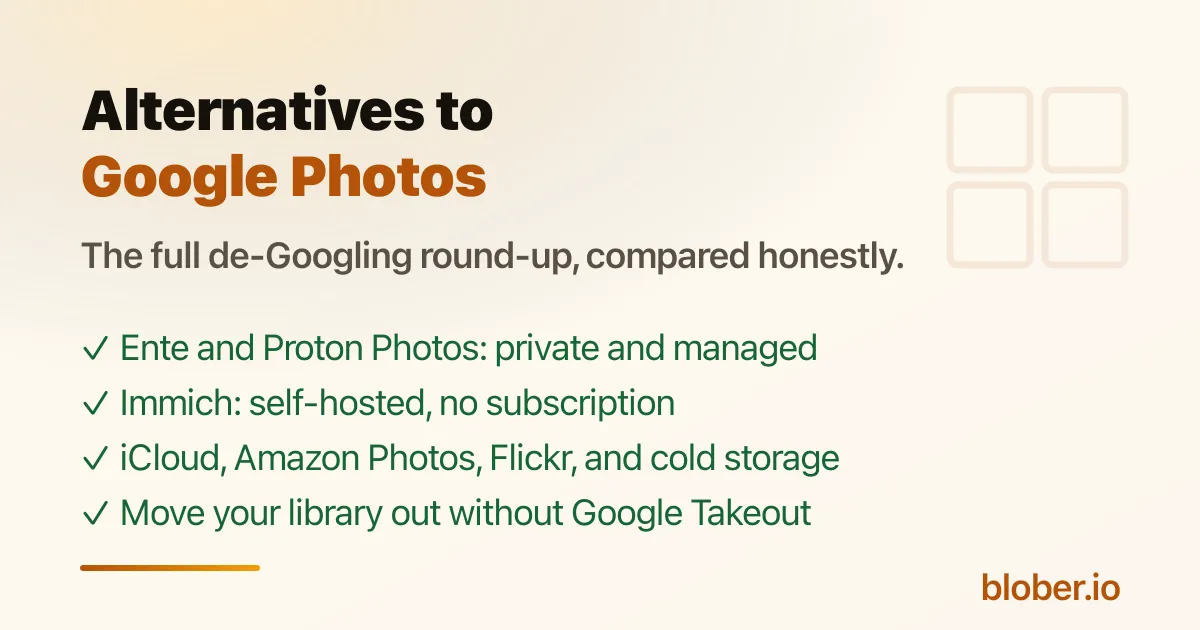
Alternatives to Google Photos - Ente, Proton Photos, Immich, iCloud, Amazon Photos, Flickr compared by privacy, storage, and price

Google Photos Is Not the Only Option, and Not the Private One

Section titled "Google Photos Is Not the Only Option, and Not the Private One"

Google Photos is convenient, but it has costs people increasingly want to avoid: 15 GB of free storage shared with Gmail and Drive, a default compression mode that downsizes originals, an inactivity policy that can delete your content, and a company that analyzes your photos and has folded Gemini AI into the product[1]. The r/degoogle community is full of people asking for a way out, like the post "Alternatives to Google Photos?"[2].

There are five realistic categories of alternatives, and the right one depends on how much you value privacy, whether you are willing to self-host, and whether you want a photo-specific app or just encrypted storage. The thread's consensus: for a managed privacy-first service, Ente Photos; for self-hosting, Immich; for a photo surface tied to a broader encrypted cloud, Proton Photos.

This round-up compares them all with current, sourced numbers, and links to the migration guides at the end.

AlternativeTypePrivacy modelFree tierPrice (paid)Best for
Ente PhotosManaged, E2E encryptedEnd-to-end encryption, open source, self-hostable10 GB free foreverFrom $2.49/mo[3]Privacy-first with a Google-Photos-like app
Proton PhotosInside Proton DriveEnd-to-end, zero-access, Swiss5 GB freeFrom $4.99/mo (200 GB)[4]Privacy plus a broader encrypted cloud
ImmichSelf-hosted, open sourceYour server, your keysFree software; you pay for hardwareNo subscriptionFull control, face recognition, no monthly fee
iCloud PhotosApple ecosystemEncrypted in transit/at rest; Apple holds keys5 GB shared iCloudPaid iCloud tiers[5]People already in the Apple ecosystem
Amazon PhotosManagedEncrypted; Amazon holds keys5 GB, or unlimited photos with PrimePlans from $1.99/mo[6]Prime members with big photo libraries
FlickrPhotography communityPhotos are public/private by setting; no E2EFree tier with upload limitsPro subscription[7]Photographers who want a community and portfolio
Backblaze B2 / S3Object storageStandard cloud encryptionNoneAbout $6/TB/mo[8]Cold archival, not daily photo browsing

Ente Photos: the closest Google Photos drop-in that is actually private

Section titled "Ente Photos: the closest Google Photos drop-in that is actually private"

Ente is the most common recommendation in the de-Googling community, and the top comment on that thread recommends it for anyone who does not want to self-host[9]. It offers end-to-end encrypted backups, on-device face recognition, a zero-knowledge AI search, shared albums, memories, and a family plan, all open source with apps for Android, iOS, web, macOS, Linux, and Windows[10]. The free tier is 10 GB forever, and paid plans start at a few dollars a month[11].

Proton Photos: private photos inside a private cloud

Section titled "Proton Photos: private photos inside a private cloud"

Proton Photos is the photo surface of Proton Drive: the same end-to-end encryption, automatic mobile backup, albums, favorites, and filters, with a free 5 GB plan and paid Drive Plus tiers[12]. It is the strongest choice if you also want an encrypted cloud for files, Docs, and Sheets, not just photos. It is younger than Google Photos: no face recognition and no AI search yet, which the community has loudly requested[13]. See the full comparison in Proton Photos vs Google Photos.

Immich: run your own Google Photos

Section titled "Immich: run your own Google Photos"

If you do not want to rent storage from anyone, Immich is the leading open-source, self-hosted photo manager. It offers automatic mobile backup, facial recognition, shared albums, and search, running on your own server[14]. The trade-off is exactly what self-hosting always costs: you provide the hardware, keep it updated, and own the failure domain. For a few gigabytes of phone photos it may be overkill; for a large family archive it gives you total control.

The Big-Tech Alternatives (De-Googling by Switching Silos)

Section titled "The Big-Tech Alternatives (De-Googling by Switching Silos)"

These replace Google Photos without really solving the privacy problem; they just move your photos into a different company's cloud:

  • iCloud Photos: the natural choice inside the Apple ecosystem, with 5 GB of shared free iCloud storage and paid tiers[15].
  • Amazon Photos: "Prime members get unlimited full-resolution photo storage and 5 GB for video," with 5 GB for everyone else and paid storage from $1.99/mo[16].
  • OneDrive: Microsoft's storage, with photo backup built into the mobile app; storage is shared with the free OneDrive tier and Microsoft 365 plans[17].

These are fine if your goal is simply to leave Google, but they do not change the underlying deal: your photos live with a company that holds the keys.

  • Flickr: the photography community and portfolio option, with a free tier and a Pro subscription for unlimited uploads[18]. Great for photographers who want visibility, not a private family archive.
  • Backblaze B2 and S3-compatible storage: for the 3-2-1 backup mindset, object storage at around $6/TB/mo is the cheap way to keep an independent, cold copy of your library[19]. It is storage, not a photo app: you pair it with a tool to browse or transfer. Blober supports B2 and the whole S3 family, so this is a natural pairing if you want a private archive you fully control. See How to Backup Google Photos Without Google Takeout for the workflow.

The Hard Part: Getting Your Photos Out of Google

Section titled "The Hard Part: Getting Your Photos Out of Google"

None of this matters until your library is out of Google Photos, and that is the step every alternative expects you to handle yourself:

  • Google Takeout is the official export, but it is slow, splits into 2 GB zips, and flattens albums (Proton's own import guide even warns about scattered folders)[20].
  • Blober connects to Google Photos directly and transfers the library to any supported destination, including Proton Drive, pCloud, Backblaze B2, or a local drive, without Takeout. See How to Move Google Photos to Proton Drive and How to Backup Google Photos to pCloud.
  • Whichever destination you pick, keep the originals until the transfer finishes and verify a sample before deleting anything from Google.
  • Privacy + a managed app, no self-hosting: Ente Photos or Proton Photos.
  • Total control, no subscription: self-host Immich (or a NAS).
  • Already on Apple or Prime: iCloud Photos or Amazon Photos are the least-effort swaps.
  • Photography portfolio: Flickr.
  • Cheap independent archive: Backblaze B2 / S3 storage.
  • Also want an encrypted file cloud, Docs, and Sheets: Proton Photos via Proton Drive.

What is the best private alternative to Google Photos? For a managed service, Ente Photos is the community favorite: end-to-end encrypted, open source, 10 GB free, with face recognition and shared albums[21][22]. For a photo surface inside a broader encrypted cloud, Proton Photos.

Is there a free self-hosted Google Photos alternative? Yes. Immich is open source and free; you only pay for the hardware it runs on[23]. It includes facial recognition and automatic mobile backup.

Does Amazon Photos give you unlimited storage? For Prime members, unlimited full-resolution photo storage plus 5 GB for video. Non-Prime customers get 5 GB total, with paid plans from $1.99/mo[24].

How do I move my Google Photos library to another service? You can use Google Takeout (slow, zip-based) or a direct transfer tool. Blober connects to Google Photos and transfers to Proton Drive, pCloud, B2, or a local drive without Takeout. See How to Backup Google Photos Without Google Takeout and How to Move Google Photos to Proton Drive.

Will Google delete my photos if I stop using Google Photos? Google's policy states that if you are inactive in Google Photos for 2 years or more, your content may be deleted[25]. This is one of the strongest reasons to hold an independent copy.

What about Proton Photos specifically? It is the photo surface inside Proton Drive: end-to-end encrypted, 5 GB free, paid tiers start with 200 GB on Drive Plus, with albums and automatic backup but no face recognition yet. See Proton Photos vs Google Photos.

Proton Drive vs Proton Photos: What's the Difference?

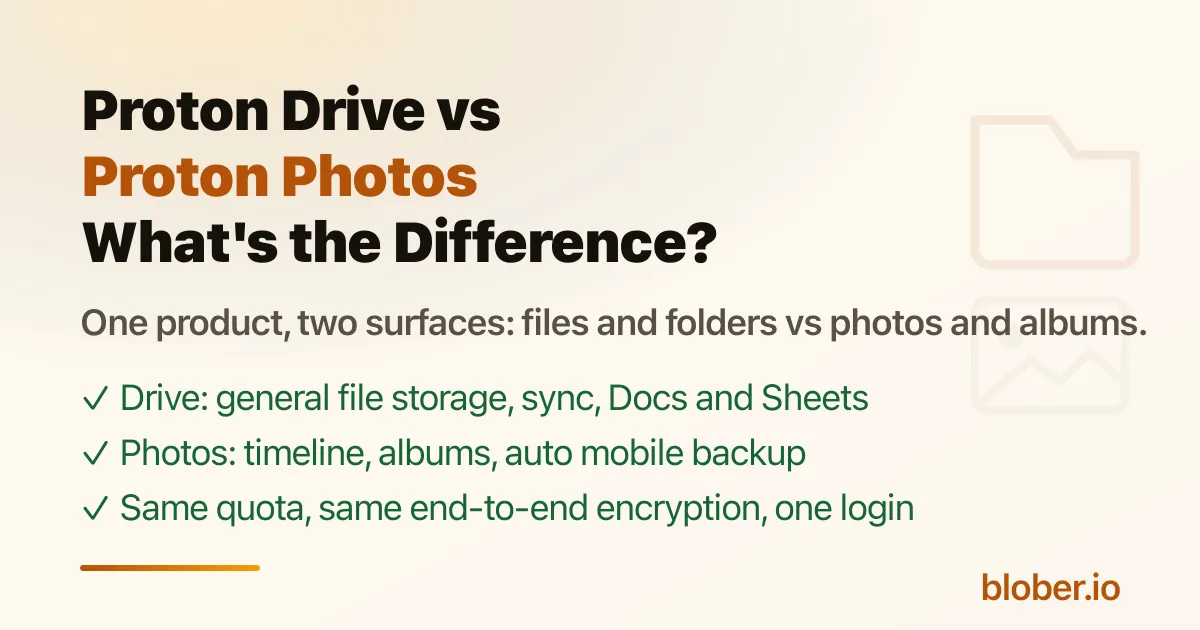
Proton Drive vs Proton Photos - general file storage with folders and Docs versus the photo surface with timeline, albums, and automatic mobile backup

Proton Drive and Proton Photos Are the Same Product, Two Surfaces

Section titled "Proton Drive and Proton Photos Are the Same Product, Two Surfaces"

Proton markets both "Proton Drive" and "Proton Photos," and the two names trip people up when they are deciding where their photos should go, or where their photos end up after a migration.

Proton Photos is not a separate product. It is the photo-and-album surface inside Proton Drive. Proton Drive is the general-purpose file storage product: folders, sync, sharing, Docs, Sheets. Proton Photos is the media surface built on top of it: timeline, albums, favorites, filters, EXIF-based organization, automatic mobile backup. Both share the same end-to-end encryption, the same storage quota, and one login.

If you upload a JPEG through the Photos tab, it appears in your photo timeline. If you drop the same file into a folder in My Files, it lives in the file tree. Knowing which surface holds your photos matters more than it sounds, because it decides how they are organized after a Google Photos migration.

Proton's web app has two main views:

Proton DriveProton Photos
URLdrive.proton.medrive.proton.me/u/0/photos
What it isGeneral file storagePhoto and video surface
Organized byFolders, subfolders, file namesTimeline (date), albums, favorites, filters
Typical contentDocuments, downloads, work files, archivesCamera roll, photos, videos, albums
Key featuresFolder sync (Windows/macOS), sharing, Proton Docs and SheetsAutomatic mobile backup, albums, favorites, filters[1]
SharingFiles and folders with password and expiry[2]Albums shared by email invite, with view or contribute roles[3]
EncryptionEnd-to-end, zero-accessSame end-to-end encryption, including album names and photo locations[4]
Storage quotaYour Proton Drive quotaSame quota, shared with Proton Drive

The rule of thumb: Photos surface is for things you want in a timeline and albums; Drive surface is for everything else.

  • Camera-roll backups from the iOS and Android apps land in Proton Photos, because automatic photo backup uploads to the Photos surface[5].
  • When you use the Windows app's "Photos import" feature, imported pictures are sorted into albums automatically[6].
  • Files you drag into My Files in the web app go to the Drive surface as ordinary files, even if they are images.

The practical difference is organization: Photos gives you a date timeline, albums, favorites, and filters. Drive gives you a folder tree. A photo sitting in a Drive folder is still encrypted and safe, but it will not show up in your Photos timeline unless it is in the Photos surface.

Why the Distinction Matters for a Migration

Section titled "Why the Distinction Matters for a Migration"

When you move a library out of Google Photos, the destination determines the result:

  • Into Proton Photos: your photos are organized into a timeline and albums, which is the closest to how Google Photos worked. Proton's official Google Photos import does exactly this: it takes your Takeout folder and "automatically upload your photos and then sort them into albums"[7].
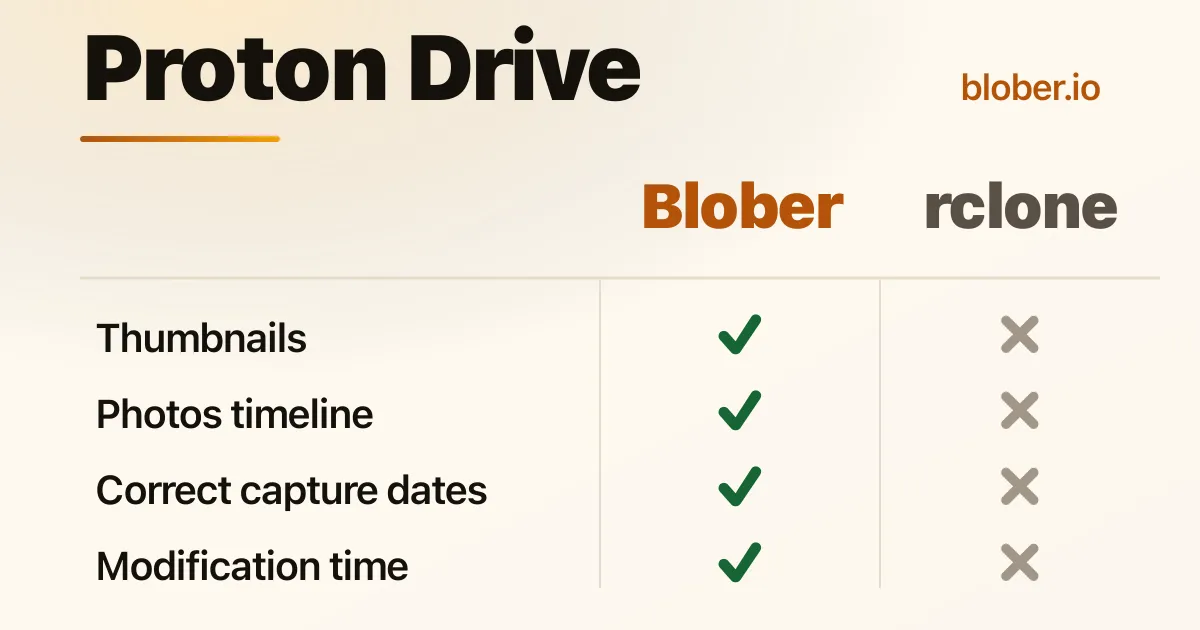
  • Into Proton Drive folders: your photos are files in a folder tree. This is fine for archiving, but you lose the timeline and album view unless you then move them into Photos.

There is a catch with the official Google Photos import that also matters here: it builds albums from folder structure, and Google Takeout can scatter photos from the same year across different parts, so Proton's own guide recommends manually reorganizing by year first[8]. For a cleaner path, see How to Move Google Photos to Proton Drive, which compares the Takeout route with a direct transfer.

Choose Proton Drive if you want a general encrypted file store: documents, downloads, work files, synced folders, shared files with password protection, and Docs/Sheets.

Use Proton Photos for your personal media: automatic camera-roll backup, a date timeline, albums for trips and events, favorites, and filters.

In practice you get both with the same account. The question is only which surface your media ends up in, and that is decided by where you upload it. For anything photo-like, put it in Photos if you want the timeline and albums. For everything else, use Drive.

Is Proton Photos a separate subscription? No. Proton Photos is part of Proton Drive. It uses the same storage quota and the same plan, so 200 GB of Drive Plus covers both your files and your photos[9].

Are my photos in Proton Photos encrypted? Yes. Everything in Proton Photos uses the same end-to-end encryption as Proton Drive, and Proton says album names and photo metadata like locations are encrypted too[10].

If I upload photos to Proton Drive folders, will they appear in Proton Photos? Not automatically. Files in the Drive surface live in the folder tree; the Photos surface has its own timeline and albums. Import through the Photos flow (or the Windows app's Photos import) to get photos into the Photos surface.

Which surface should I use to migrate Google Photos? Proton Photos, if you want the timeline and albums to match how Google Photos worked. See Proton Photos vs Google Photos for the comparison and How to Move Google Photos to Proton Drive for the mechanics.

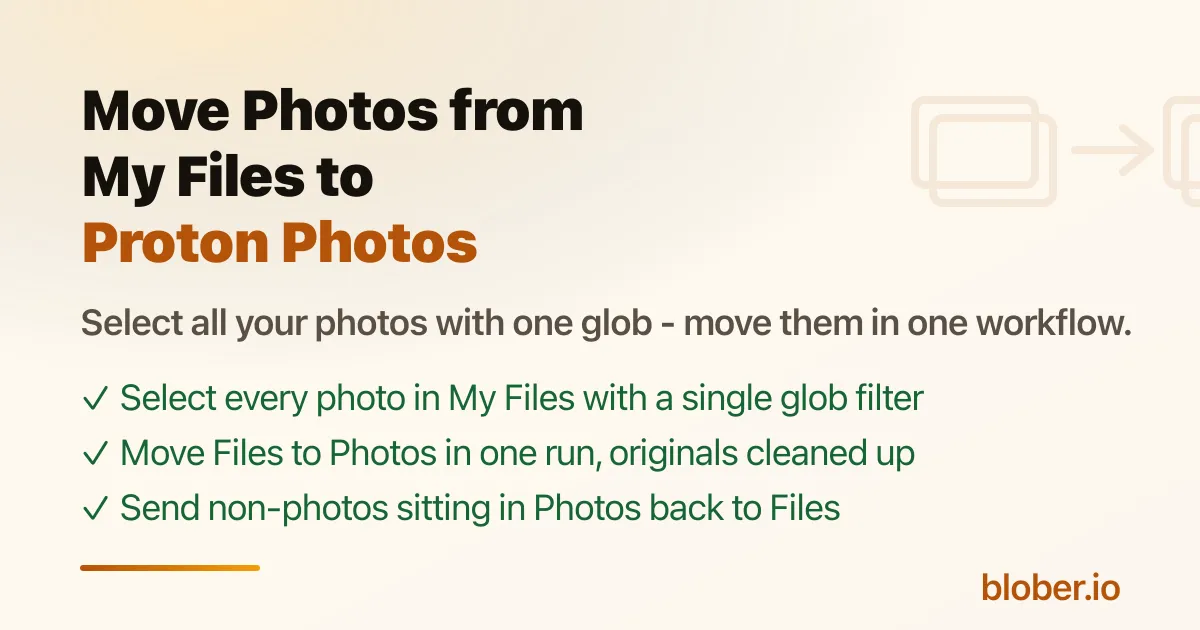
Can I move files between the Drive and Photos surfaces? Proton's import flow is the supported path for getting photos into the Photos surface. For moving the other direction, the general file-transfer story for Proton Drive is covered in Migrating To or From Proton Drive.

Proton Photos vs Google Photos: The Honest Comparison

Proton Photos vs Google Photos - end-to-end encryption and no compression vs face recognition and AI search, with pricing and storage compared

Proton Photos vs Google Photos: Two Different Deals

Section titled "Proton Photos vs Google Photos: Two Different Deals"

Google Photos is the default home for most people's photo library, and it has real costs: only 15 GB of free storage shared with Gmail and Drive, a compression option that downsizes originals, an inactivity policy that can delete your content, and a business model built on analyzing your photos. Proton positions its Photos feature as the private alternative, and the demand is real: a top r/ProtonDrive post titled "Make Proton Photos more like a real alternative to Google Photos" collects a long list of the gaps users hit[1].

Proton Photos is the photo surface inside Proton Drive. It beats Google Photos on privacy: every photo is end-to-end encrypted before upload, nothing is compressed unless you choose it, and Proton says it does not scan your photos or train AI on them. Google Photos still wins on convenience: mature face recognition, AI-powered search, and a far larger feature set. If your priority is keeping photos private and unmodified, Proton wins. If you rely on Google's AI search and automatic face grouping day to day, you will feel the difference.

This article is the honest feature-by-feature comparison. For the actual move, see How to Move Google Photos to Proton Drive.

Proton Photos is not a separate app with its own login. It is the photo and album surface of Proton Drive, at drive.proton.me/u/0/photos. Your photo quota is your Proton Drive quota (5 GB free, 200 GB on Drive Plus), and the photos share the same end-to-end encryption as every other file in Proton Drive[2]. Proton's own framing is direct: "Unlike Google Photos, Proton Drive empowers you to control your pictures, videos, and albums with uncompromising privacy and security"[3].

FeatureProton PhotosGoogle Photos
Free storage5 GB (shared with Proton Drive)15 GB (shared with Gmail and Drive)
End-to-end encryptionYes, zero-access. Proton says "no one, not even Proton, can access your files"[4]No. Google holds the keys and can read your photos
CompressionOriginals stored as-is, no forced downscaling"Storage saver" (previously "High quality") compresses photos[5]
Face recognitionNot availableYes, mature, automatic
AI searchNo (search by date, type, favorites, filters)Yes, natural-language and object search, Gemini integration
AlbumsYes, shared albums with email invites, favorites[6]Yes, shared albums
Auto mobile backupYes, iOS and Android[7]Yes, iOS and Android
Metadata / EXIFPreserved; album names and photo locations are encrypted[8]Preserved, but readable by Google
Scanning / AI trainingProton states it does not scan photos or use them to train AI[9]Google analyzes photos (faces, objects, locations) and has folded Gemini into Photos
Inactivity deletionNo such policy documentedGoogle may delete content after 2+ years of inactivity[10]
JurisdictionSwitzerland, open source, auditedUS-based, subject to US law
Price (paid)Drive Plus: 200 GB, see pricingGoogle One paid tiers (see plans)

End-to-end encryption. This is the entire point. Proton encrypts photos, album names, and metadata like locations on your device before upload, so even Proton cannot read them[11]. Google Photos is not encrypted this way; Google can see your photos, and Proton's marketing presses the point that Google "scans and analyzes the faces" in them[12].

No forced compression. Google's "Storage saver" mode downsizes originals to fit more in your quota, and it is the default that most people have been running for years. Proton stores originals as-is. If you care about keeping full-resolution files, that is a meaningful difference for a large library.

No AI-training or advertising pipeline. Proton's position is that your photos are "too personal to be scanned by surveillance systems or analyzed by algorithms"[13]. Google, by contrast, has integrated Gemini into Google Photos and uses the data for its own models.

You are not renting against a deletion policy. Google's own support page states: "If you're inactive in Google Photos for 2 years or more, your content may be deleted"[14]. Proton does not have an equivalent inactivity-deletion policy for stored photos.

Be honest about the gaps before switching, because they are real:

  • Face recognition. Google automatically groups photos by person and lets you search by face. Proton Photos has no face recognition today.
  • AI search. Google's natural-language search ("photos of my dog at the beach") is best-in-class. Proton searches by date, type, favorite, and filter, not by content.
  • Mature editor and ecosystem. Google Photos has editing tools, shared libraries, partner sharing, and deep Android integration. Proton's Photos surface is younger.
  • Bigger free tier. 15 GB vs 5 GB, both shared with the rest of the account.

What Proton Photos Still Lacks (Per the Community)

Section titled "What Proton Photos Still Lacks (Per the Community)"

The r/ProtonDrive thread that calls for Proton Photos to be "more like a real alternative" lists the specific gaps users hit[15]:

  1. Viewing on-device photos alongside cloud photos in one interface.
  2. iCloud-style storage optimization (full original in the cloud, small preview on the device).
  3. A dedicated duplicates view to find and remove duplicate files.
  4. Editing tools (the post suggests Lumo image editing).
  5. Editing the captured date of a photo to correct wrong timestamps.
  6. A standalone Proton Photos app.

None of these are dealbreakers for a private archive, but they matter if you treat Proton Photos as a full Google Photos replacement for daily browsing.

ProtonGoogle
Free5 GB15 GB
200 GBDrive Plus (see pricing)Google One paid tiers, see plans
500 GBProton Unlimited (VPN + Mail + Calendar + Pass)Google One paid tiers

Proton's paid tier is a flat storage subscription. Google One bundles other Google benefits, but the storage is the part that matters for photos. Prices drift, so check the Proton Drive pricing page and Google One plans before deciding.

Choose Proton Photos if you want originals kept unmodified, end-to-end encrypted, in a zero-access service you are not renting against a deletion policy. Choose Google Photos if you rely on face recognition, AI search, and editing day to day and are comfortable with Google reading your library.

If you switch, the mechanics are covered in depth in How to Move Google Photos to Proton Drive, which compares Proton's official Takeout-based import with a direct transfer, and Migrating To or From Proton Drive covers the general Proton Drive migration story.

Is Proton Photos free? Yes. It is the photo surface of Proton Drive, and the free plan includes 5 GB of storage for photos and files. Proton says that is "enough space to store more than 1000 photos" at an average size of 4 MB[16]. Paid plans start with 200 GB on Drive Plus[17].

Does Proton Photos compress my photos? No. Originals are stored as-is. Google's "Storage saver" mode, by contrast, compresses photos to save space[18].

Does Proton Photos have face recognition? Not yet. Google Photos has automatic face grouping; Proton Photos does not. It is one of the most-requested gaps in the community[19].

Can Proton Photos replace Google Photos? For private, encrypted photo storage: yes. For a drop-in with Google's AI search, face recognition, and editing: not fully yet. This article walks through exactly what you gain and what you give up.

Is Proton Photos the same as Proton Drive? No. Proton Drive is the general file-storage product (folders, sync, sharing, Docs and Sheets). Proton Photos is the photo-and-album surface inside it, optimized for media. See How is Proton Drive different to Proton Photos? for the full explanation.

How do I get my existing photos out of Google Photos? Google has no bulk "download all" button, and Takeout is slow and Windows-only for Proton's import. See How to Move Google Photos to Proton Drive and How to Backup Google Photos Without Google Takeout for the options.