Skip to content

Articles

Data Sovereignty: Why Your Cloud Transfer Tool Matters

Data sovereignty and why your cloud transfer tool architecture matters

Your Transfer Tool Is a Trust Decision

Section titled "Your Transfer Tool Is a Trust Decision"

When you move data between cloud providers, your transfer tool has access to everything: your storage credentials, your file contents, your metadata. The architecture of that tool - where it runs, where credentials are stored, where data flows - determines whether you maintain control or hand it to a third party.

Most people evaluate migration tools on speed and features. Few ask the harder question: who else can see my data while it's in transit?


Tools like Flexify.io and MultCloud run on their own servers. Your credentials are stored in their infrastructure. Your data routes through their systems during transfer.

ConcernFlexify.ioMultCloud
Credential storageFlexify serversMultCloud servers (Hong Kong)
Data pathThrough Flexify infrastructureThrough MultCloud servers
Account requiredYesYes
OAuth token storageServer-sideServer-side
Offline operationNoNo
Privacy policy scopeUS (Florida)Hong Kong

This doesn't mean these services are malicious. But it means:

  • A third party stores your cloud credentials - API keys, OAuth tokens, or access grants
  • Your data transits infrastructure you don't control - introducing a man-in-the-middle by design
  • You're subject to their privacy policy and jurisdiction - which may change without notice
  • A breach of their systems exposes your credentials and potentially your data

For personal photos, this might feel acceptable. For business data, media archives, legal documents, or HIPAA/GDPR-adjacent workloads - it's a serious risk.

rclone runs locally on your machine. Your data goes directly to and from each cloud provider. This is a genuine trust advantage over SaaS tools.

However, rclone stores credentials in a plaintext configuration file (~/.config/rclone/rclone.conf). Anyone with access to your filesystem - malware, another user, a compromised backup - can read your cloud credentials directly.

rclone does offer an encryption option for the config file, but it's opt-in and requires manual setup. Most users leave it in plaintext.

Blober runs entirely on your machine with encrypted credential storage. Your data flows directly between your machine and each cloud provider. No intermediary.

ConcernBlober
Credential storage✅ Local, encrypted
Data path✅ Direct (no middleman)
Account required✅ No (license key only)
OAuth token storage✅ Local only
Offline operation✅ Yes
Jurisdiction✅ Your machine, your rules

Your cloud storage credentials are the keys to your kingdom. An AWS access key or a Google OAuth token doesn't just grant transfer access - it grants full access to your storage: read, write, delete, list. If a SaaS provider's database is breached, your credentials are in that breach.

With Blober, credentials never leave your machine. There is no remote database to breach.

When a SaaS tool transfers your files, those files pass through their servers. Even with SSL encryption in transit, the data is decrypted on their infrastructure before being re-encrypted and sent to the destination. This is not end-to-end encryption - it's hop-by-hop.

With Blober, data flows directly from source to your machine to destination. No hops through third-party infrastructure.

MultCloud operates from Hong Kong. Flexify.io from Florida, USA. Each jurisdiction has different data protection laws, government access rules, and breach notification requirements. When your data or credentials live on their servers, you're subject to their jurisdiction - not yours.

Blober runs on your hardware, in your jurisdiction. No foreign servers. No cross-border data flow through third parties.

SaaS tools require active accounts. Cancel your subscription, and you lose access to your workflows, task history, and potentially your configured connections. This creates a soft lock-in that has nothing to do with the quality of the tool.

Blober is a one-time purchase. No account, no subscription, no leverage.


DimensionSaaS (Flexify, MultCloud)CLI (rclone)Blober
CredentialsThird-party serversPlaintext local file✅ Encrypted local
Data pathThrough vendor serversDirect✅ Direct
Account requiredYesNo✅ No
Offline capableNoYes✅ Yes
Risk of vendor breachExposes your credentialsN/A✅ N/A
JurisdictionVendor's countryYour machine✅ Your machine
Subscription lock-inYesNo✅ No

  • Freelancers and agencies handling client data - you have a professional duty to control where that data flows
  • Photographers and videographers with irreplaceable media - GoPro footage, wedding archives, production masters
  • Small businesses without dedicated security teams - reducing your attack surface matters
  • Anyone under GDPR, HIPAA, or SOC 2 obligations - third-party data processors require disclosure and contractual agreements
  • Privacy-conscious individuals who simply want to own their data pipeline

Your migration tool is not a neutral pipe. It's an active participant in your data flow. Its architecture determines whether your credentials are stored remotely, whether your files transit foreign servers, and whether you maintain sovereignty over your data.

Blober is designed around a simple principle: your data, your machine, your rules.

No accounts. No SaaS intermediaries. No credential exposure. One-time purchase, local execution, direct transfers.

Get Blober =>

The True Cost of Cloud Data Migration in 2026

The true cost of cloud data migration - cost comparison chart

The Hidden Tax on Moving Your Own Data

Section titled "The Hidden Tax on Moving Your Own Data"

Moving data between cloud providers should be simple. You own the files - you just want them somewhere else. But the cloud industry has turned data migration into a profit center, layering fees at every step: egress charges, per-GB migration fees, monthly subscriptions, and data traffic caps.

Here's what cloud data migration actually costs in 2026, and why Blober's one-time pricing model is a fundamentally better deal for anyone who transfers data more than once.


Flexify charges a per-GiB fee for every migration, on top of your cloud provider's egress charges.

Migration SizeFlexify Fee (~$0.03/GiB)Provider Egress (AWS ~$0.09/GB)Total
100 GB$3$9~$12
1 TB$30$92~$122
10 TB$307$922~$1,229
100 TB$3,072$9,216~$12,288

These are per-job costs. Run the same migration next month? Pay again. Sync regularly? The meter never stops.

Flexify does offer managed migrations for 10+ TB where provider egress may be avoided through direct peering - but those require contacting sales and negotiating custom pricing.

2. Annual Subscriptions with Data Caps (MultCloud)

Section titled "2. Annual Subscriptions with Data Caps (MultCloud)"

MultCloud charges an annual subscription that includes a fixed amount of transfer traffic:

PlanAnnual CostData AllowanceCost Per TB Transferred
Free$05 GB/monthN/A (60 GB/year cap)
1,200 GB plan$59.99/year1,200 GB/year~$50/TB
2,400 GB plan$99.98/year2,400 GB/year~$42/TB

Hit the cap? Transfers stop until you renew. Need to move 5 TB? You'll need to buy the top-tier plan and wait over two years to exhaust the quota - or pay for multiple years upfront.

Over three years, MultCloud costs $180-$300 in subscriptions alone, and you're still capped on how much data you can actually move.

Blober charges a one-time license fee. No per-GB charges. No annual renewal. No data caps.

Migration SizeBlober CostProvider Egress (your standard cloud fees)
100 GB✅ One-time licenseStandard egress only
1 TB✅ Same licenseStandard egress only
10 TB✅ Same licenseStandard egress only
100 TB✅ Same licenseStandard egress only

The only variable cost is your cloud provider's standard egress fee - which you'd pay with any tool, including rclone. There is no Blober surcharge.


Per-GB fees and subscriptions compound over time. If you migrate data regularly - monthly syncs, media archives, backup rotations - the cost gap widens fast:

ScenarioFlexify (per-GB)MultCloud (subscription)Blober (one-time)
One 1 TB migration~$122$59.99/year✅ One-time
Monthly 500 GB sync~$732/yearExceeds cap✅ One-time
3 years of regular use$2,196+$180-$300✅ One-time

For users who transfer data as part of their regular workflow - not a one-time event - subscription and per-GB models are an ongoing tax. Blober eliminates it.


rclone is free and open-source. On raw cost, nothing beats free.

But rclone's cost is measured in time, not money:

  • Setup time - configuring remotes, flags, and cron jobs
  • Debugging time - when a transfer fails silently or a flag is wrong
  • Maintenance time - updating scripts when providers change APIs

For engineers who already live in the terminal, rclone is excellent. For everyone else, the time cost is significant and ongoing. Blober trades a one-time purchase for a visual, persistent workflow engine that eliminates scripting overhead entirely.


Regardless of which tool you use, cloud provider egress fees apply when downloading data. These are charged by your cloud provider, not by Blober:

ProviderStorage (TB/mo)Egress (per GB)Notes
AWS S3$26$0.09Egress-heavy workloads get expensive
Azure Blob Storage$20$0.08First 100 GB/month free
Google Cloud Storage$23$0.11Varies by region
Backblaze B2$6.95Free (up to 3x)Free egress up to 3x stored
Wasabi$6.99FreeNo egress fees ever
Cloudflare R2$15FreeZero egress by design
DigitalOcean Spaces$5 (250 GB)$0.011 TB outbound included

Pro tip: If you're choosing a destination for long-term storage, providers like Backblaze B2 ($6.95/TB/mo, free egress), Wasabi ($6.99/TB/mo, no egress fees), and Cloudflare R2 (zero egress) offer significantly lower total cost of ownership than AWS, Azure, or GCS. Blober supports all of them.


ToolCost ModelBest For
Flexify.ioPer-GB + egressEnterprise one-time migrations
MultCloudAnnual subscriptionLight, occasional consumer transfers
rcloneFree (time cost)Engineers comfortable with CLI
BloberOne-time licenseAnyone who transfers data regularly, values simplicity, or needs GoPro Cloud support

If you transfer data more than once - or plan to - a one-time license pays for itself after a single job. No subscriptions. No per-GB surprises. No data caps.

Get Blober =>

Why Photographers and Videographers Choose Blober

Why photographers and videographers choose Blober for cloud file transfer

Photographers and videographers generate enormous volumes of data. A single shoot can produce hundreds of gigabytes of RAW photos and 4K/5.3K video files. Over months and years, that adds up to terabytes of irreplaceable media scattered across local drives, cloud providers, and camera-specific platforms.

The challenges are consistent:

  • Files are large - 4K video clips are often 1-5 GB each. 5.3K GoPro footage is even larger.
  • Storage is fragmented - footage lives on local SSDs, NAS devices, Google Drive, GoPro Cloud, and various object storage providers
  • Organization is painful - manually sorting files into date/camera/project folders is tedious and error-prone
  • Backups are inconsistent - some footage has 3 copies, some has 1, some has none
  • Cloud costs add up - Google Drive, AWS S3, and iCloud storage bills grow every month

Blober is built to solve exactly these problems.


How Blober Fits Into Creative Workflows

Section titled "How Blober Fits Into Creative Workflows"

Most creators have files spread across multiple providers - intentionally or not. Blober connects to all of them in one interface:

ProviderUse Case
GoPro CloudAction camera footage auto-uploaded
Google DriveClient deliverables and sharing
Local NAS / SSDPrimary working storage
Backblaze B2Long-term archive (cheap, reliable)
WasabiHot archive (no egress fees)
AWS S3Production infrastructure
Cloudflare R2CDN-adjacent delivery

Instead of logging into 4 different dashboards and downloading/uploading manually, Blober lets you build workflows that move files between any of these in a single operation.

2. GoPro Cloud Backup (Blober Exclusive)

Section titled "2. GoPro Cloud Backup (Blober Exclusive)"

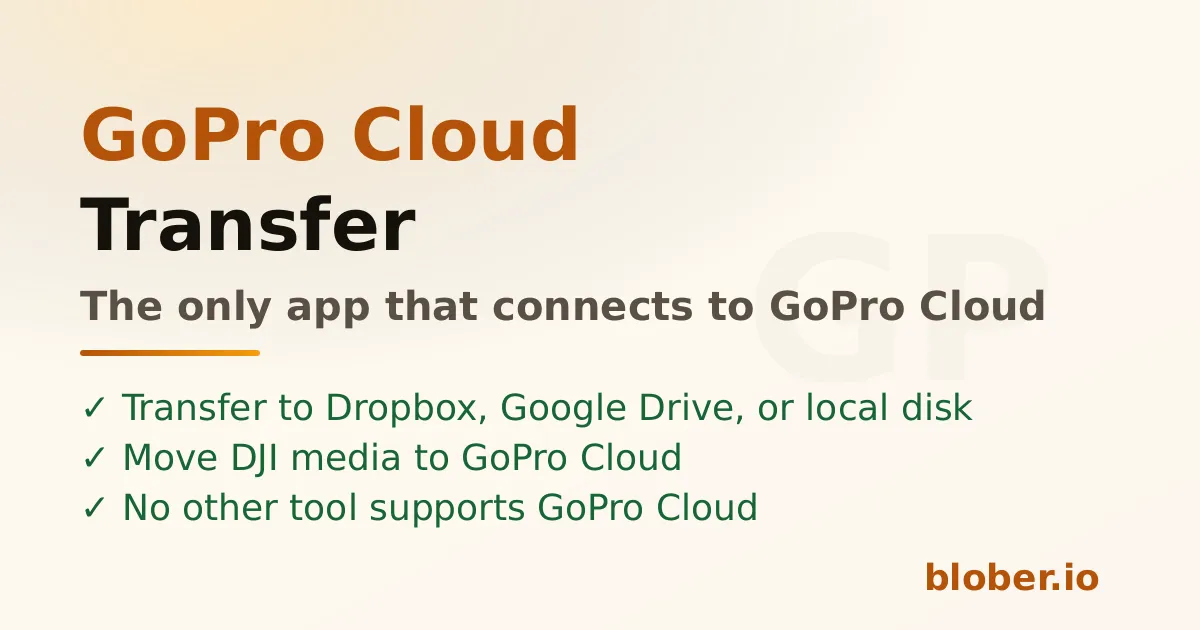
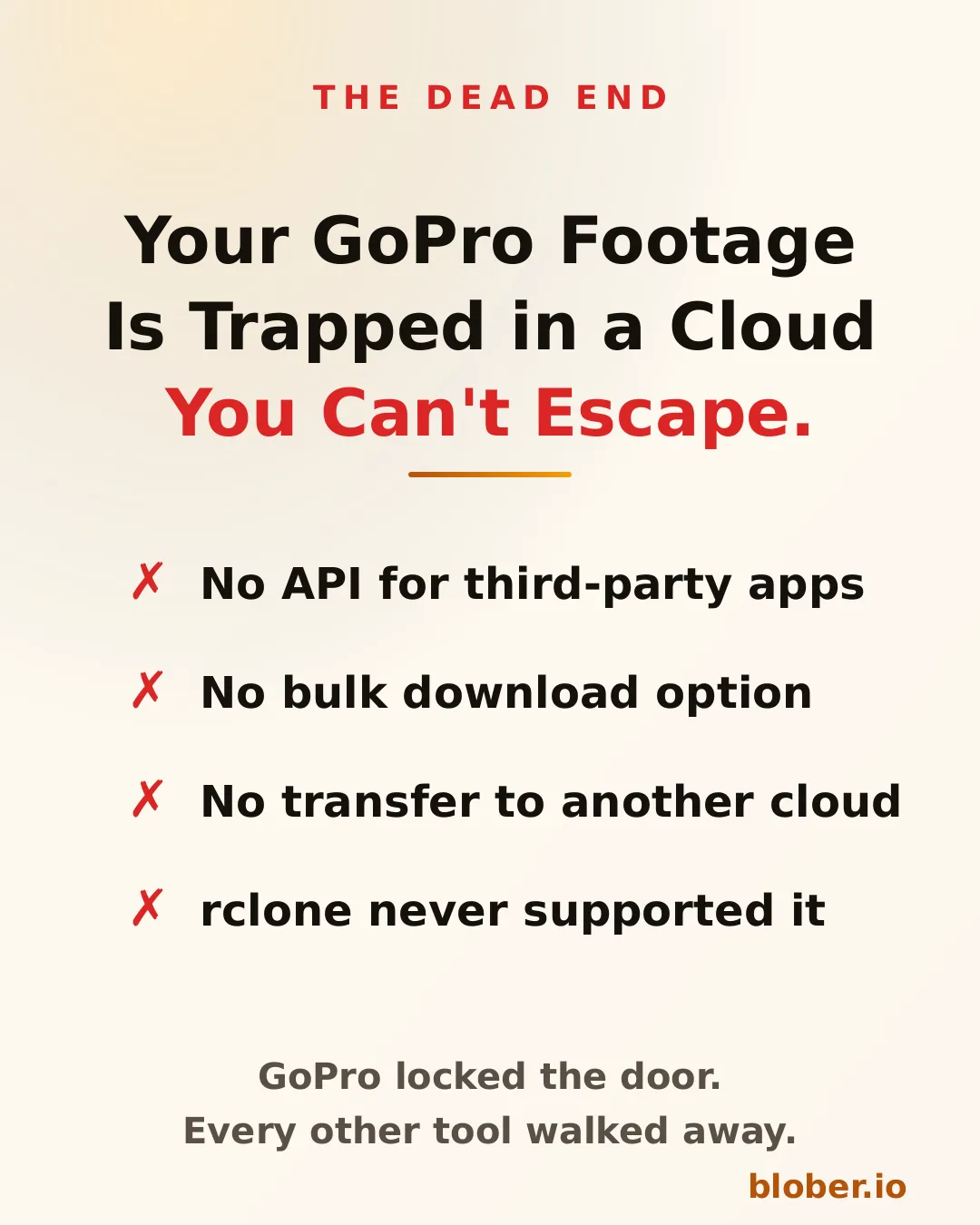
If you shoot with GoPro cameras, you likely have footage auto-uploaded to GoPro Cloud. The problem: GoPro's web portal only allows batch downloads of 25 files at a time (as ZIPs that frequently fail), and no third-party tool supports GoPro Cloud as a transfer source.

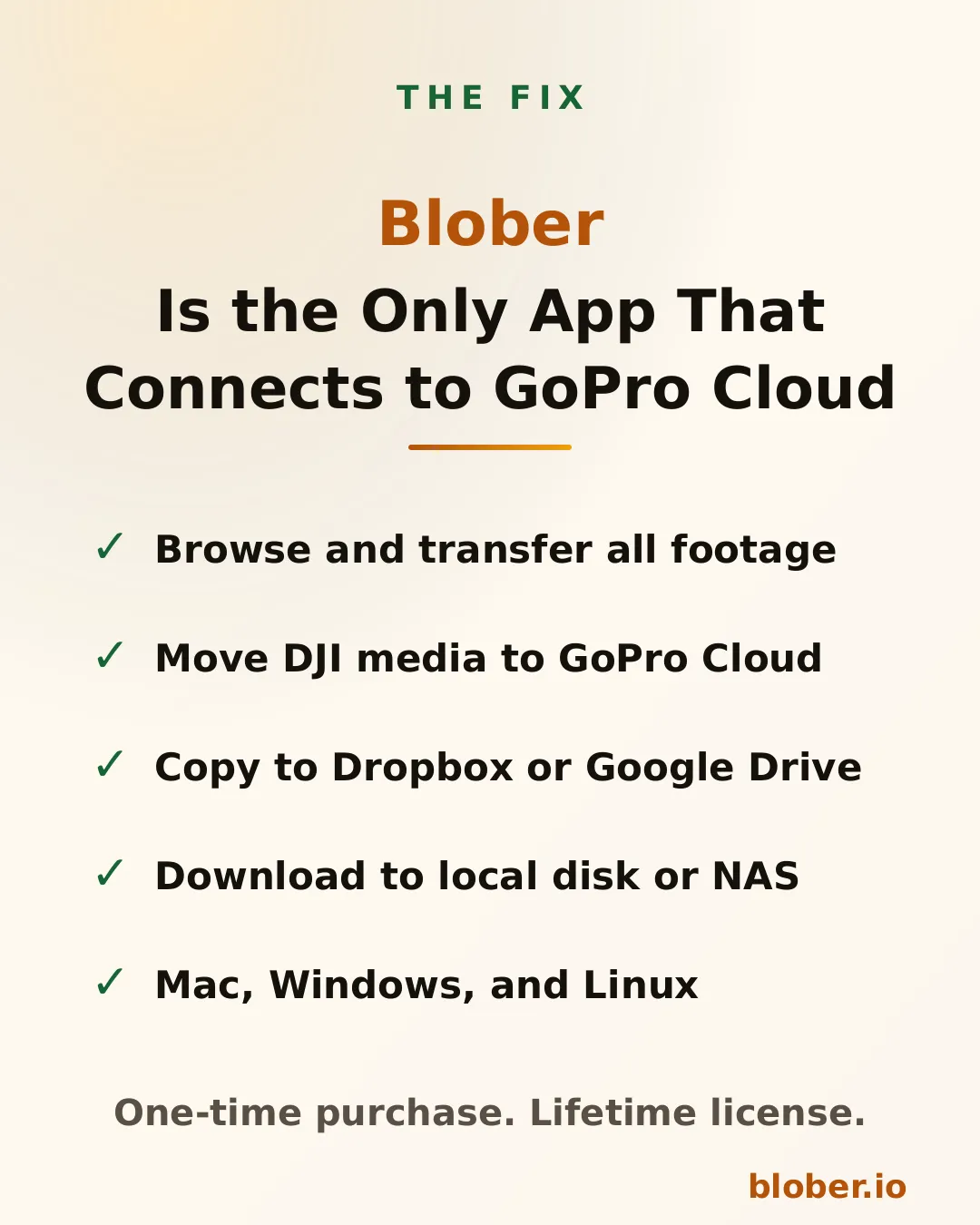
Blober is the only tool that connects to GoPro Cloud. You can:

  • Download all GoPro footage to local storage
  • Transfer directly to Backblaze B2 or Wasabi for long-term archival
  • Organize files by camera model, date, and resolution automatically

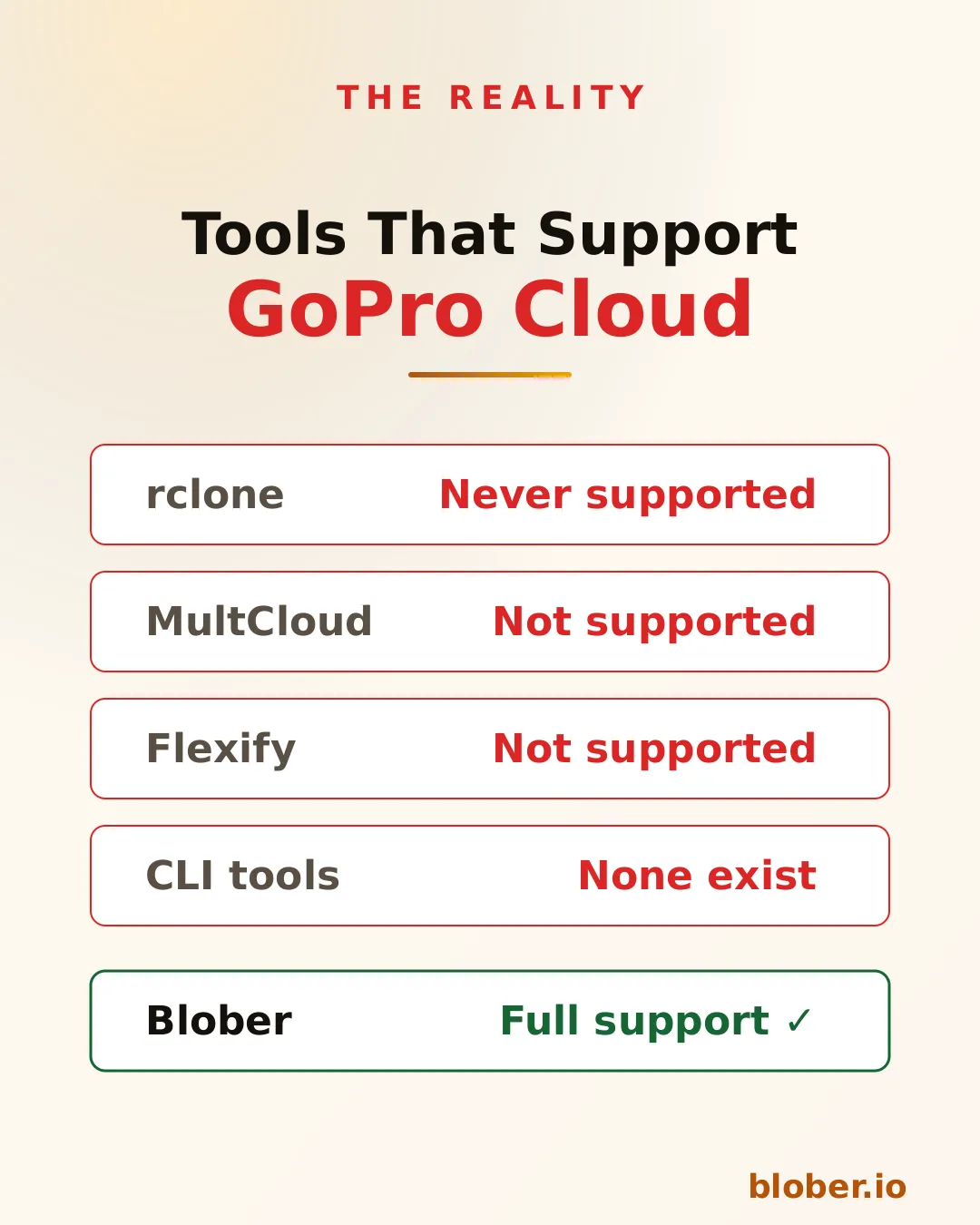
No other tool - not rclone, not MultCloud, not Flexify - supports GoPro Cloud.

Blober's path templating system uses file metadata to automatically organize transfers. Instead of dumping files into flat folders, you define a template:

/{camera_model}/{capture_date}/{filename}

And Blober organizes the output:

/HERO13 Black/2026-01-23/GX015742.MP4
/Sony A7IV/2026-01-20/DSC09845.ARW
/DJI Mini 4/2026-01-18/DJI_0042.MP4

This works across all providers - GoPro Cloud to local, Google Drive to B2, or any combination. Months of manual folder sorting, automated in one workflow.

Creative work is cyclical. Shoots happen regularly, and the post-shoot workflow is always the same: ingest => organize => edit => archive => backup.

Blober saves each transfer as a durable workflow:

  • One-click re-execution - run the same ingest pattern after every shoot
  • Resumable transfers - if a 500 GB transfer drops at 80%, pick up where it stopped
  • Task history - see exactly what was transferred, when, and whether it succeeded
  • No scripting - no cron jobs, no bash scripts, no forgotten flags

For long-term storage, the hyperscalers (AWS, Azure, GCS) are expensive. Creative professionals are increasingly moving to budget-friendly alternatives:

ProviderStorage CostEgressWhy Creators Choose It
Backblaze B2$6.95/TB/monthFree (up to 3x)Cheapest reliable archive
Wasabi$6.99/TB/monthFreeNo egress fees, predictable billing
Cloudflare R2$15/TB/monthFreeZero egress, great for delivery

Blober supports all of these, making it trivial to set up an archive workflow: shoot => ingest to local NAS => archive to Backblaze B2 => done. One-time license, no per-GB fees.


After each wedding: 80 GB of RAW photos + 40 GB of video. Create a Blober workflow that copies everything from your SSD to Backblaze B2, organized by date and event name. Run it after every wedding with one click.

Finished projects sit on Google Drive eating into your 2 TB plan. Use Blober to move completed projects to Wasabi for long-term storage at a fraction of the cost, freeing up Google Drive space for active work.

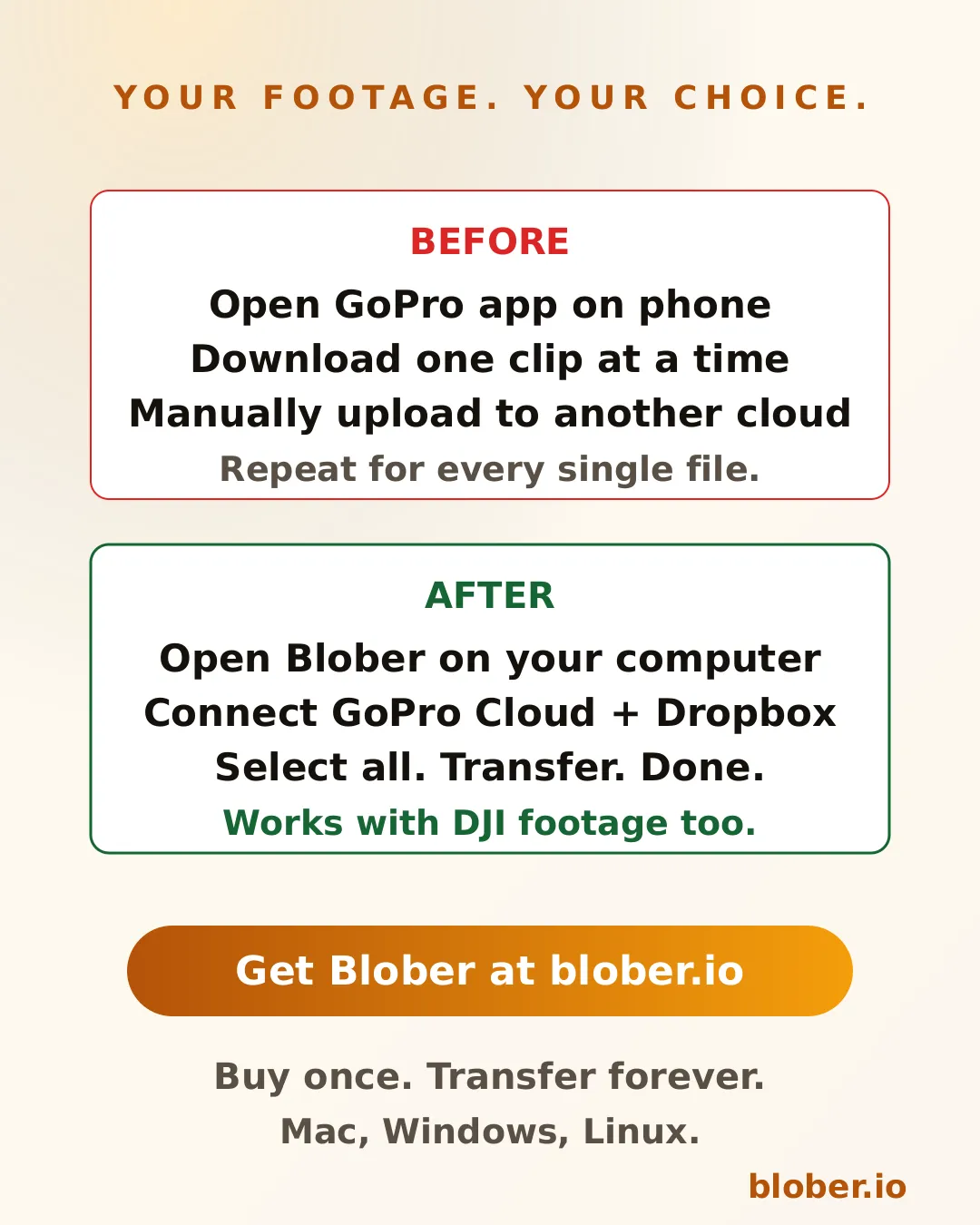
Years of GoPro footage sitting in GoPro Cloud with no easy way out. Use Blober to download everything to a local NAS, organized by camera and date. Cancel GoPro Plus knowing your footage is safe.

100+ GB per flight day across DJI footage on local cards and backup copies on Google Drive. Use Blober to standardize your archive: everything goes to Backblaze B2, organized by date and location, with a local NAS mirror.


rclone is free and powerful, but it requires terminal expertise. For each new storage provider, you configure a remote. For each workflow, you write a command with precise flags. There's no visual interface, no persistent workflows, and no GoPro support.

If you're a software engineer, rclone might work. If you're a photographer who wants to focus on photography, Blober is what you need.


Blober is available for Windows, macOS, and Linux. One-time license, currently at discounted beta pricing. No subscriptions. No per-GB fees. No data caps.

Connect your providers, build your workflows, and take control of your media archive.

Get Blober =>

Blober vs Flexify

Blober vs Flexify - comparison of cloud migration tools

Both Blober and Flexify.io solve the same core problem: moving large volumes of data between cloud storage providers. They approach the problem from fundamentally different architectural and economic philosophies.

Flexify.io (founded 2015, Tampa FL) is a managed, cloud-based migration and virtualization platform built for enterprises moving tens or hundreds of terabytes in controlled, one-time projects. Blober is a local-first desktop workflow engine designed for continuous, repeatable transfers, with no subscriptions, no per-GB fees, and no third-party servers touching your data.


Flexify.io

  • Cloud-hosted migration engines deployed on Flexify-managed infrastructure
  • Data routes through Flexify servers (or, for managed 10 TB+ migrations, direct cloud-to-cloud)
  • Usage-based pricing: you pay per GiB transferred
  • Emphasis on API virtualization: translates Amazon S3 API to Azure Blob Storage on-the-fly
  • Supports ~25 object-storage providers (S3-compatible, Azure, GCS, Alibaba, etc.)

Blober

  • Runs entirely on your local machine (Windows, macOS, Linux)
  • Transfers go directly between your machine and each storage provider - no intermediary servers
  • All credentials stored locally and never transmitted to a third party
  • Supports unique providers like GoPro Cloud that no other migration tool covers

This distinction matters for users who care about cost predictability, credential ownership, data sovereignty, and ongoing workflows rather than one-time migrations.


AspectBloberFlexify.io
Pricing style✅ One-time licenseUsage-based (per GiB)
Current costDiscounted beta pricing~$0.03/GiB Flexify fee + provider egress ($0.05-$0.09/GiB)
Subscription✅ NoneSign-up required ($20 free credit)
Long-term cost✅ Fixed foreverGrows with every transfer
1 TB migration✅ One-time price~$80 to $120+ in fees

For a single 1 TB migration from AWS S3 to Google Cloud Storage, Flexify's self-service rate is approximately $0.08 to $0.12 per GiB, which works out to $80 to $120+ for that one job. With Blober, only your provider's standard egress fees apply; there is no Blober per-GB charge.


FeatureBloberFlexify.io
Cloud-to-cloud transfer✅ YesYes
Local filesystem integration✅ YesLimited
GoPro Cloud support✅ Yes❌ No
Metadata-based path templating✅ YesNo
Persistent task history✅ YesManaged dashboard
Workflow reuse✅ YesLimited
Resumable workflows✅ YesYes
API accessNoYes
Virtual S3 endpointNoYes
Credential storage✅ Local onlyCloud-managed
Data path✅ DirectThrough Flexify servers

With Flexify, your storage credentials are stored on their servers and your data may transit through Flexify-managed infrastructure. For regulated industries, sensitive media archives, or personal data, this introduces a third-party dependency and potential compliance exposure.

Blober eliminates this concern entirely:

  • Credentials never leave your machine. No third-party vault, no OAuth token stored in a SaaS dashboard
  • Data flows directly between your local machine and each cloud provider
  • Blober works offline with a one-time license
  • Full control over when, where, and how your data moves

Blober is the only migration tool that supports GoPro Cloud, letting GoPro users back up or transfer their media archives to any supported provider (AWS S3, Backblaze B2, Wasabi, local disk, etc.). Neither Flexify, rclone, nor MultCloud offer GoPro Cloud integration.

This makes Blober the go-to choice for photographers, videographers, and agencies managing GoPro footage across storage tiers.


Flexify.io is a mature enterprise platform (since 2015) with production-scale deployments and petabytes migrated. Blober is newer and currently in beta, with faster iteration and less operational overhead.

Blober offsets its maturity gap with:

  • Aggressive beta pricing: lock in your license before prices go up
  • Rapid feature development with direct community influence on the roadmap
  • No lock-in to ongoing fees: one purchase, unlimited use
  • Desktop-native architecture that is inherently simpler and more predictable

Choose Blober if you:

  • Transfer data regularly, not just once
  • Want full control over credentials and data flow
  • Need GoPro Cloud support (only Blober has it)
  • Prefer a native desktop UI over enterprise SaaS dashboards
  • Want predictable lifetime pricing with no per-GB surprises
  • Care about data sovereignty, with no third-party servers touching your files

Download Blober at blober.io

Blober vs Flexify vs rclone

Blober vs Flexify vs rclone - three cloud transfer tools compared

Three tools dominate cloud data transfer in 2026 - each solving the problem from a completely different angle. Here's how they compare.


DimensionBloberFlexify.iorclone
Architecture✅ Local-first desktopManaged SaaSCLI utility
Pricing✅ One-time licenseUsage-based (~$0.03-$0.04/GiB + egress)Free
Ease of use✅ High (native GUI)Medium (web dashboard)Low (terminal only)
Provider count9+ and growing~25 (object storage)70+
GoPro Cloud supportYes (exclusive)❌ No❌ No
Credential control✅ Local onlyCloud-managedLocal config file
Data path✅ Direct (no middleman)Through Flexify serversDirect (local)
Workflow persistence✅ Built-inDashboard-basedNone (manual scripts)
Task history & resume✅ Built-inDashboard-basedLogs only
Metadata path templates✅ YesNoManual scripting
AutomationLimitedHighVery high
API virtualizationNoYes (S3-to-Azure gateway)No
Enterprise scaleHighHighHigh
Open sourceNoNoYes
Best forAgencies, creators, engineersEnterprises (petabyte migrations)Engineers, sysadmins

ScenarioBloberFlexify.iorclone
100 GB migration✅ One-time~$8 - $12Free
1 TB migration✅ One-time~$80 - $120+Free
10 TB migration✅ One-time~$800 - $1,200+Free
Recurring monthly✅ $0Compounds every runFree

Flexify charges per GiB transferred plus cloud provider egress fees. Costs add up fast for recurring workflows. rclone is free but demands engineering time. Blober sits in the sweet spot: pay once, transfer forever.


ConcernBloberFlexify.iorclone
Credentials stored✅ Local onlyFlexify serversLocal config file
Data transits 3rd party✅ NoYes (Flexify infra)No
Account required✅ NoYesNo
Offline operation✅ YesNoYes

For regulated industries, sensitive media archives, or personal data - avoiding third-party intermediaries is not a preference, it is a requirement. Both Blober and rclone keep your data path clean. Flexify introduces a managed middleman.


Blober is the only transfer tool that supports GoPro Cloud. Neither Flexify nor rclone can access GoPro's storage. If you manage GoPro footage - whether as a creator, agency, or production house - Blober is the only option for migrating that media to professional storage like Backblaze B2, AWS S3, or your local NAS.


  • rclone is the most powerful tool if you are deeply technical, automation-driven, and comfortable with terminal workflows. It is free and supports 70+ providers.
  • Flexify.io is ideal for enterprises running massive one-time migrations under strict SLAs, especially when virtual S3 endpoints or managed infrastructure are required. Budget accordingly - costs scale with data volume.
  • Blober fills the gap between them: professional-grade transfers with a native desktop GUI, local credential control, visual workflows, predictable one-time pricing, and exclusive GoPro Cloud support.

Blober's beta pricing locks in a lifetime license at a fraction of the cost competitors charge for a single large migration. For users who value simplicity, sovereignty, and long-term savings - Blober is the clear choice.